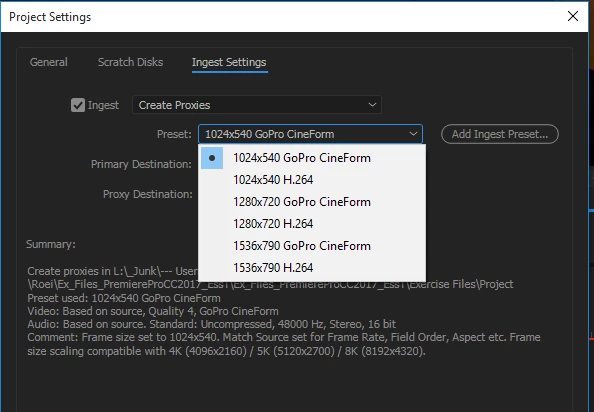
check your ingest preset for proxies before you ingest
if it's after the fact and you already imported the footage or if you created the proxy via right click -> proxy-> create proxies then attach a new proxy there:
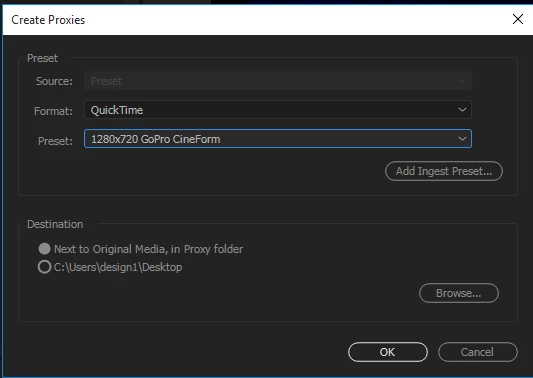
you should choose a preset that retains the aspect ratio for your original source. if there isn't one, you should create a preset. for 4K (UHD 3840X2160) you should choose 1280x720 - I'd recommend Cineform (and not H.264). there's no sense in making a compressed format as a proxy and I am not sure why this is even an option. now your proxy will be exactly one third of your full resolution footage and everything will look right, only softer when the proxy switch is toggled on.
I wish the render settings of AME had the option for Half/Third/Quarter Resolution Size, instead of exact numbers. this would make this kind of mistake of making the wrong resolution proxy avoidable.
 AdChoices