Question
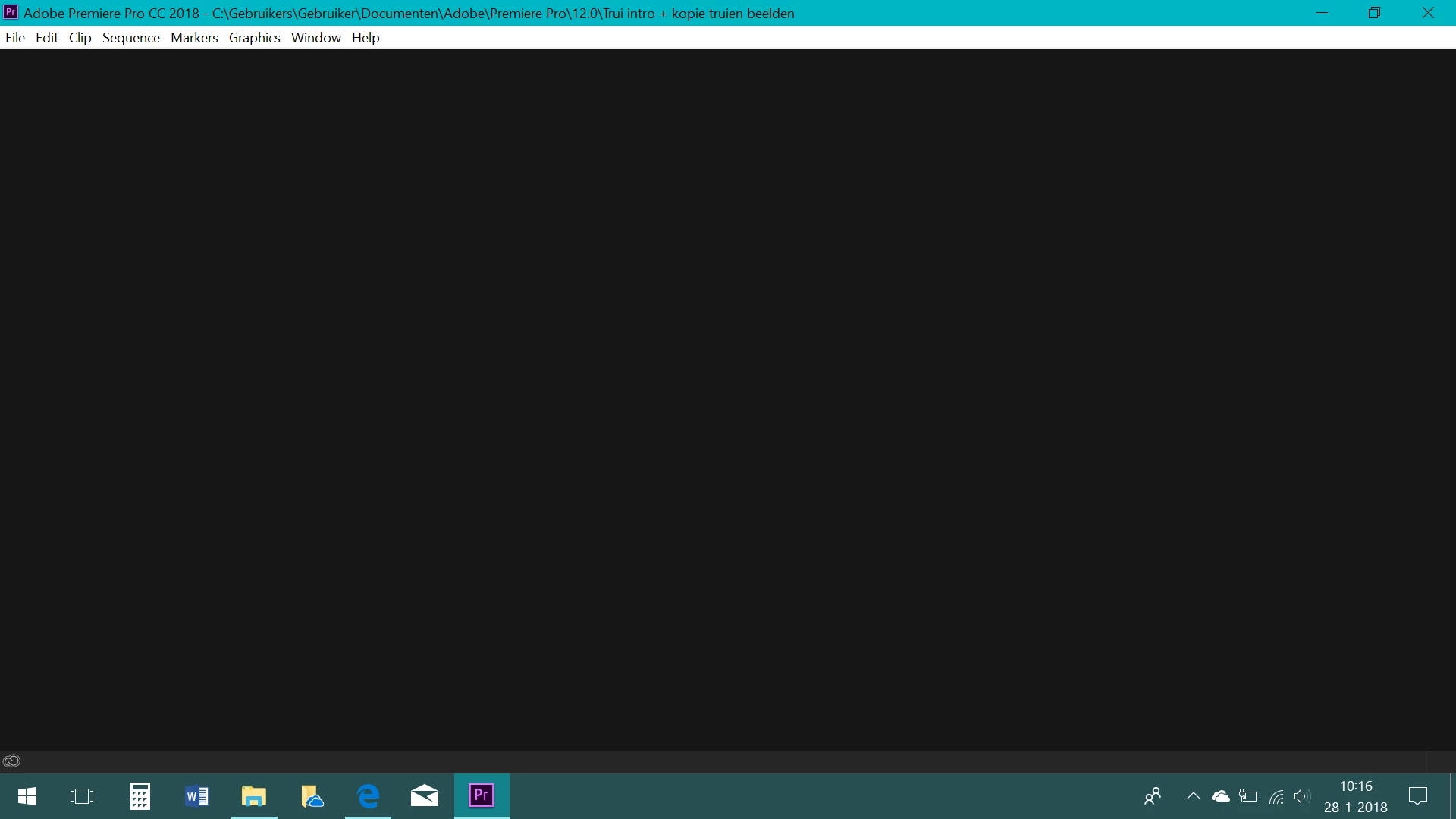
Editing panel doesnt work
So i'm kind of new to the Premiere pro CC 18 and though i'm learning quick I cant find a solution to the following problem.
So every panel works (Assembly, color, graphics, effect, etc.) except the most important: the editing panel.
When I click or press it with the keydesk-combination) its gets stuk on a empty screen. None of the 4 edit-boxes appear. No timeline, no library, no nothing.
It doesn't look like its loading.. cause when I switch again to antoher panel it just appear..
I hope someone can help met out. I've checked for updates, and have updated the latest version.
 AdChoices