
Answered
Editing points in mask changing
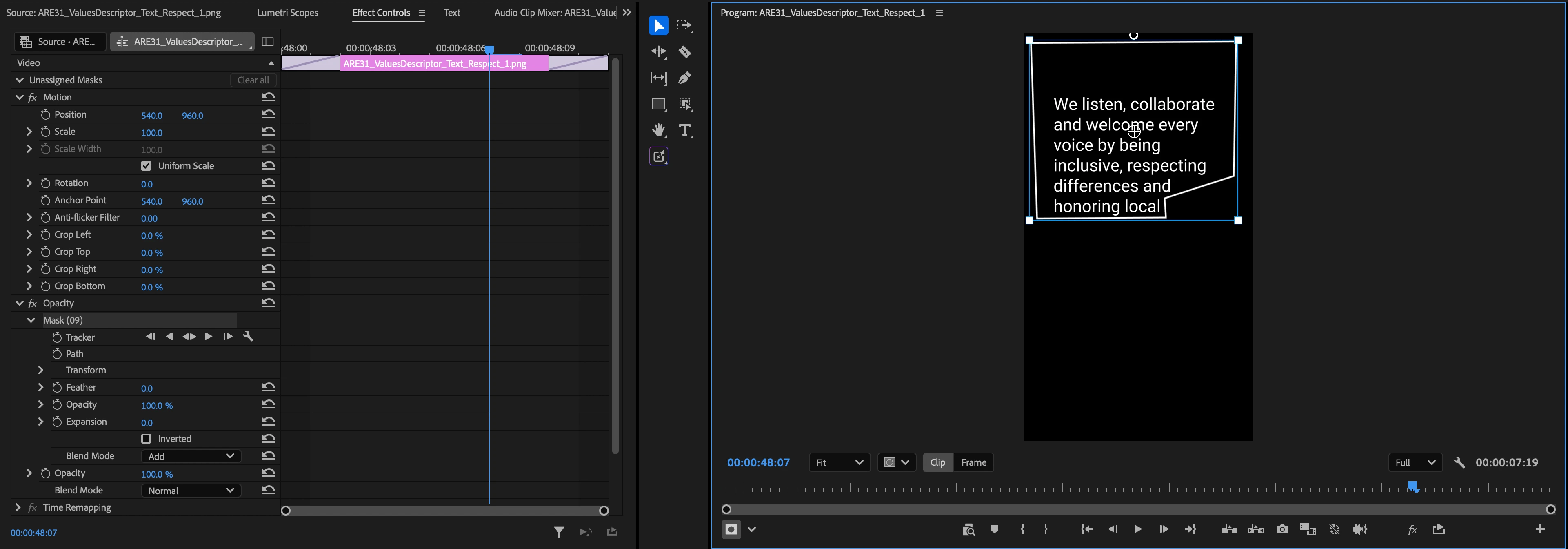
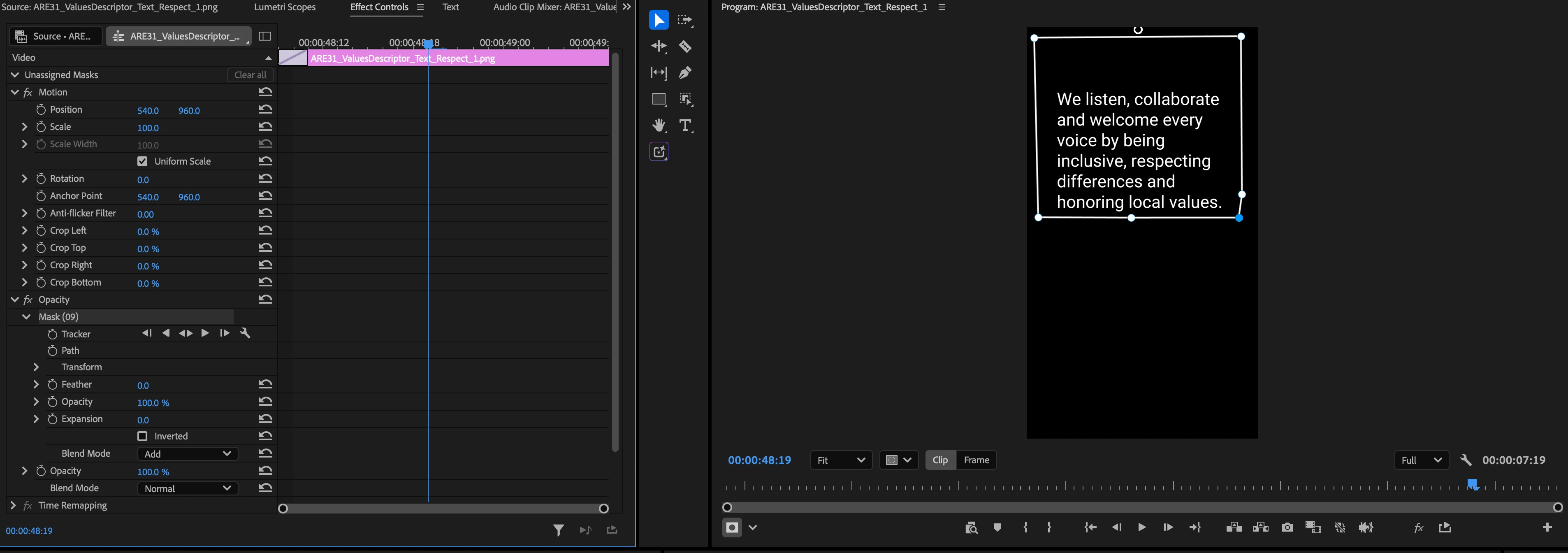
In 2026 Premiere, I keep accidentally switching my edit points in a mask of a clip into something where I can only change the size, but not the shape of a mask. Can anyone explain what is happening and how I can get back to being able to edit the shape of a mask? The square corner points is what keeps accidentally happening, and I can’t revert back to the circle points (below), no matter which tool I click. It’s so frustrating - I end up having to completely delete and remake a new clip with a new mask.

 AdChoices