
Answered
Effect Controls are blank on source
I want to apply changes in Motion (to position and size, specifically) to my source media so that it effects everywhere I've used clips from it. This is what I want to see in the Effect Controls:
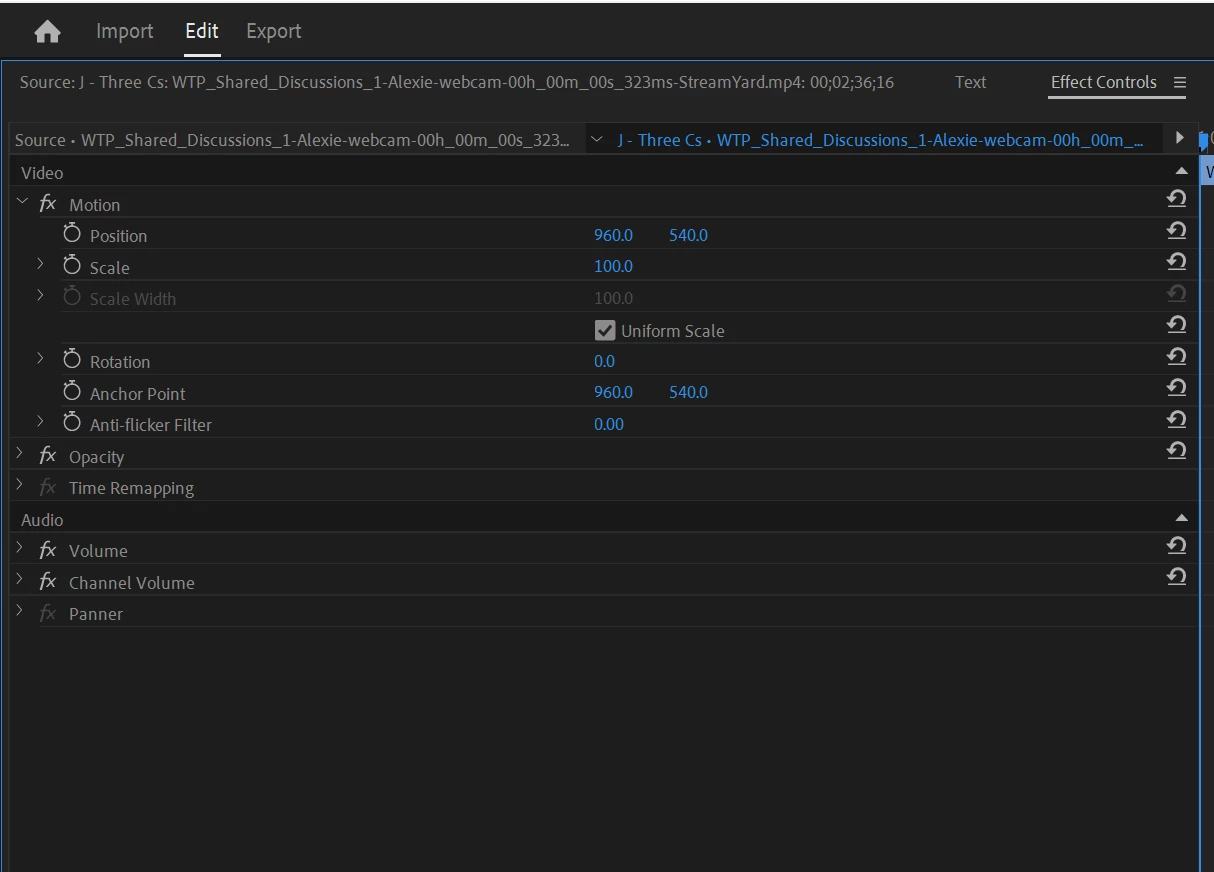
But when I open up Effect Controls for the source video, it's blank. This is what it looks like:
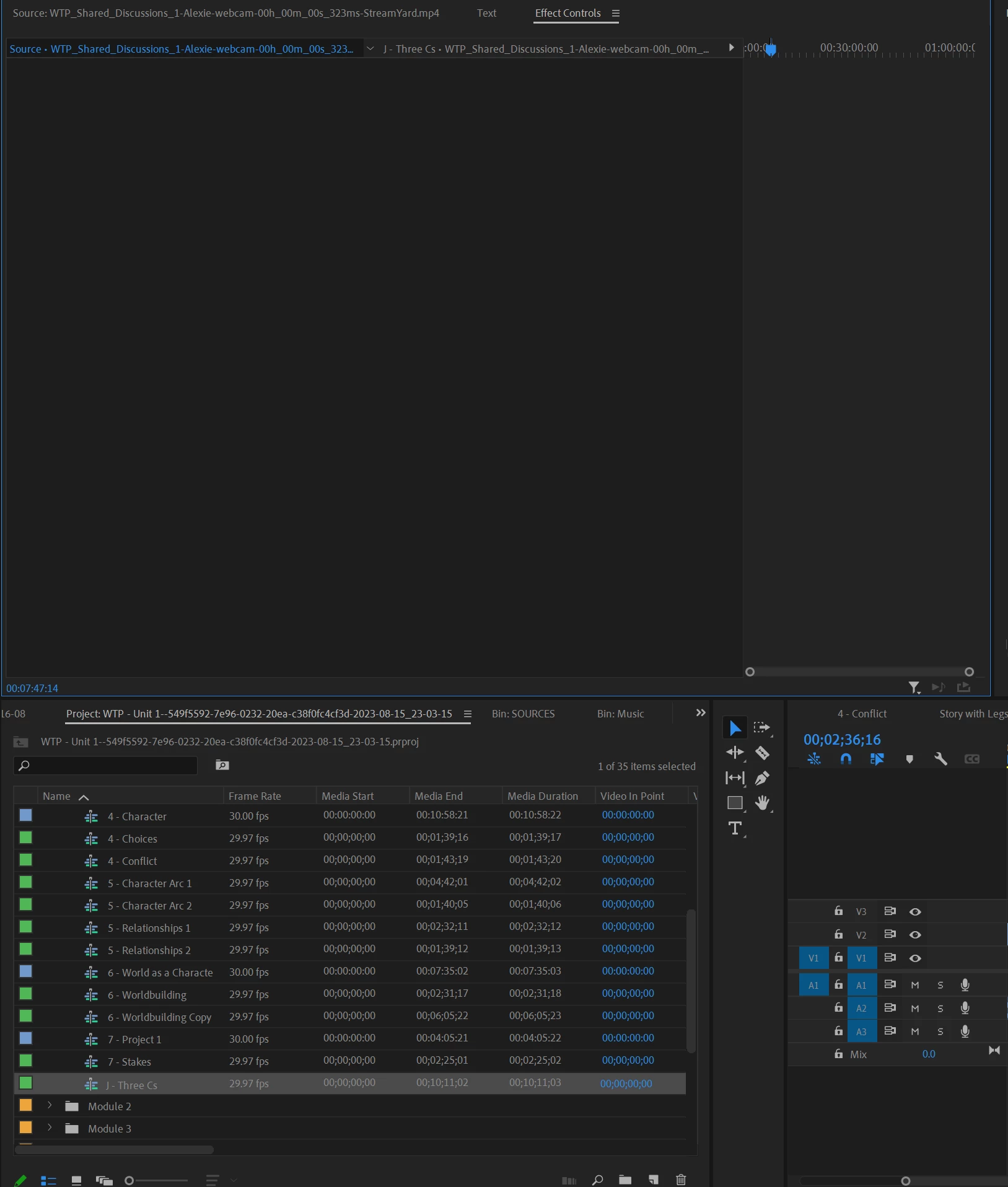
I'm able to drag and drop individual effects into it, but none accomplish the changes I want with Motion.
I've tried:
- Restarting Premier / making sure it's the most updated version
- Creating a new project and re-importing
- Resetting preferences
- Resetting workspace
Is this supposed to be possible to do?
Thanks
 AdChoices