
ninose11
Inspiring
October 31, 2022
Question

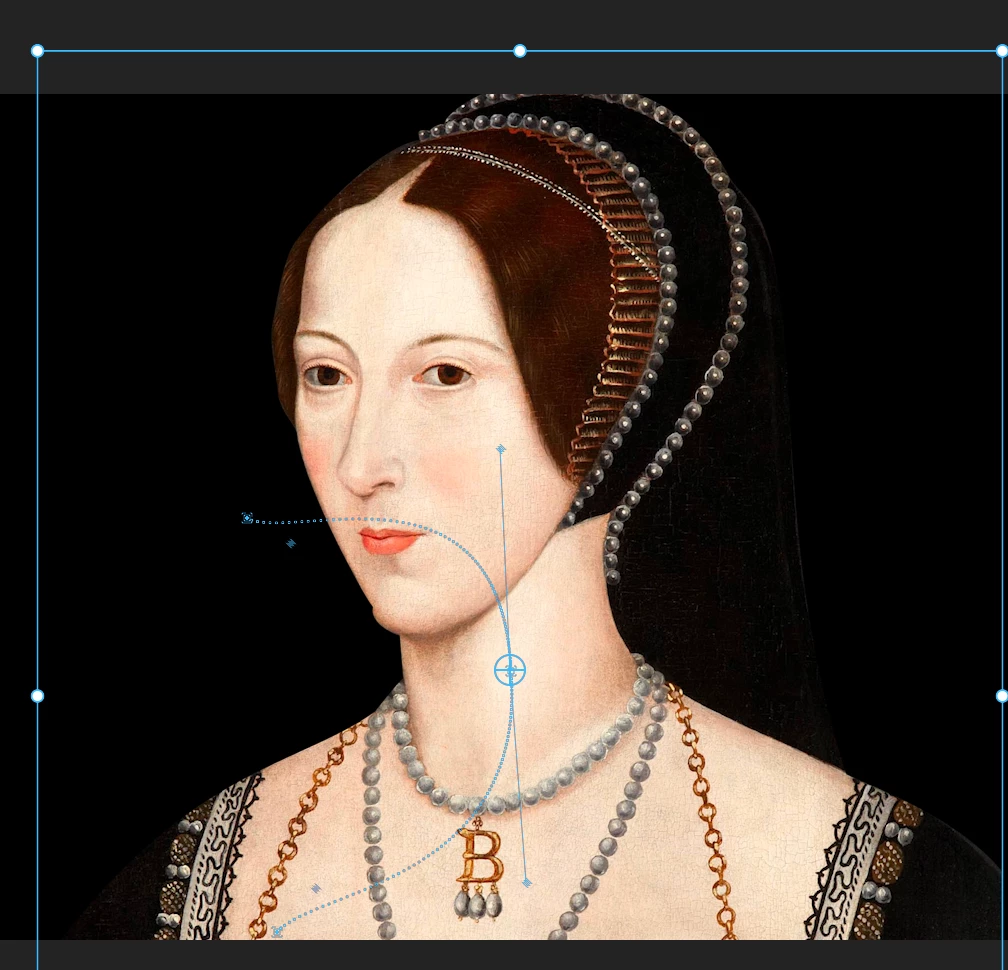
Effect Controls window UI: is it possible to thicken the animation line or change its color???

  • October 31, 2022
  • 3 replies
  • 246 views

I'm using the Effect Controls window to animate stills in Premiere Pro 2023, and the animation/motion line in the Program Window is so thin that it's a little hard to see. Is there any UI setting I'm missing that would allow me to thicken the line or change it's color? Thank you in advance.
This topic has been closed for replies.

3 replies

Peru Bob
Community Expert
Community Expert
October 31, 2022

You can post a feature request here, where the Adobe engineers read all threads:
https://adobe-video.uservoice.com/forums/911233-premiere-pro

R Neil Haugen
Legend
October 31, 2022

Ae is still the app that was built for things like animation. In Pr, they've added enough controls to mostly sort of do so. But Ae will always have the bigger crayola box for effects.


Neil

Everyone's mileage always varies ...
ninose11
ninose11Author
Inspiring
October 31, 2022

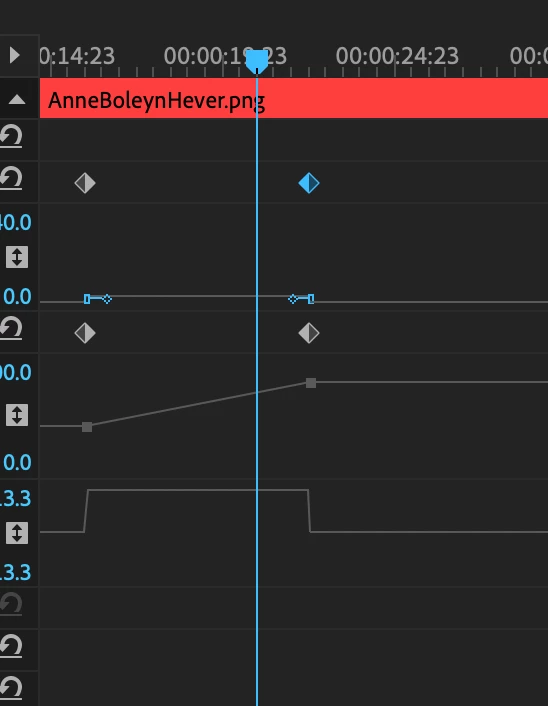
I have to say that animating in After Effects is a much more enjoyable experience. The animation line is easier to see because it's bolder, brighter, and thicker. The keyframes are bigger and more visible and you can even change their colors! By contrast when it comes to animating in Premiere, it feels like the Effect Controls window was never updated from 20 years ago: