

Question
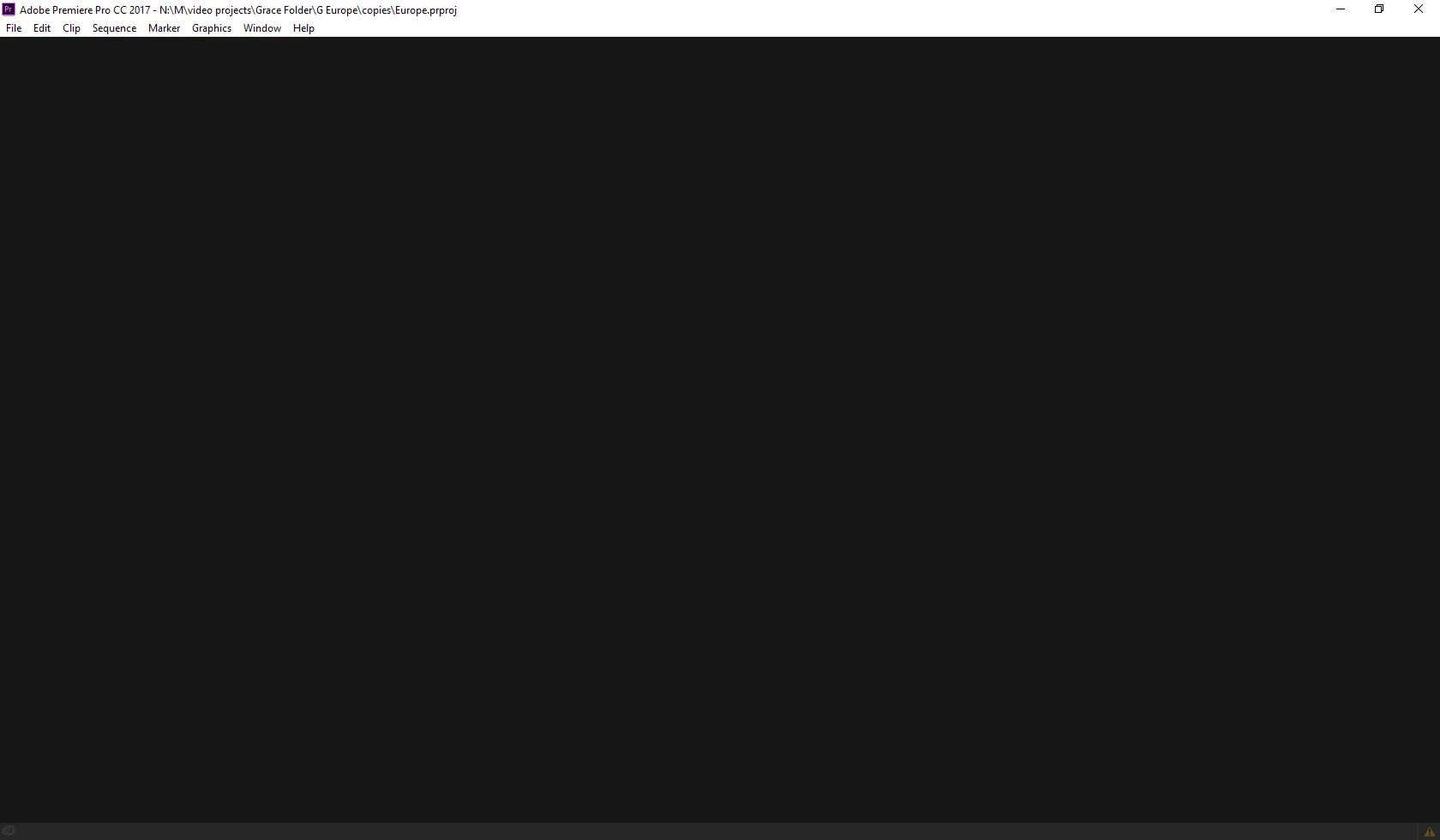
Empty Project/Gray Screen when opening project
Hi,
I'm really hoping someone can help me with this. I recently tried opening a project that I have been working on. (It's still where I saved it, along with many auto saved versions) However when I open it, it shows this blank gray screen and it won't allow me to click on anything. Premiere opens just fine with new projects. Another weird thing is it doesn't show any of my "recent projects". The only thing that I can think of that I recently did was "move" not "copy" files from my project to an external hard drive. However, all of the video files are still in said project folder. I am so confused on how to fix this.
Thanks,
Grace
 AdChoices