


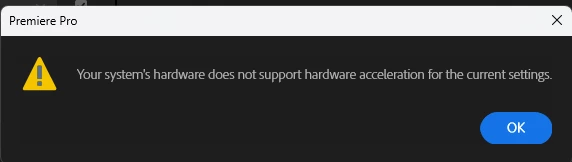
Encoding frozen - hardware encoding not allowed
Hello,
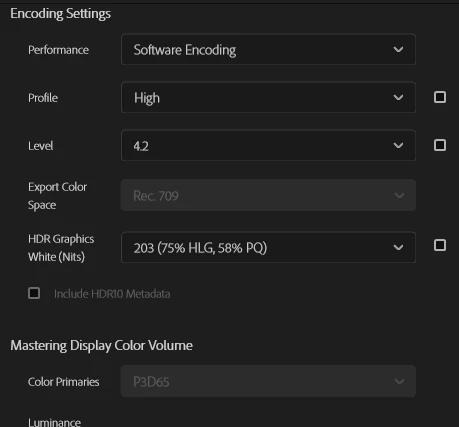
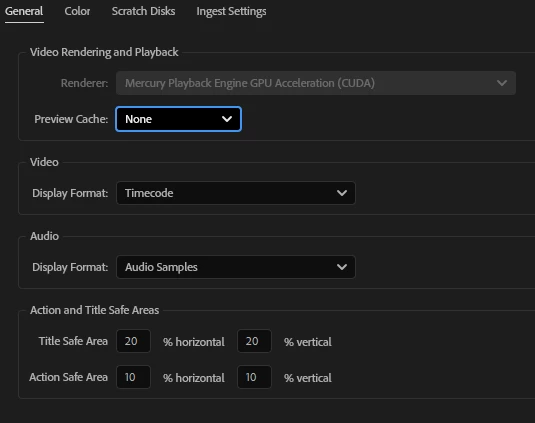
I have recently purchased my first desktop computer and am excited to test it on Adobe Premiere. I have an NVIDIA GeForce RTX 5070 graphics card and 3+ TB of storage. Unfortunately, I am stuck on encoding. It advertises a 3 minute wait time but then gets stuck somewhere around 0-6%. I have tried saving the Premiere file and the render in different locations. Premiere also won't let me use hardware encoding.
This project was started on my laptop, so there may be some pathing issues? But the editing process and rendering worked fine until now.
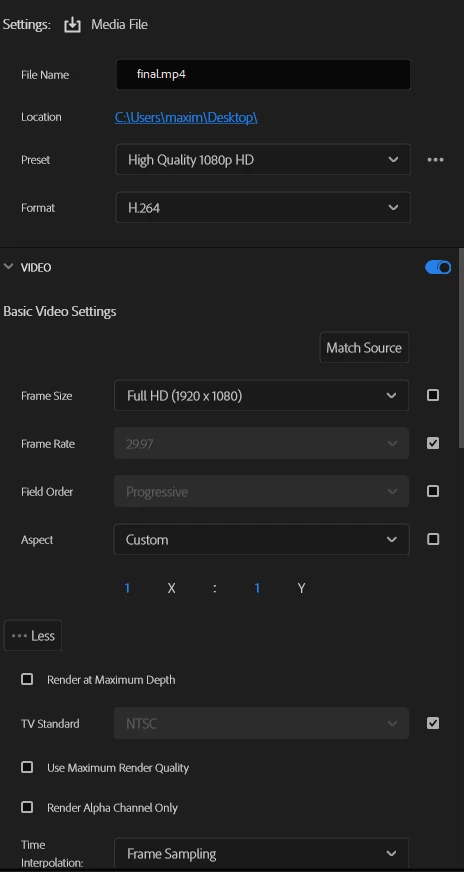
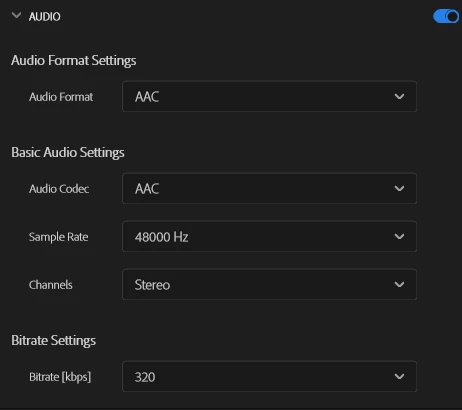
I am trying to use the most standard settings possible when exporting: high quality 1080p, H.264, 48kHz audio.
I have installed NVIDIA drivers and restarted. I am using Premiere Pro 2025. Windows 11.
Am I messing something up in the Adobe export settings or do I need to keep messing around with my hardware?
The graphics card seems fine (tested it out GTA5 on highest quality), I presume there is just a setting I need to click to tell Adobe to use it properly.


 AdChoices