Hey SAFEHARBOUR11,
I am in Australia hence the PAL settings.
Everything I have done up to this point has used the Automatic export settings from Premiere Pro.
I have very little idea about these two programs apart from the basics as this is the first time I've used them. However I do understand what you and Stan are trying to say.
I am going to re-export the video files from Premiere using the H.264 standard setting, with a few tweaks to make sure it stays under the 4.7GB threshold for my DVD discs. Also the file has to be under 4.3GB due to other videos in the project.
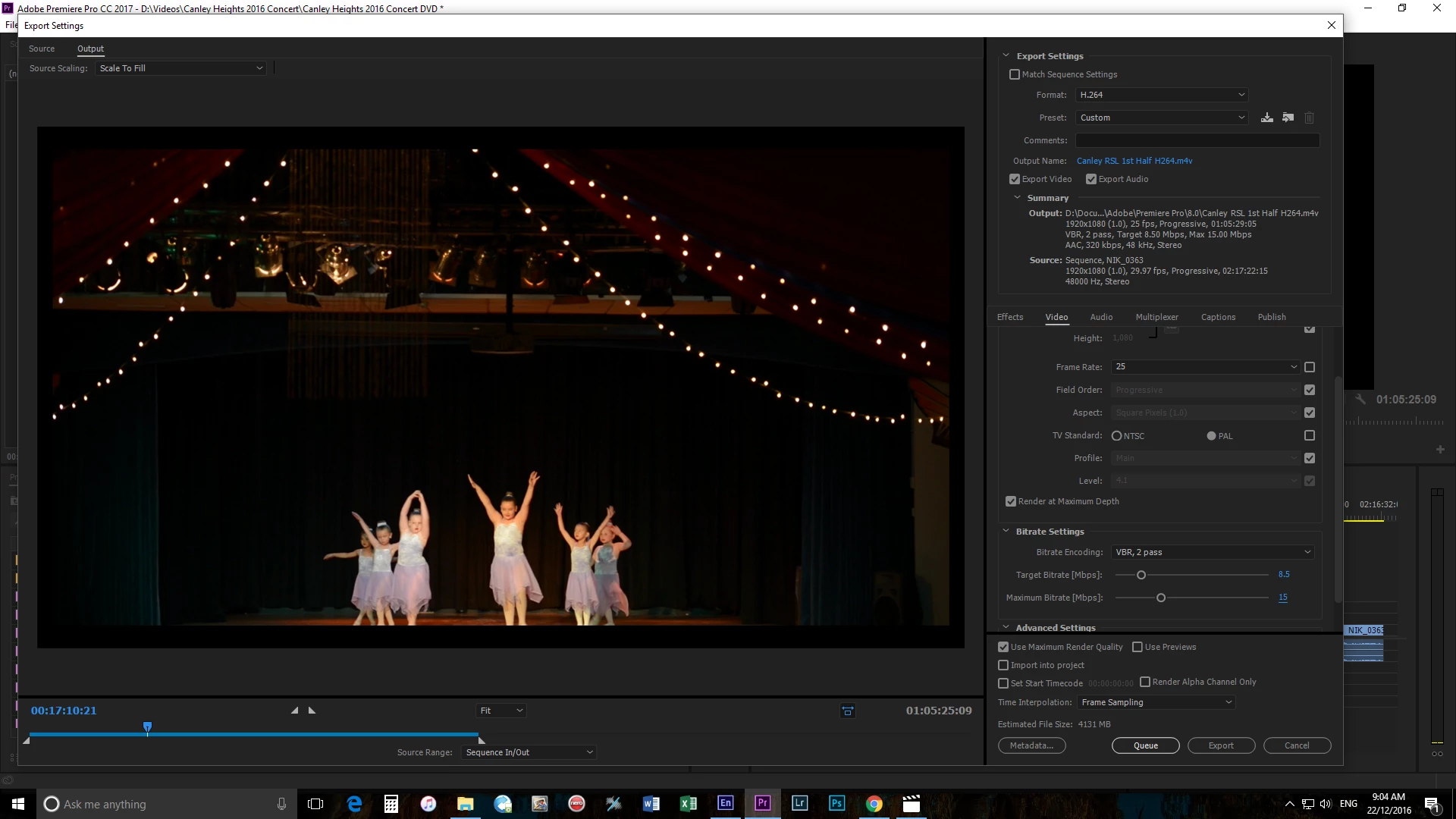
The reason I want to do it this way is because when I import to Encore I want to keep the HD quality so that if my client wants a higher quality project I can easily change it to a blu-ray later. Is this a suitable way to get around the quality problem?
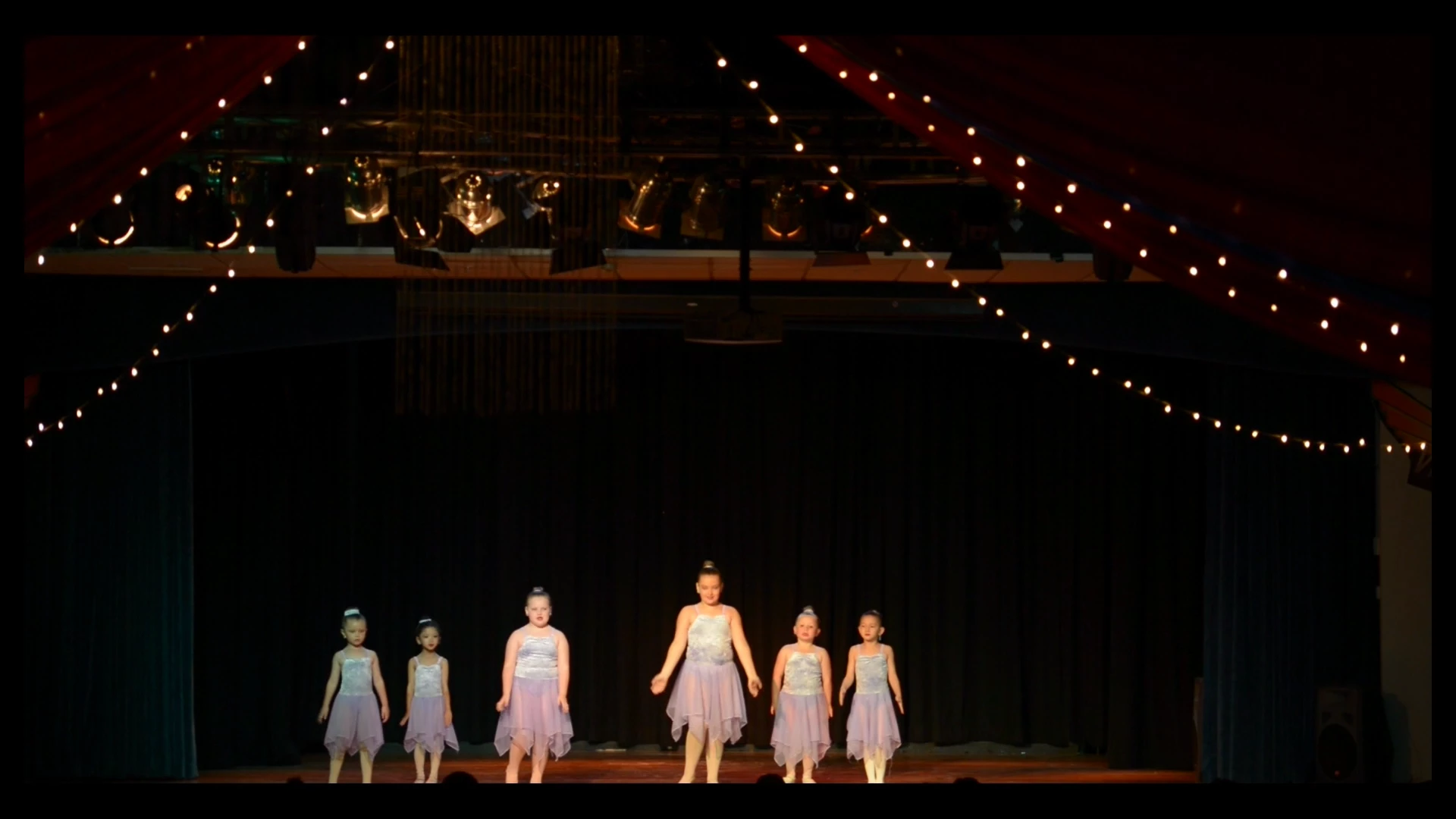
And Stan the difference is very noticeable in quality from the h.264 compared to the MPEG2-DVD output, just from the plain video files.
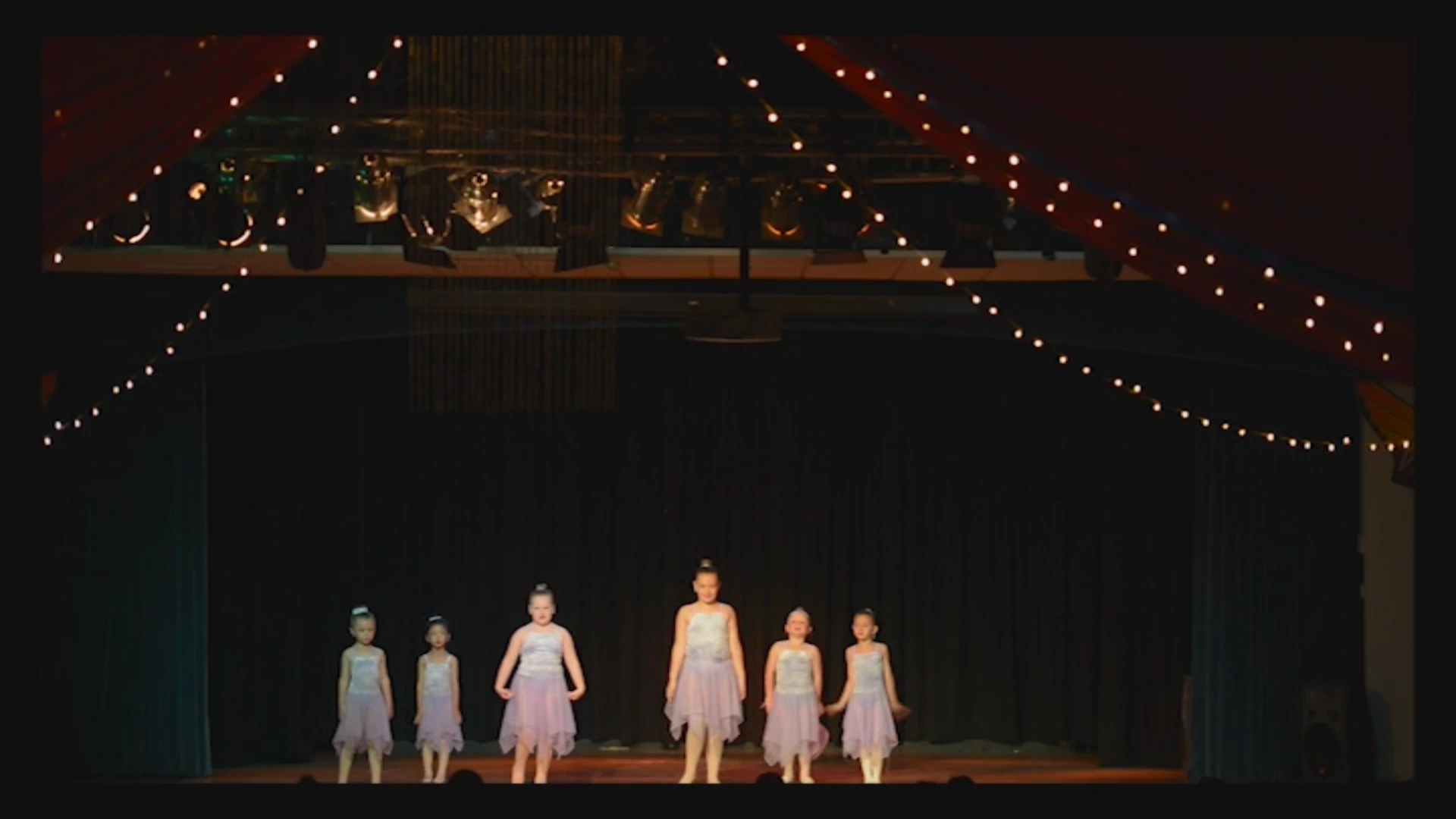
The first pic is the H.264 and the second is MPEG2-DVD both using the standard automatic export settings from Premiere.
So the next question is what is my best option in this case? Do I import the new H.264 file with the adjustments listed and go with that, with Encore doing the leg work for the DVD build? Or do I need to suck it up and deliver a low quality project? Please keep in mind that in Encore the previews show none of the problems I am experiencing on the discs, and I do not have the 'revert to original' option available for the .mp4 file that has already been transcoded in the previous images (greyed out).
I think you may be missing a few points we've been trying to make.
1. It is very important that the Sequence Settings in Premiere match the footage. If you are in Australia, the raw footage ought to be 25fps, yet the Sequence is set to 29.97. What is the true frame rate of the source footage? Changing frame rates can really mess with video quality.
2. DVD is standard definition. SD video is always going to look like junk next to HD video. You can't compare HD to DVD and say "it doesn't look as good". Of course it does not, it is not HD.
3. Do not export H.264 when you want to make a DVD. DVD is always SD using MPEG-2 video. If you feed Encore any other format other than "MPEG-2 DVD" specifically, it will TRANSCODE it to MPEG-2 anyway. Just export the proper MPEG-2 DVD from Premiere.
4. Don't use "Automatic" export settings. You should be choosing how you want to encode. I understand you may be new to this software, but don't trust that the computer knows what you want. It doesn't know you intend to make a DVD with the export and will not encode as "MPEG-2 DVD" unless you tell it to. And nothing else is correct.
5. If you want to make both a Blu-ray and a DVD, export TWICE. Export as "H.264 Blu-ray" and again as "MPEG-2 DVD". There is no shortcut that gets it all done at once unfortunately. You can try, but the results will not be good.
Thanks
Jeff

 AdChoices