
Error Compiling Movie: GPU Render Error
Hi there,
I am trying to export a feature film project from Premiere Pro CC 2018. 12.1 build. My problem: No matter what I do, I cannot get the project to export in full resolution 4k. I always get the dreaded "GPU Render Error" due to Lumetri. This is a feature-length film project with a full timeline of Lumetri color-corrected footage (all done on adjustment layers). It will, however, export in 1080p. As long as "export maximum render quality" is disabled, strangely enough.
Computer specs:
CPU: AMD Threadripper 2950x - 16 core
RAM: 64GB
GPU: Geforce GTX 1070ti 8 GB
I've tried all of the usual suggestions that I have found from the various posts in the community:
-Updated NVidia drivers.
-Deleted all of the cache/preview files.
-Created a new sequence and dragged the old one into it.
-Tried saving the project into a new location.
-Created a new project and imported the old project into it.
-Tried exporting with Media Encoder.
-Tried exporting in DNXHD (still failed).
-Tried altering or even DELETING the Lumetri effect at the time stamp given in the error notes. It only seems to find a new timecode and is often never the same.
I've also tried disabling CUDA and exporting using Software Only, which does seem to push the export through (after about 4 days of waiting). But the problem is, for some unexplainable reason, doing so slightly alters the look of my color correction. See below:
CUDA:
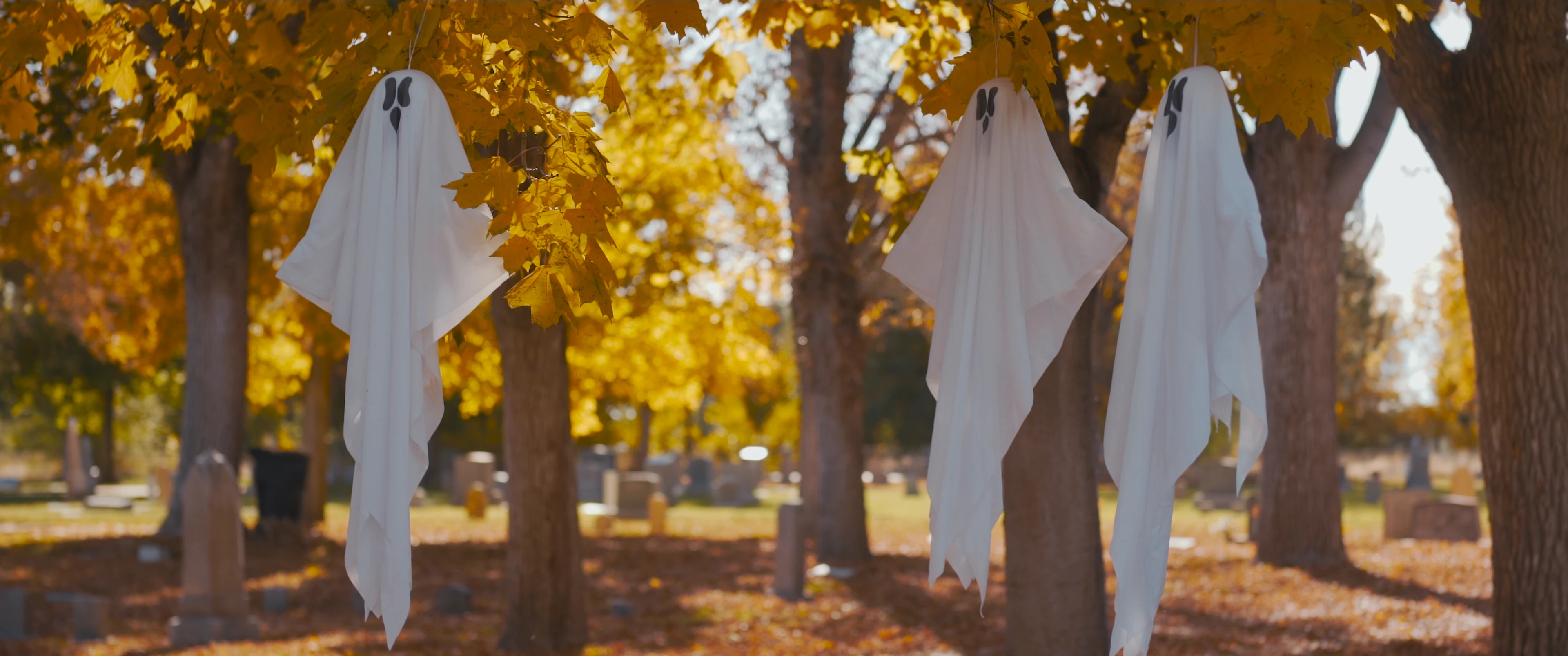
Software Only: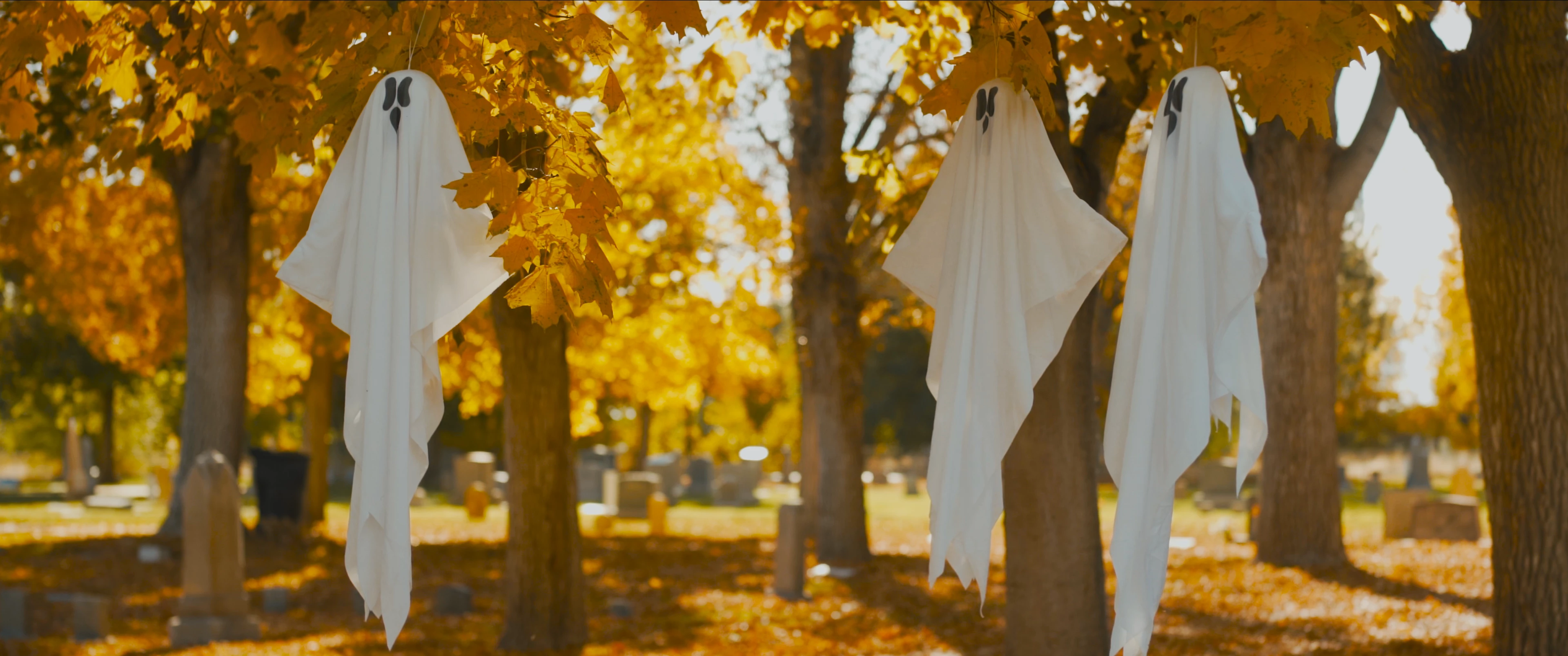
Switching to Software Only as the renderer would be an acceptable solution if it weren't for the color shift that is happening.
The only options I can think of at this point are updating Premiere, which I am scared to do because I can't risk losing all of my work up to this point. Or buying a beefier graphics card. But I am not convinced that would help.
I know this has been posted a bunch of different times in the community and I've searched through every applicable thread I could find. I have tried literally everything and nothing fixes the error. Adobe support chat also got me nowhere, unfortunately.
SO, is there anything else worth trying? Or do I just need to cut my losses and accept the weird color-shifted footage? Any help would be greatly appreciated.


 AdChoices