



Error Compiling Movie Selector: 6 Error Code 513
Hello Premiere Pro Community,
I am getting an error compiling movie error message that I cannot figure out how to resolve. First off, the "around timecode" is no where near correct. Through a day of trial and error, I finally narrowed down the troubled clips to the two blue-labled clips in the screenshot below. The two blue clips are .braw files at 6144x3456p. They have Warp Stabilizer applied. When I disable Warp Stabilizer, the export is successful. I tracked the movement in After Effects with the Warp Stabilizer effect and really don't want to completely dump the clip, re-import, re-edit, and re-analyze the stabilization.
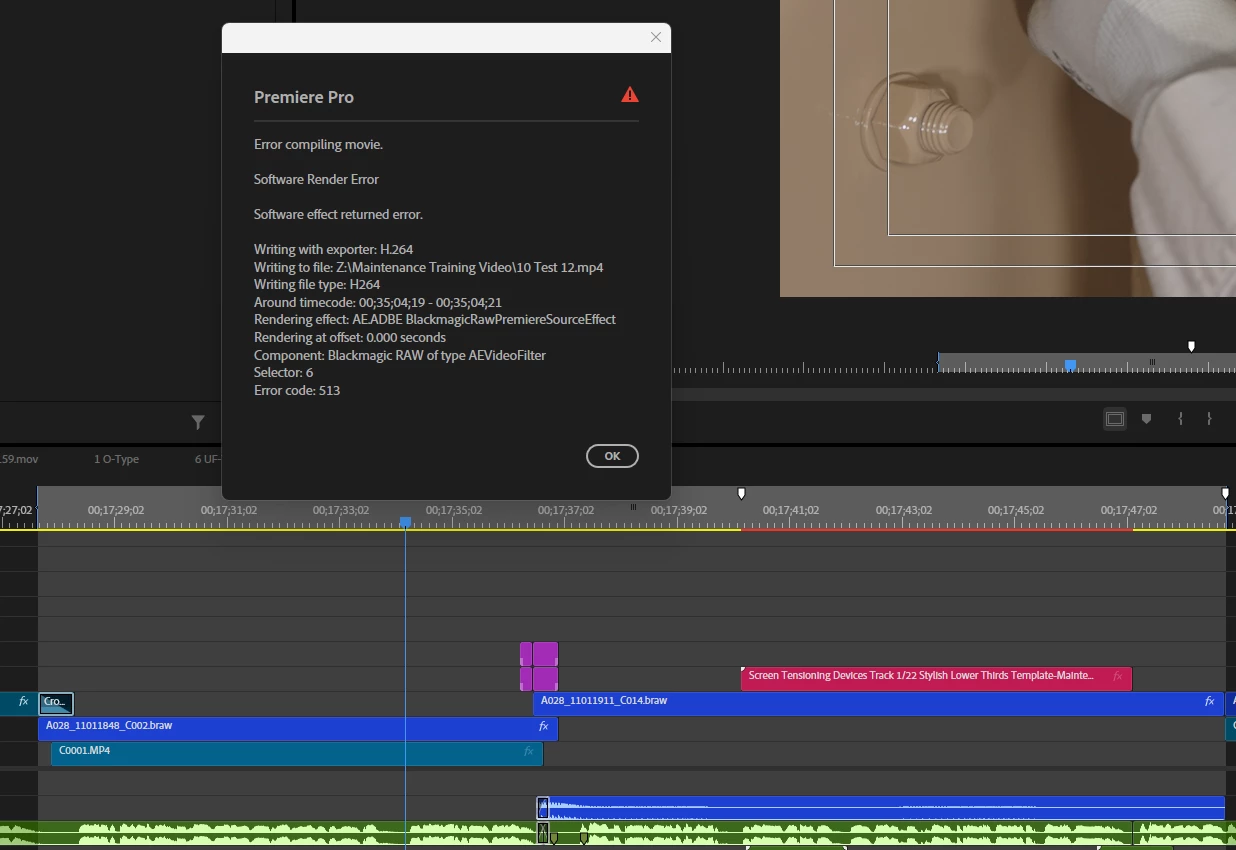
So far, I've tried deleting the media cache files, relauching the computer, and all the regular basic troubleshooting. Any ideas what esle I can try?
 AdChoices