

Essential Graphics Bug - Set Scale Lock
I'm a long time Premiere user but only recently started using the Essential Graphics panel to generate some title animations and it was working fine until I cleared my cache.
There are 4 layers:
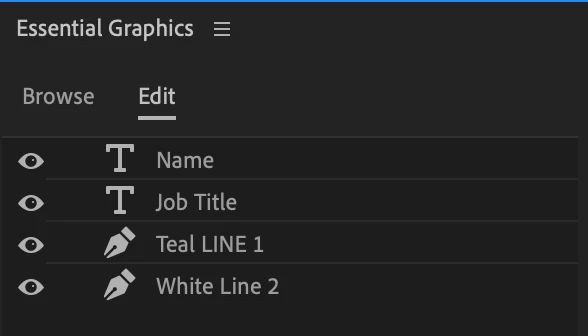
Teal LINE 1 and White LINE 2 are just rectangles set in the background of the text which wipe on and wipe off.
Since clearing my cache, every time I open the project these two rectangles no longer appear in the correct place.
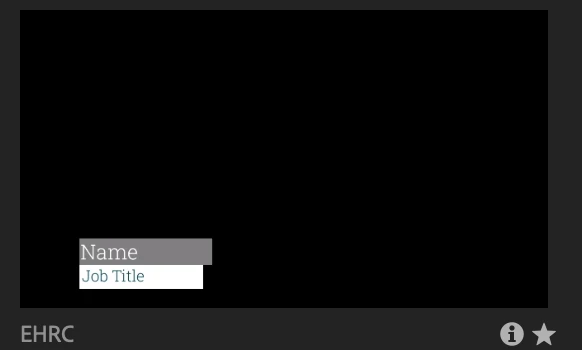
They preview in the correct location:
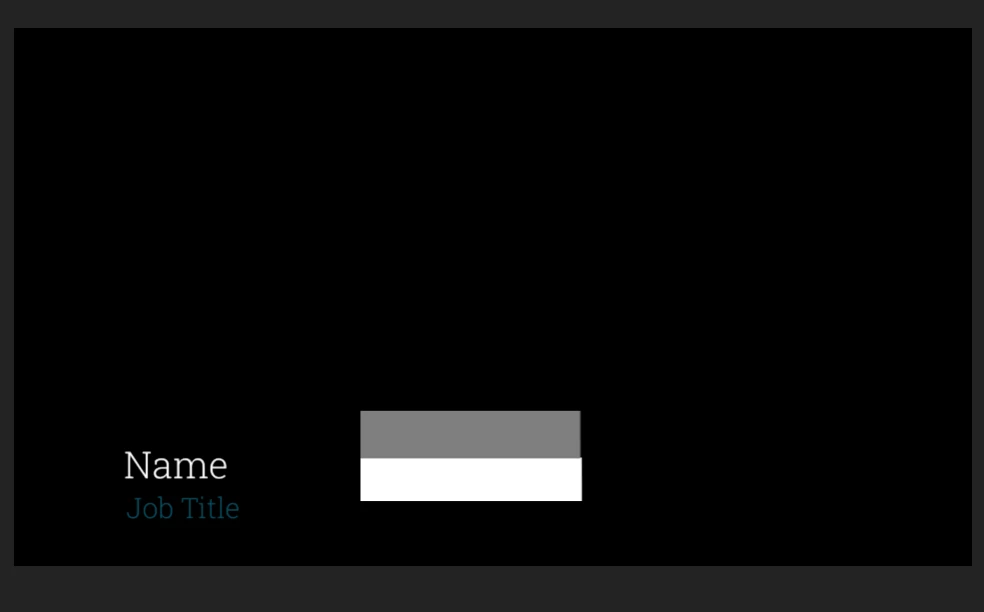
But then when I import it into the project the background boxes go totally out of place:
If I select the layer it seems to think it's in the right position (see the outline in the preview window) but the reality is the box is way out.
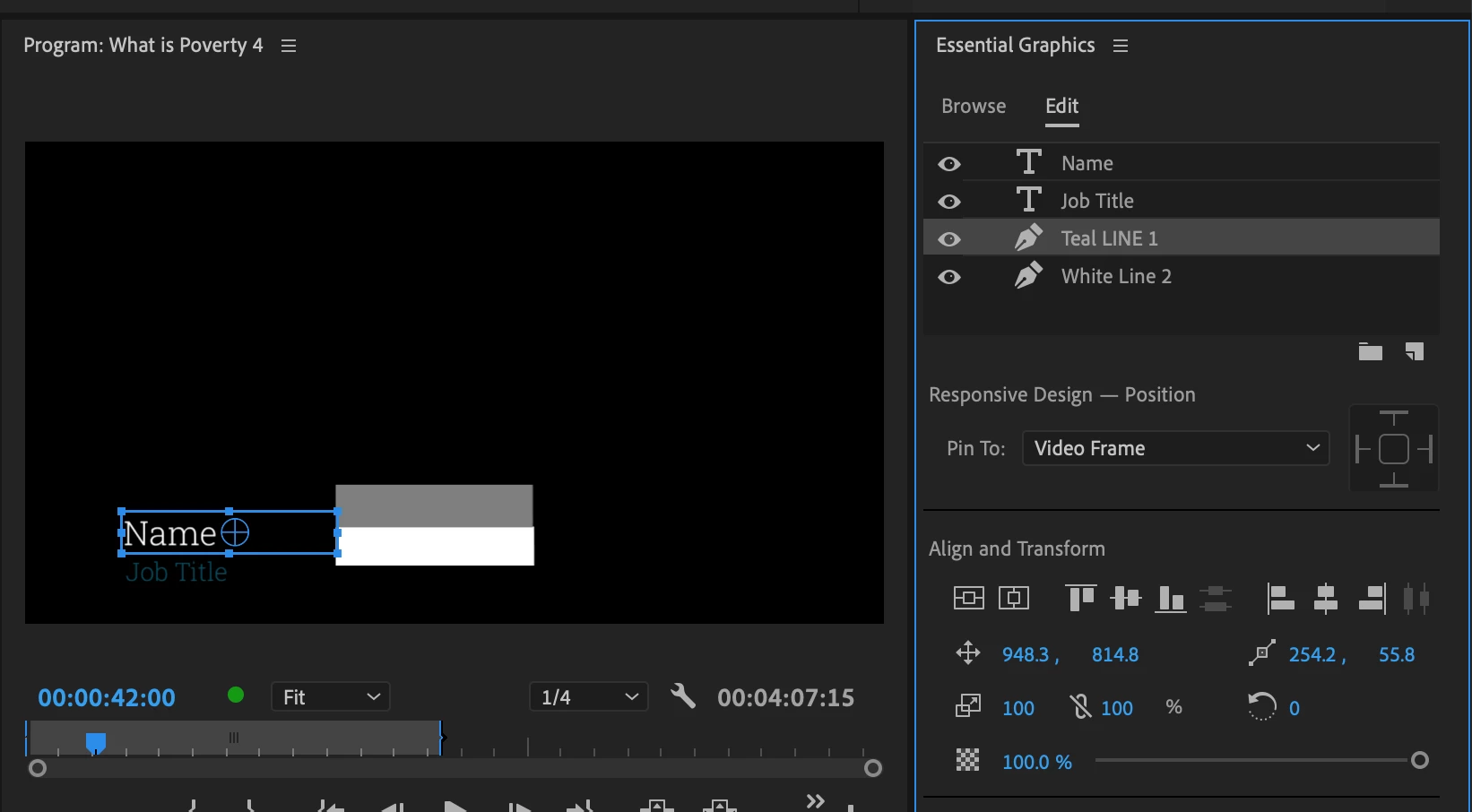
If I switch the Set Scale Lock the rectangle goes to the correct place...but it doesn't matter if scale lock is on or off, every time I reopen the project I have to reverse the Set Scale Lock for each rectangle.
This is what makes me believe it's a bug rather than just user error, the Set Scale Lock always has to be the opposite of what it was when I open the project.
Very frustrating, is anyone else having this problem or has found a really quick way to change all titles in one fail swoop?
 AdChoices