
brendano16310974
Inspiring
September 14, 2022
Answered

Essential Graphics not loading/not editable
  • September 14, 2022
  • 1 reply
  • 5185 views


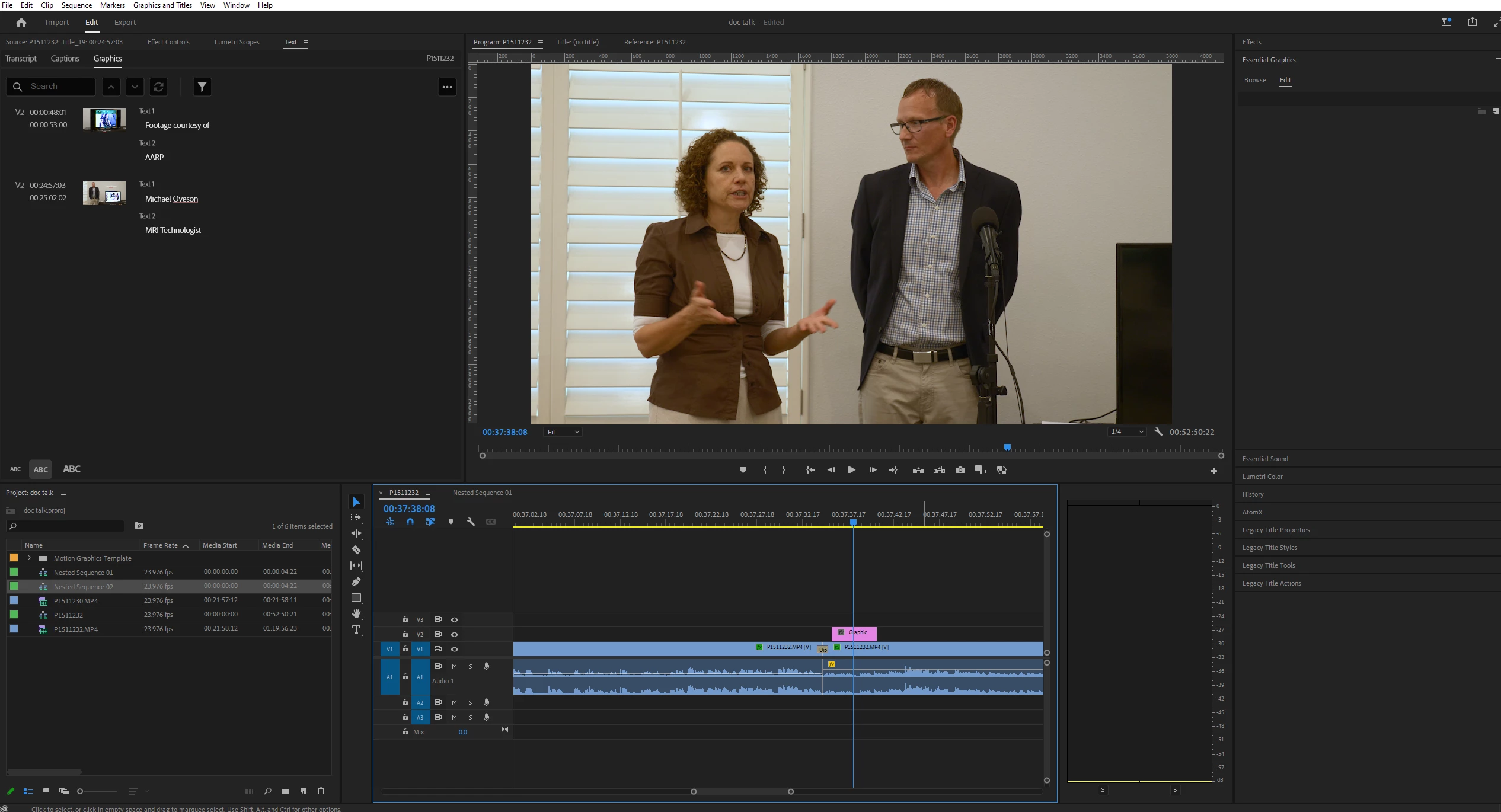
Since the update, I can't seem to get Essential Graphics to work (is there a workflow change I'm not getting?)


Before, I would browse for the graphic I wanted to use, drag'n'drop it onto my timeline, where I could double click it, and then be able to edit and modify the text as I wanted. But nowadays, nothing happens when I double click it. In fact, the default text doesn't seem to appear in the playback window at all, almost as if there isn't a graphic in the timeline in the first place.


What am I doing wrong?

This topic has been closed for replies.
Correct answer brendano16310974

Turning the audio input to 'non' is what finally fixed the issue. Thank you very much for your help.


Is this an intentional decision by Adobe to limit the ability to edit graphics while a mic/audio source is enabled? I cannot imagine why.

1 reply

Peru Bob
Community Expert
Community Expert
September 15, 2022

Delete the Media Cache and Media Cache files:
https://community.adobe.com/t5/premiere-pro/faq-how-to-clear-your-media-cache-in-30-seconds-in-premiere-pro-2020/m-p/11017257/thread-id/260446?page=1

If that doesn't work, try resetting the preferences:
https://community.adobe.com/t5/premiere-pro/faq-how-to-reset-trash-preferences-in-premiere-pro/td-p/8236158?page=1

If that doesn't work, try resetting the Workspaces:
Reset a workspace
Reset the current workspace to return to its original, saved layout of panels.
1. Do one of the following:
• Click the Workspace menu icon and select Reset to Saved Layout.
• Choose Window > Workspace > Reset to Saved Layout.
from here:
https://helpx.adobe.com/premiere-pro/using/workspaces.html

If that doesn't work, try Preferences > Audio Hardware and set Input to None.

If that doesn’t work, try updating or rolling back your graphics driver directly from the video card manufacturer’s site. If NVIDIA, do a clean installation of the latest Studio Driver (NOT the Game Driver)

If that doesn't work, try creating a new project and import the old one into it.

brendano16310974
brendano16310974AuthorCorrect answer
Inspiring
September 15, 2022

Turning the audio input to 'non' is what finally fixed the issue. Thank you very much for your help.


Is this an intentional decision by Adobe to limit the ability to edit graphics while a mic/audio source is enabled? I cannot imagine why.

Peru Bob
Community Expert
Community Expert
September 16, 2022

I don't know why, but it does sometimes fix issues by setting input to none.