IsraeliIdan
Known Participant
June 24, 2017
Question

Everey time I export this sequence it says that it cant be played...

  • June 24, 2017
  • 4 replies
  • 861 views

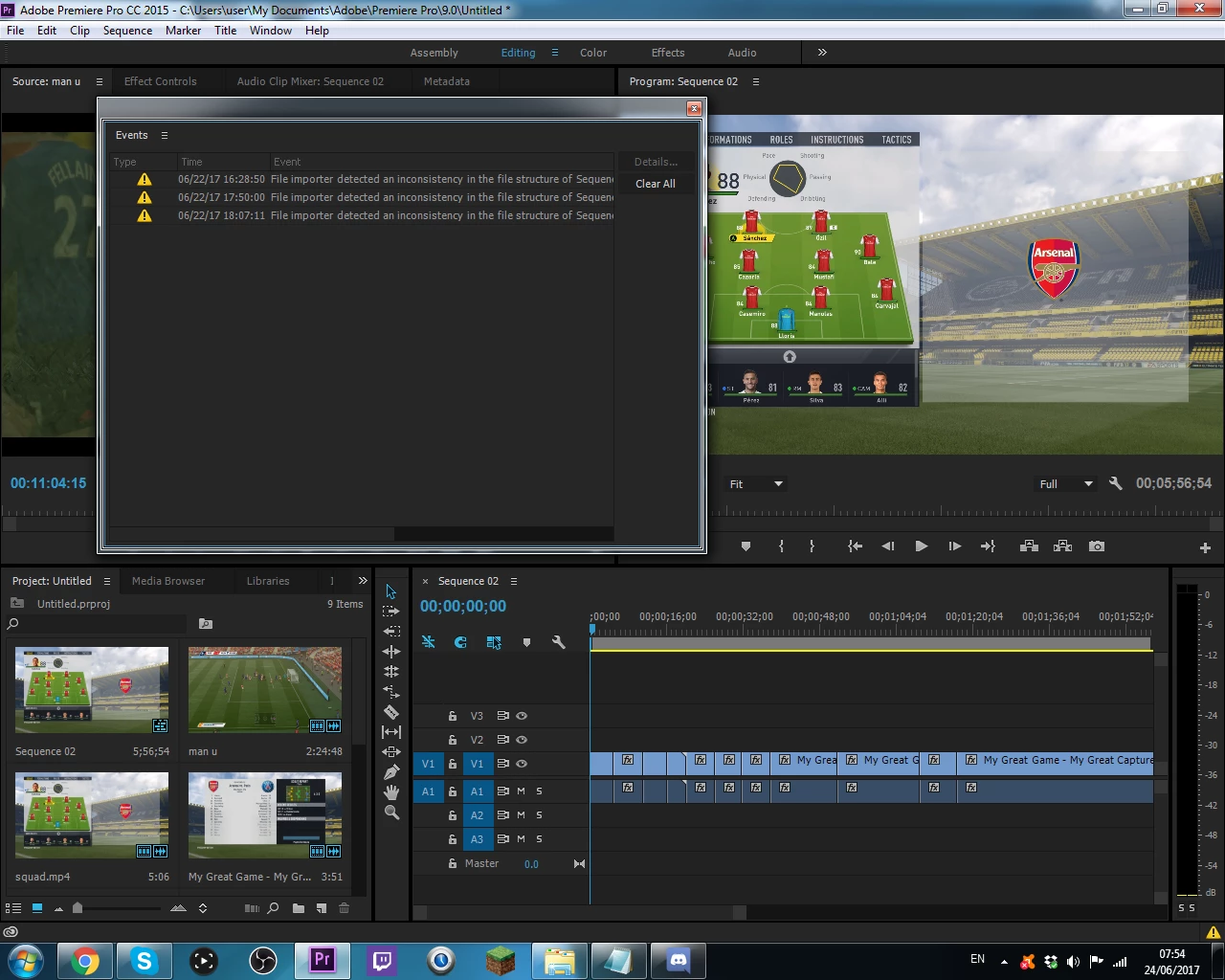
I tried exporting the sequence twice and it gave me some message that it cant be played. I will export it a third time to get a picture for you guys if that is needed. Also maybe the picture I attached helps. Thanks!
    This topic has been closed for replies.

    4 replies

    Nexahs1138
    Inspiring
    June 25, 2017

    You haven't exactly told us anything about this project, how was it set up, why are you using 59 FPS, etc.?

    IsraeliIdan
    Known Participant
    June 25, 2017

    IDK im just editing like I do every day and for some reason this seaqunce is like this.

    IsraeliIdan
    Known Participant
    June 25, 2017

    since this is multiple clips how do I do this? can we do this over skype? mine is minecraftquest101

    Ann Bens
    Community Expert
    Community Expert
    June 25, 2017

    One by one.

    IsraeliIdan
    Known Participant
    June 25, 2017

    could I just start a new project?

    IsraeliIdan
    Known Participant
    June 25, 2017

    since i've never used this program before what exactly do i need to do and how do i do it.

    -thanks!

    Ann Bens
    Community Expert
    Community Expert
    June 25, 2017

    Download, install, import file: set it to constant framerate. Thats it.

    Ann Bens
    Community Expert
    Community Expert
    June 24, 2017

    Try a different export setting or

    If this is game footage run in through HandBrake and make sure its constant framerate.

    IsraeliIdan
    Known Participant
    June 24, 2017

    what setting do you recommend? I have always exported on this w/ no problem.

    Ann Bens
    Community Expert
    Community Expert
    June 24, 2017

    Your source has variable frame rate. Change that in Handbrake as said in earlier post.