Inspiring
August 9, 2023
Answered

Everything selected in edit screen but captions don't show in export screen

  • August 9, 2023
  • 3 replies
  • 317 views

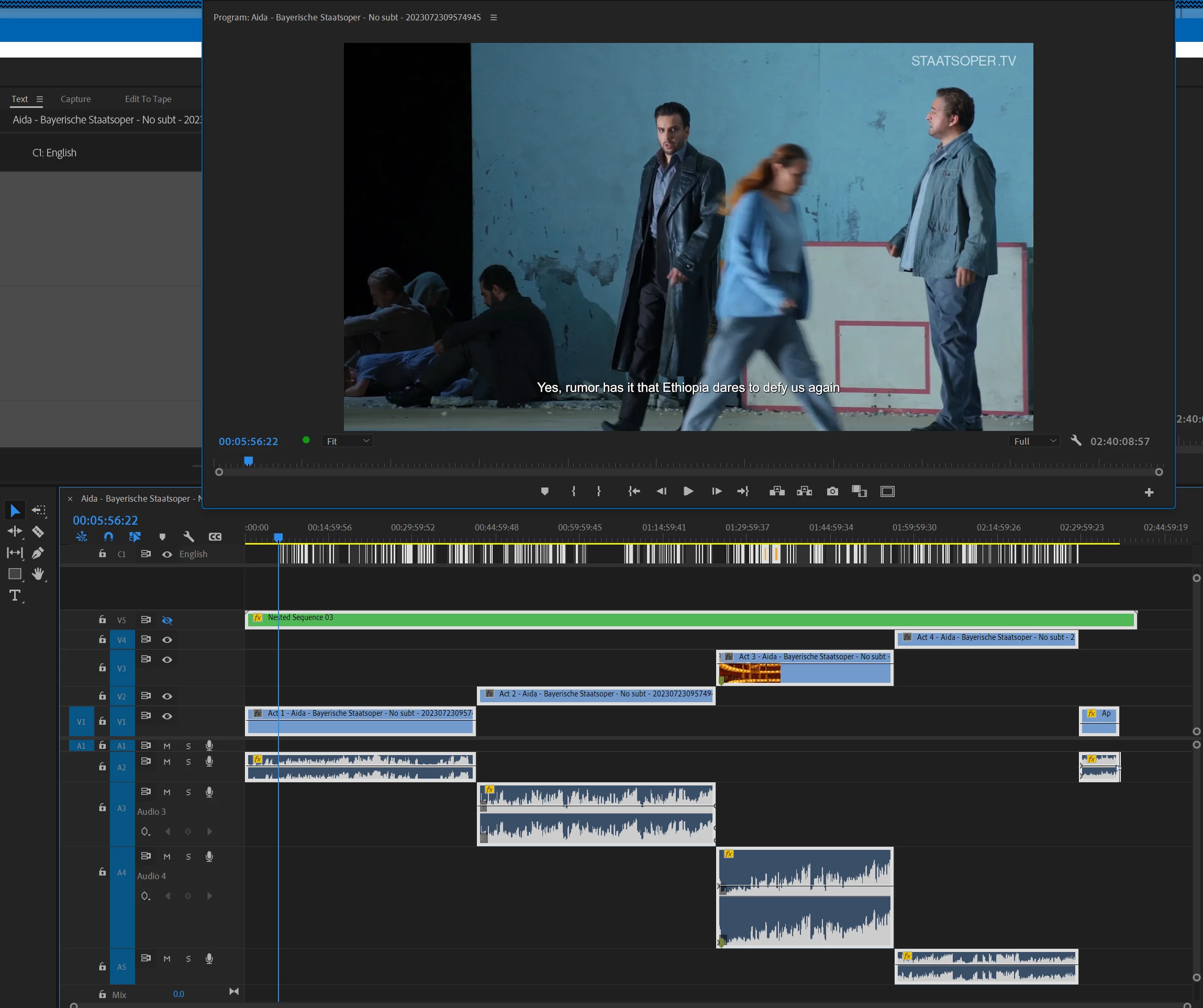
In an edit frame of a video, I have everything selected, including a captions track (see first image).


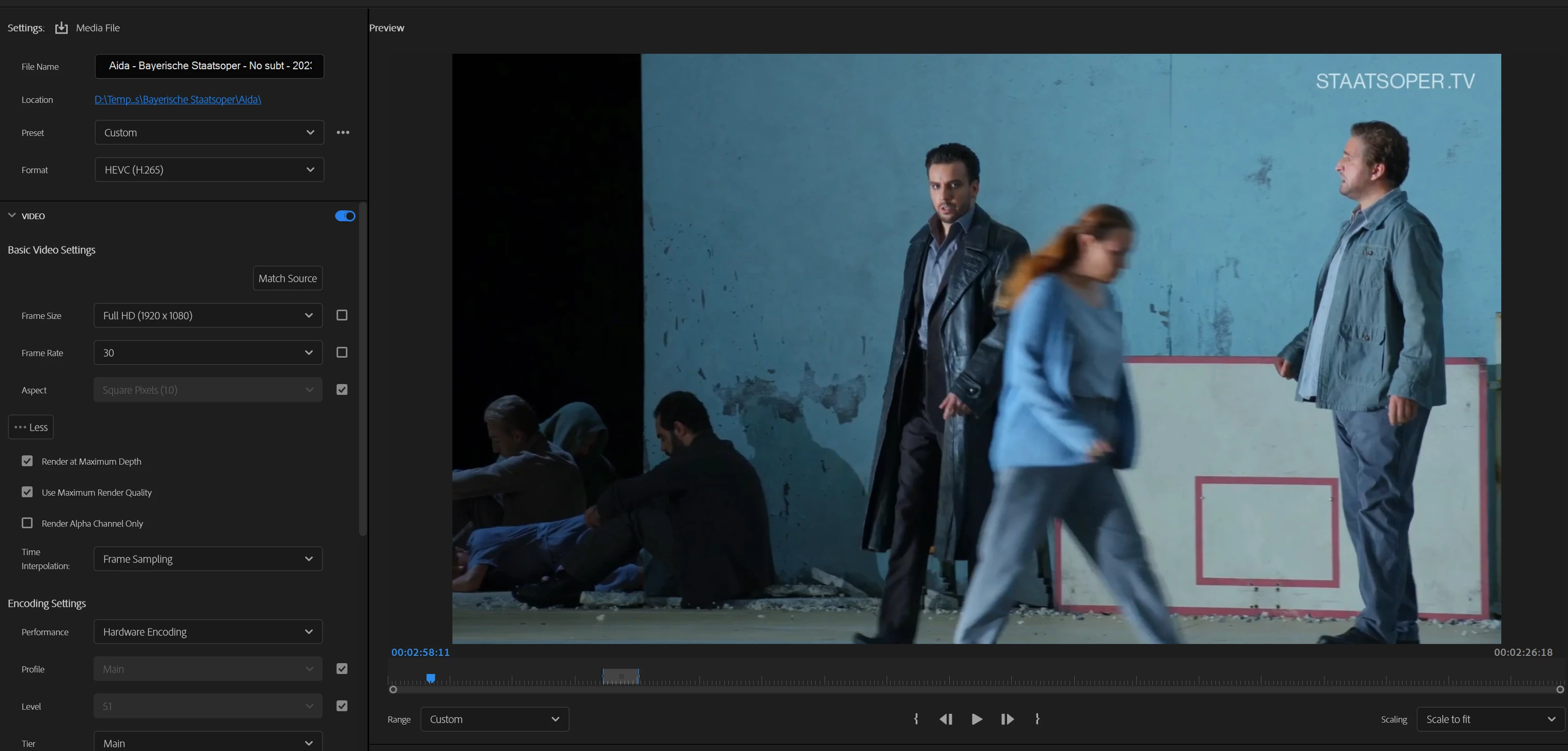
But when I do Ctrl-M to get to the export frame, the captions aren't shown (see second image).


I'm using Premiere Pro v 23.5.0 (build 56) on Win11 Pro.


Any ideas?

This topic is closed to new replies. Start a new post to keep the conversation going.
Correct answer JARedmondWA

Somehow Captions in Export was turned off. When I turned it on (to Burn Captions), the captions showed up as subtitles.


Thanks!

3 replies

Stan Jones
Community Expert
Community Expert
August 9, 2023

In the Export settings, we can't see the Captions setting. Is this a Subtitle track? Do you have Burn In set?


Stan


JARedmondWAAuthorCorrect answer
Inspiring
August 9, 2023

Somehow Captions in Export was turned off. When I turned it on (to Burn Captions), the captions showed up as subtitles.


Thanks!

JA Redmond WA
Stan Jones
Community Expert
Community Expert
August 9, 2023

Excellent!