
KShinabery212
Community Expert
Community Expert
November 22, 2020
Answered

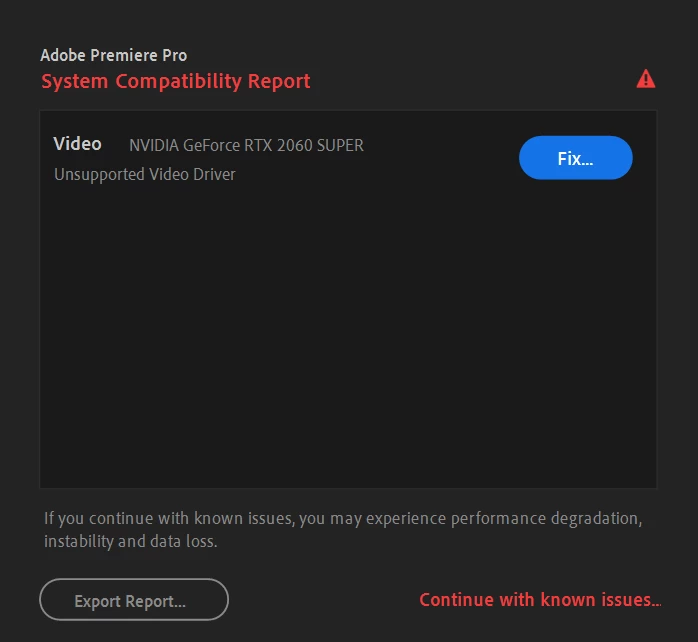
Everything was working fine... and now withe the new update this... NVIDIA error

  • November 22, 2020
  • 2 replies
  • 474 views

Ideas on what I need to do???

I just built this PC tower so that it would work with all Adobe software.  Now I get this warning.
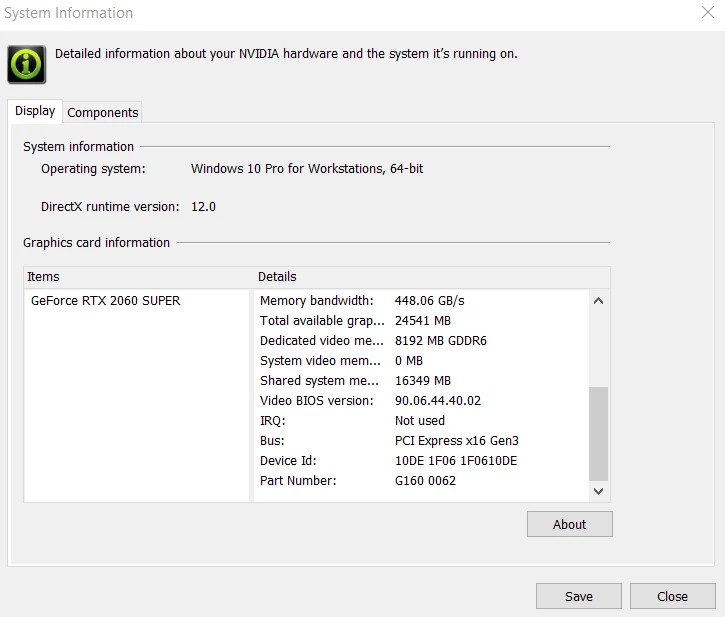
System info...
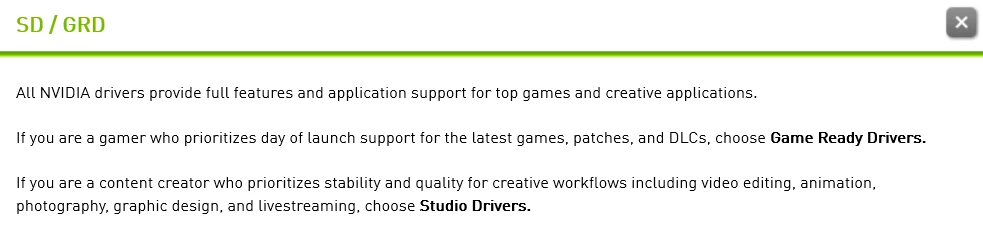
Which one??? Game Ready Driver (GRD) or Studio Driver (SD)?

I play both games and create graphics.
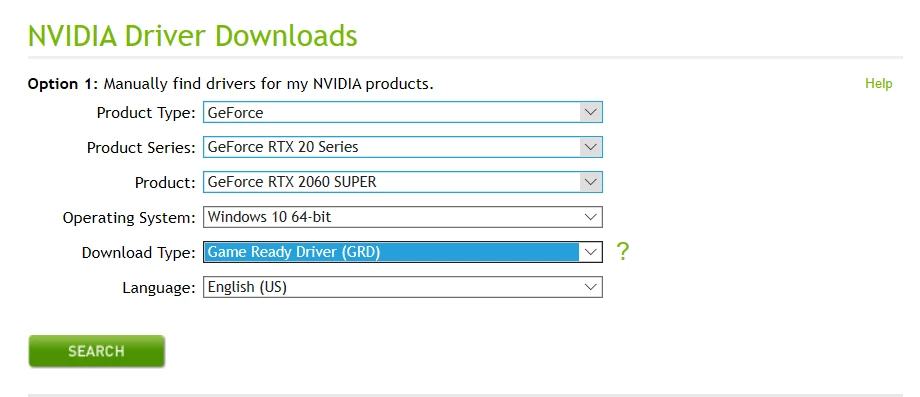
Can I install both or only one?
 

Any suggestions would be helpful.....


This topic has been closed for replies.
Correct answer Ann Bens

Best is to install the studio driver

https://www.nvidia.com/Download/driverResults.aspx/166881/en-us

2 replies

KShinabery212
Community Expert
Community Expert
November 22, 2020

I wish someone would not have put the answer as correct as I still need information to consider what to do.

What is the big differnece between the two types of drivers?

What would a person working in the games industry use if he or she had this issue? 

See, that is the big issue.  I do marketing and pr.... and my focus on that is with tech, software and the games industry.  So my computer was built to do both... and this issue means I may have spent a lot of money on NOTHING.


So if anyone knows about the games industry please let me know what you think.

Let's connect on LinkedIn. https://www.linkedin.com/in/kshinabery/
Ann Bens
Community Expert
Ann BensCommunity ExpertCorrect answer
Community Expert
November 22, 2020
Ann Bens
Community Expert
Community Expert
November 22, 2020

KShinabery212
Community Expert
Community Expert
November 22, 2020

The Studio Driver sounds logically, I do agree.

The issue is that I am highly connected to the games industry, so the PC has to serve as a graphics computer and gaming computer.

Tough to figure out.

Let's connect on LinkedIn. https://www.linkedin.com/in/kshinabery/