May 21, 2020
Question

export

  • May 21, 2020
  • 2 replies
  • 571 views
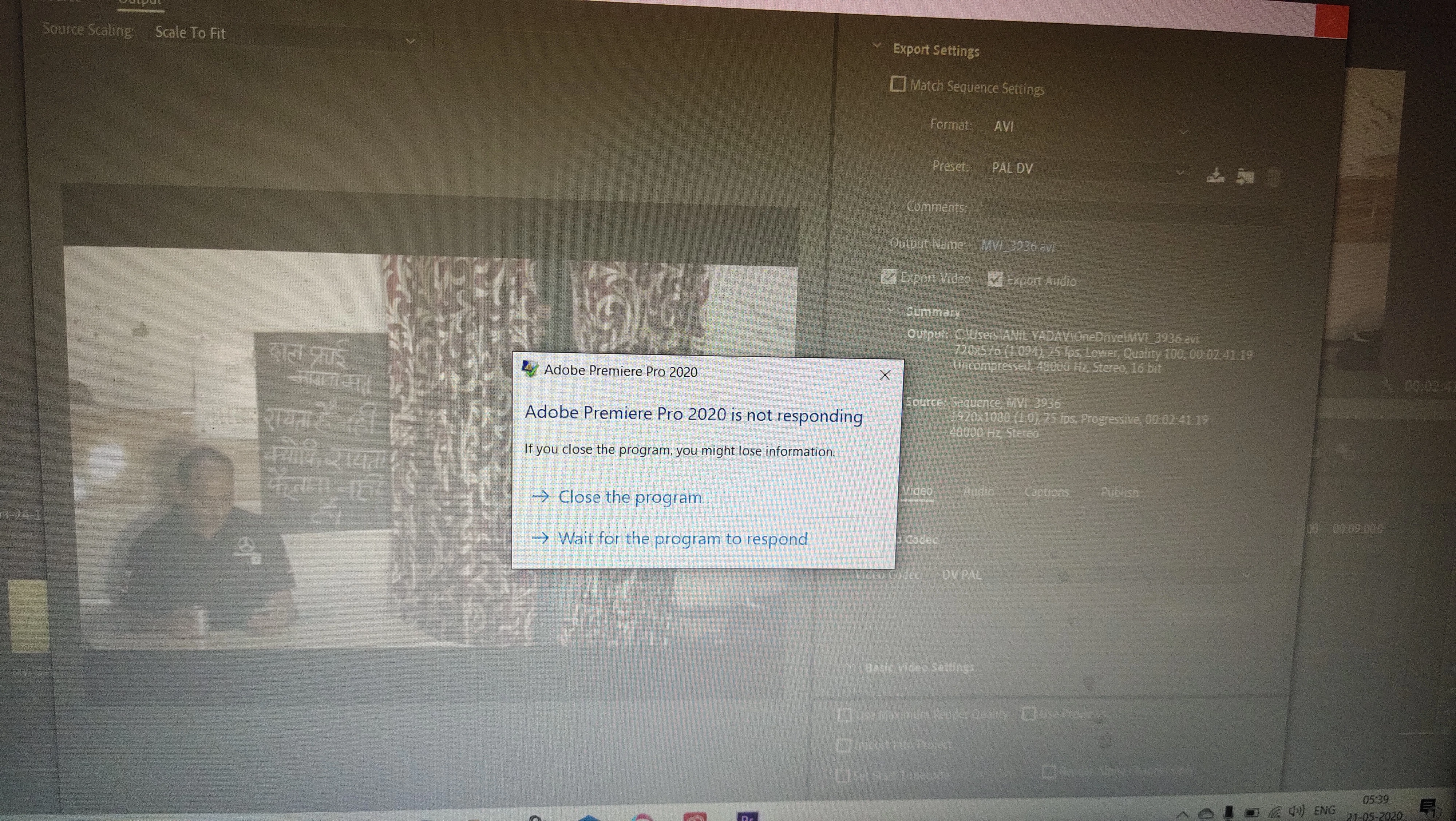
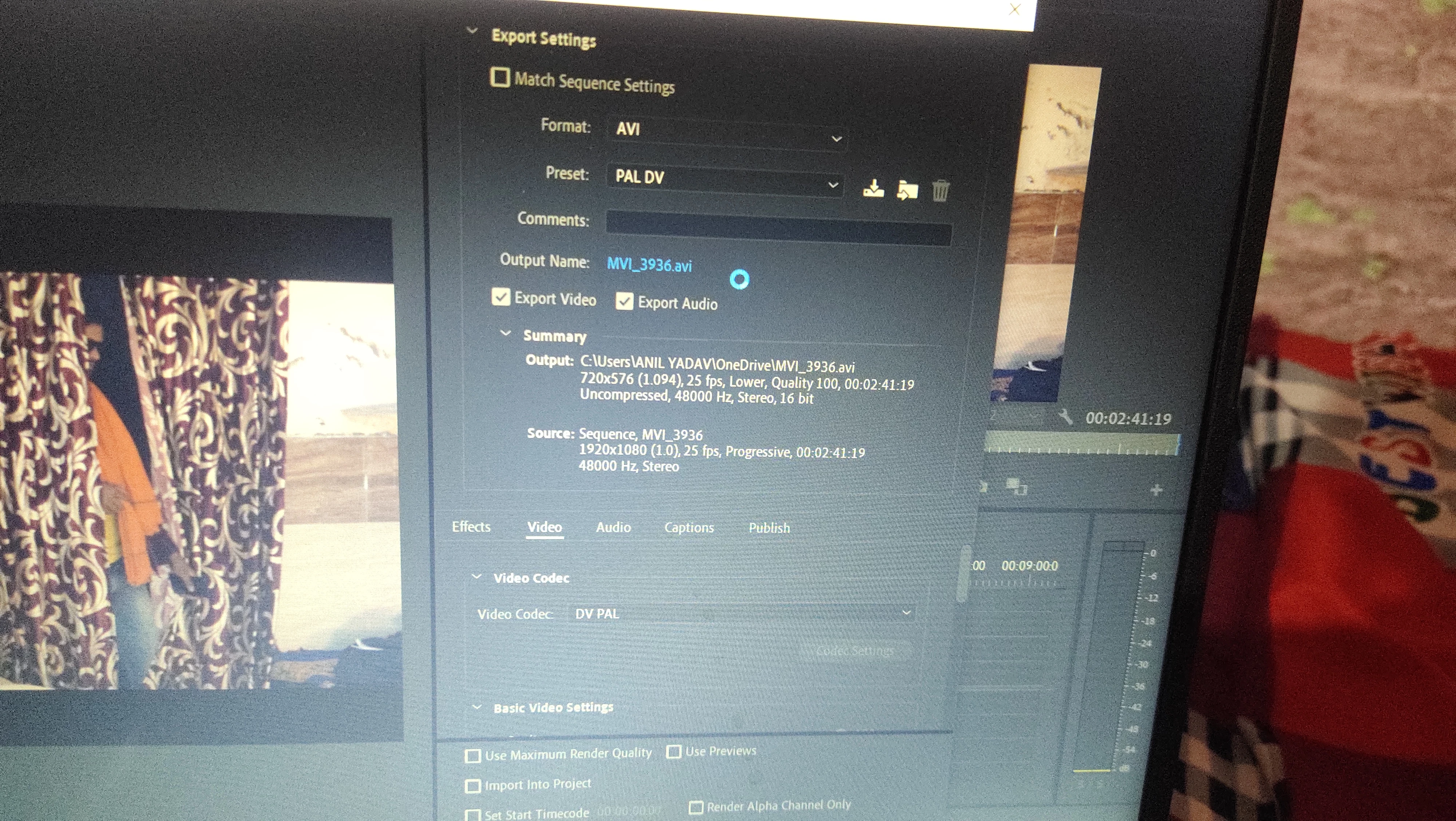
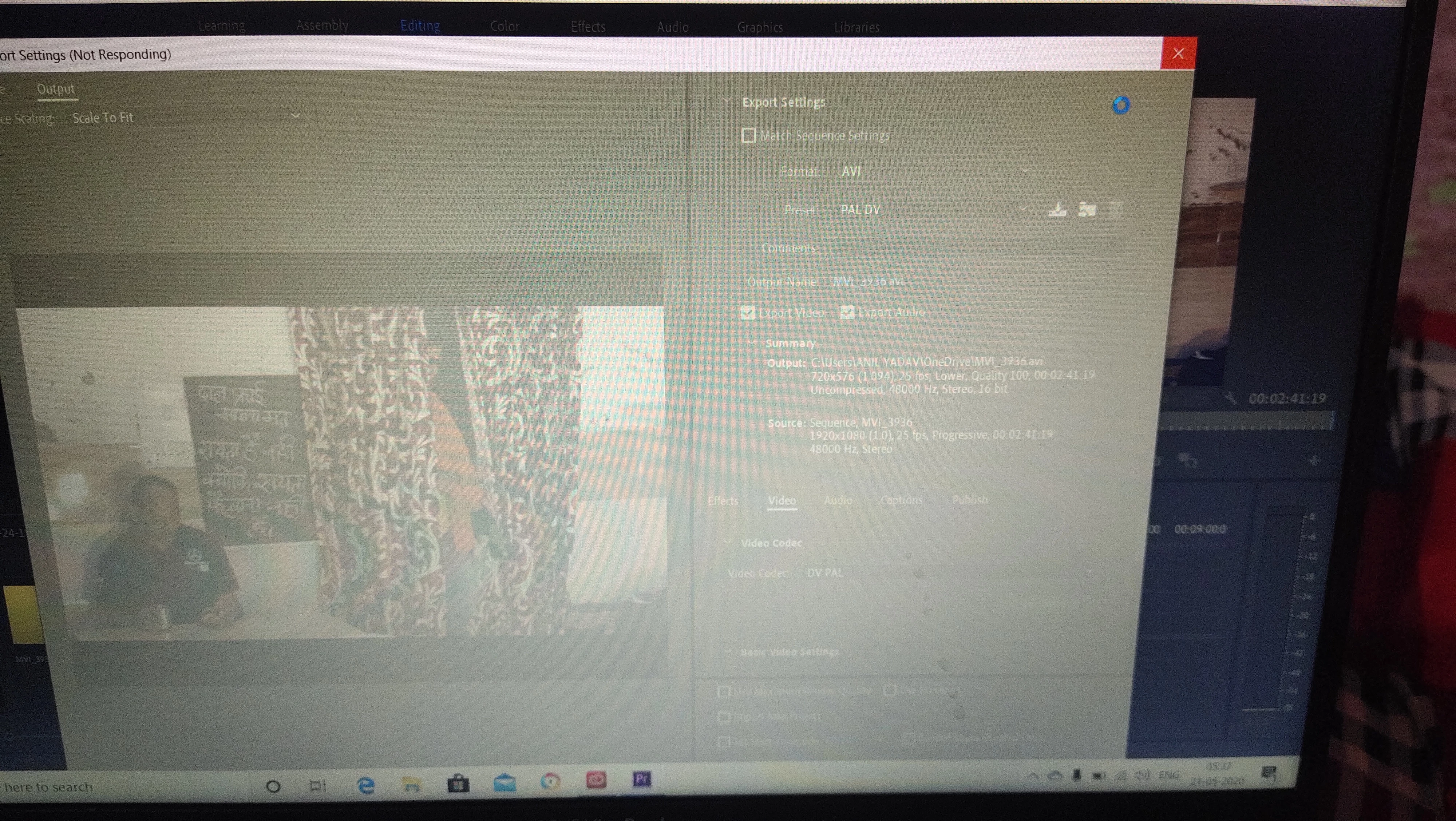
  1. when I click h.264 not select and blank window export Setting not responding and hang

    This topic has been closed for replies.

    2 replies

    Peru Bob
    Community Expert
    Community Expert
    May 21, 2020

    Delete the Media Cache and Media Cache files:
    https://community.adobe.com/t5/premiere-pro/faq-how-to-clean-delete-or-trash-media-cache-files/td-p/....

    If that doesn't work,try resetting the preferences:
    https://community.adobe.com/t5/premiere-pro/faq-how-to-reset-trash-preferences-in-premiere-pro/td-p/8236158?page=1

    If that doesn't work, try resetting the Workspaces:
    Reset a workspace
    Reset the current workspace to return to its original, saved layout of panels.
    1. Do one of the following:
    • Click the Workspace menu icon and select Reset to Saved Layout.
    • Choose Window > Workspace > Reset to Saved Layout.
    from here:
    https://helpx.adobe.com/premiere-pro/using/workspaces.html

    If that doesn’t work, try updating or rolling back your graphics driver directly from the video card manufacturer’s site.

    Also, please help us help you:
    https://community.adobe.com/t5/premiere-pro/faq-what-information-should-i-provide-when-asking-a-question-on-this-forum/td-p/3929027?page=1

    Participating Frequently
    May 21, 2020

    If Peru Bob's suggestions do not solve the issue, could you please try changing a setting in the Preferences? Ccould you please try going to Preferences > Media and uncheck "Enable hardware accelerated encoding and decoding (requires restart)" then Save, Quit. Now launch Premiere Pro and try export again. Does it now work?


    Thank you.

    Peru Bob
    Community Expert
    Community Expert
    May 21, 2020

    I've moved this from the poorly named Community Help forum (which is the forum for issues using the forums) to the Premiere Pro forum so that proper help can be offered.