Participant
April 4, 2023
Answered

Export doesn't look like preview

  • April 4, 2023
  • 1 reply
  • 3627 views

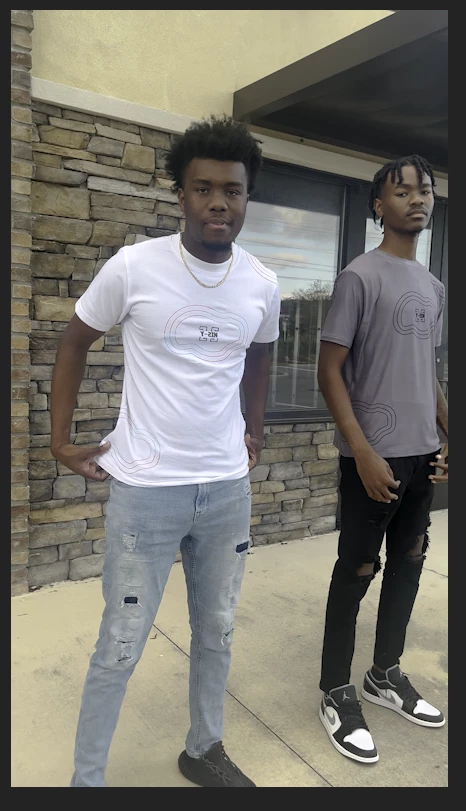
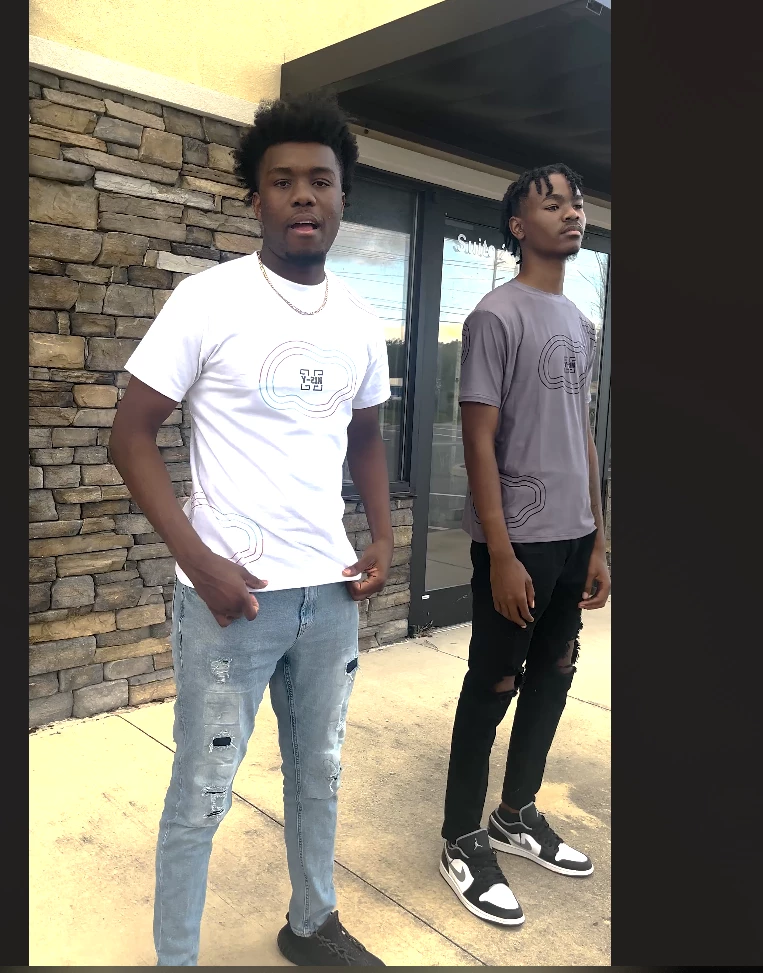
Hello, I'm having an issue where the video I've edited doesn't look the same when exported compared to how it looked in the editor. Drastic difference too.

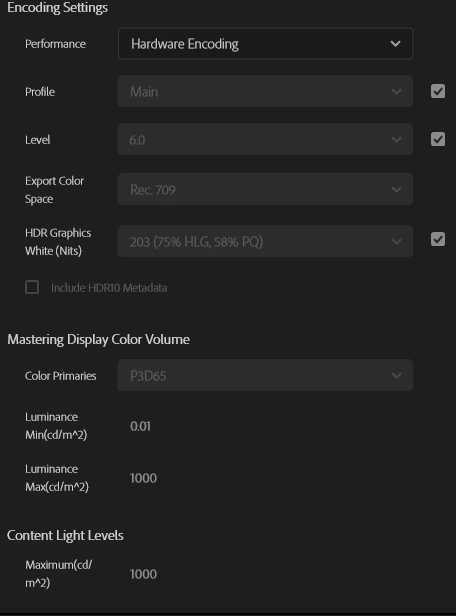
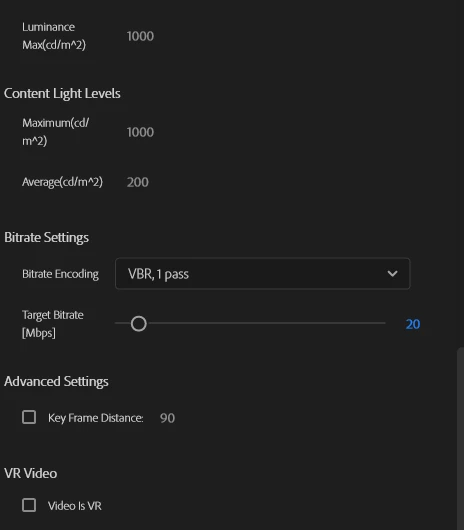
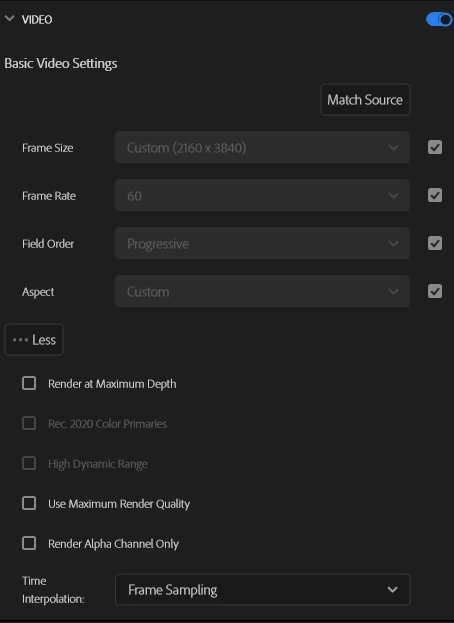
Ill attach some photos showing the difference, the export settings used as well (I've tried multiple variations but only attached my default)

The video was shot with an iPhone, I've worked on previous iPhone videos before without this problem. (Yes, I've tried exporting in QuickTime).

I've also looked at the exported video on multiple devices and it appears the same so I'm pretty sure it's not an issue with the device color coding/settings I'm viewing it on either.

I've looked this up pretty extensively with no luck so if someone here could help me it would be greatly appreciated. I have a client waiting on this video. Thank you.
Correct answer R Neil Haugen

Color management 101 ... your media, your sequence, and your export all need to be in the same color space. This isn't.


Your iPhone clip is HLG, a form of HDR. And your sequence and export are apparently Rec.709, which is SDR.


So easiest thing is simply to go to the clip or clips in the bin, select one or more, right-click/Modify/Interpret Footage, and at the bottom set the Override-To option to Rec.709.


Then redo any color on the sequence, make sure the sequence CM working space is set to Rec.709 in the Sequence Settings, and use a standard export prest ... one that doesn't have HLG or PQ in the preset name.


Neil

1 reply

R Neil Haugen
R Neil HaugenCorrect answer
Legend
April 4, 2023

Color management 101 ... your media, your sequence, and your export all need to be in the same color space. This isn't.


Your iPhone clip is HLG, a form of HDR. And your sequence and export are apparently Rec.709, which is SDR.


So easiest thing is simply to go to the clip or clips in the bin, select one or more, right-click/Modify/Interpret Footage, and at the bottom set the Override-To option to Rec.709.


Then redo any color on the sequence, make sure the sequence CM working space is set to Rec.709 in the Sequence Settings, and use a standard export prest ... one that doesn't have HLG or PQ in the preset name.


Neil

Everyone's mileage always varies ...
Participant
December 5, 2024

Thank you @R Neil Haugen! This fixed my issue immediately and saved me a ton of time.