
estane90276820
Participating Frequently
March 25, 2019
Question

Export Failed to Complete when sending audio to Audition from Premiere

  • March 25, 2019
  • 3 replies
  • 3565 views

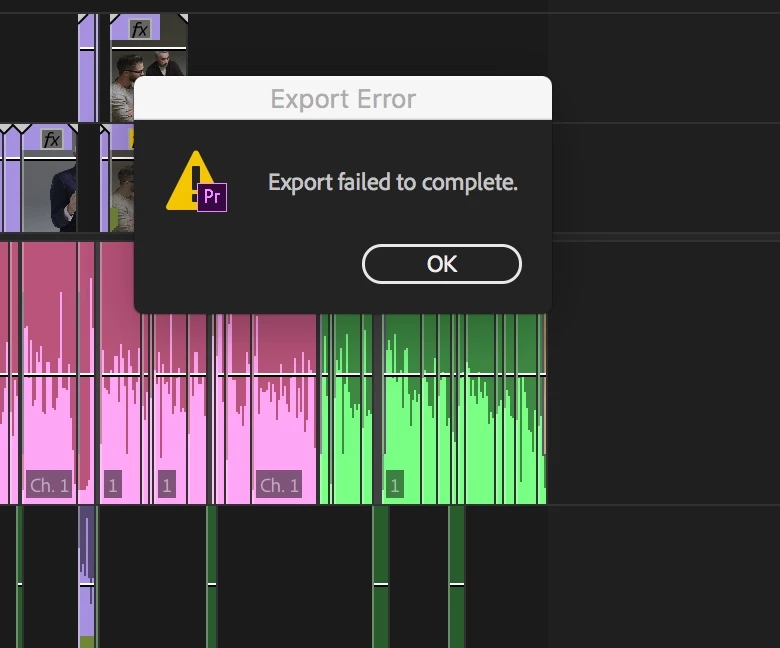
I've been struggling with this for the past few days but to no avail, I've found no success. I am trying to edit my audio in Audition from Premiere by right clicking the sequence > edit in adobe audition with all my regular settings from previous projects and continue to get "Export Failed to Complete" with no explanation. I've searched the web and have found nothing when it comes to this error. Here's a screen capture:
Help!

This topic has been closed for replies.

3 replies

Participant
April 15, 2021

15/04/2021 There was an update on Premiere again today. So now it is v 15.1 and Audiction had an update yesterday and is at v 14.1. I am getting the same problem and tried the below. But I get this:


It seems there is a bug that needs to be fixed.

Community Expert
March 25, 2019

Show us all your interface in a screenshot.

Byron.
estane90276820
Participating Frequently
March 25, 2019

Community Expert
March 25, 2019

I'm assuming you're trying to send to Audition the audios of thoses pieces of clips one by one, right?

Byron.
Inspiring
March 25, 2019

Mixdown session to a new file so you get a wav file which can be exported back to PPro. I believe multitrack session will not export to PPro.

estane90276820
Participating Frequently
March 25, 2019

Thanks! What I'm trying to do is send my premiere project audio to Audition so I can make tweaks by right clicking and sending to Audition. It starts to load then I receive that error.

Inspiring
March 25, 2019

Sorry, my mistake. Firstly, are your versions of PPro and Audition compatible, i.e., the same version? You need compatible versions of both. For example, a 2019 version of PPro will not transfer audio to a 2018 version of Audition.