Export is mixing the video tracks
I made a clip where two video track is present in one frame.
When I simply playback while editing there is no issue.
But after the export it is messed up. (I used the YouTube 1080p export settings.)
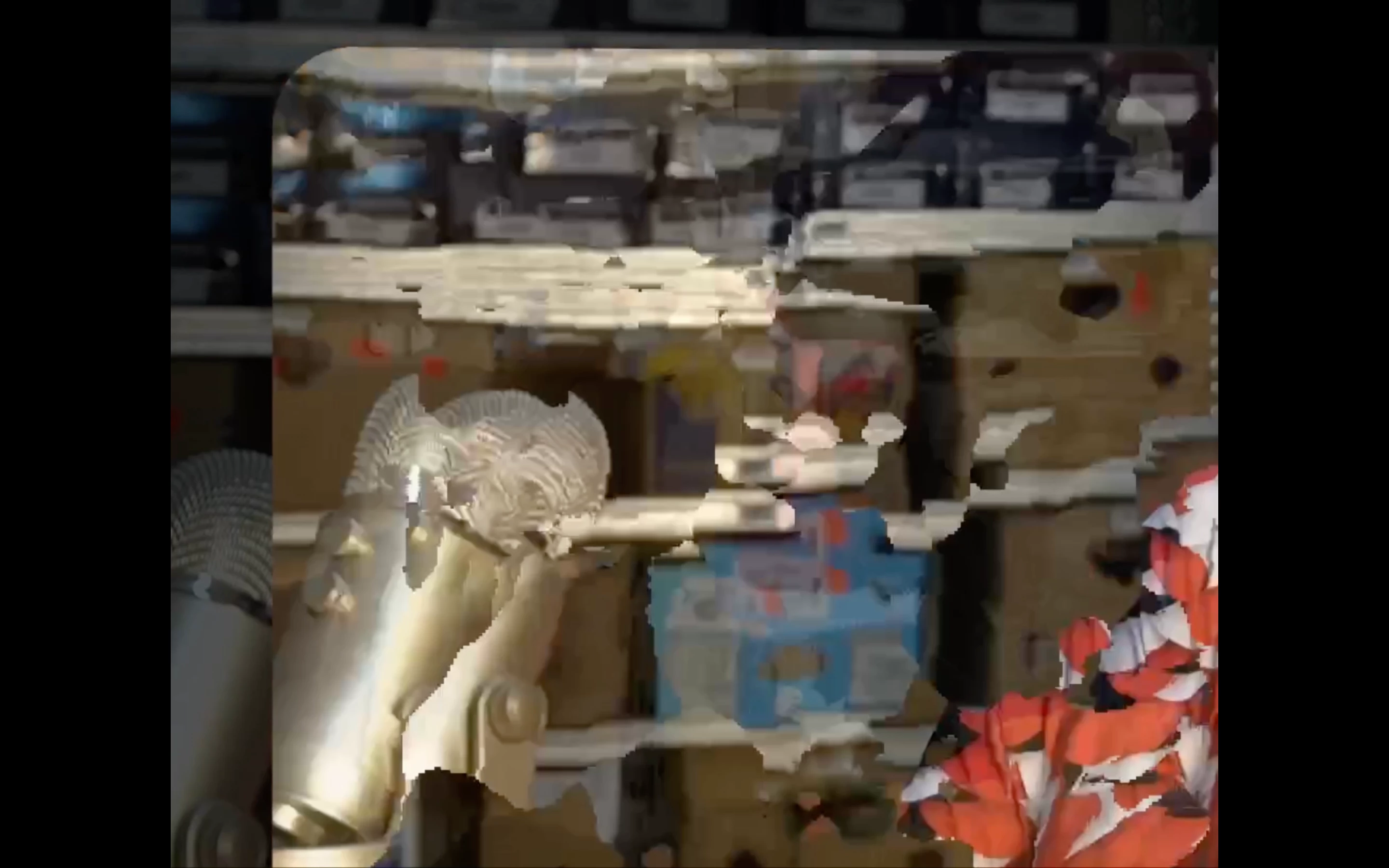
The observable issue that after export when I play the video the tracks are mixed.
Here is a video sample from the issue:
My timeline looks like this:
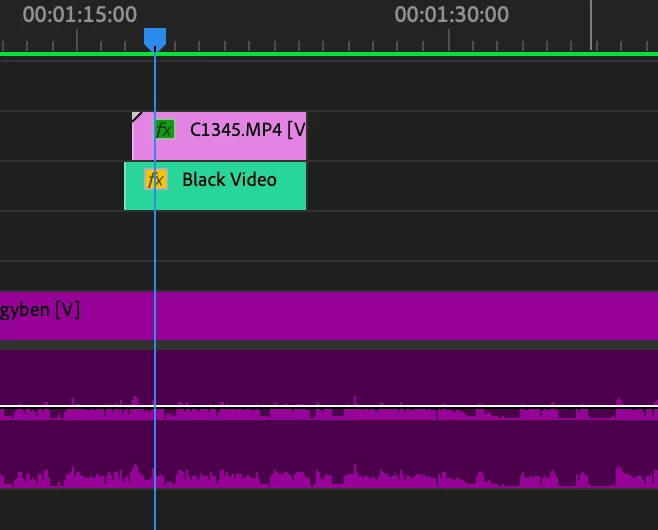
The purple track is V1.
The lavender track is V5.
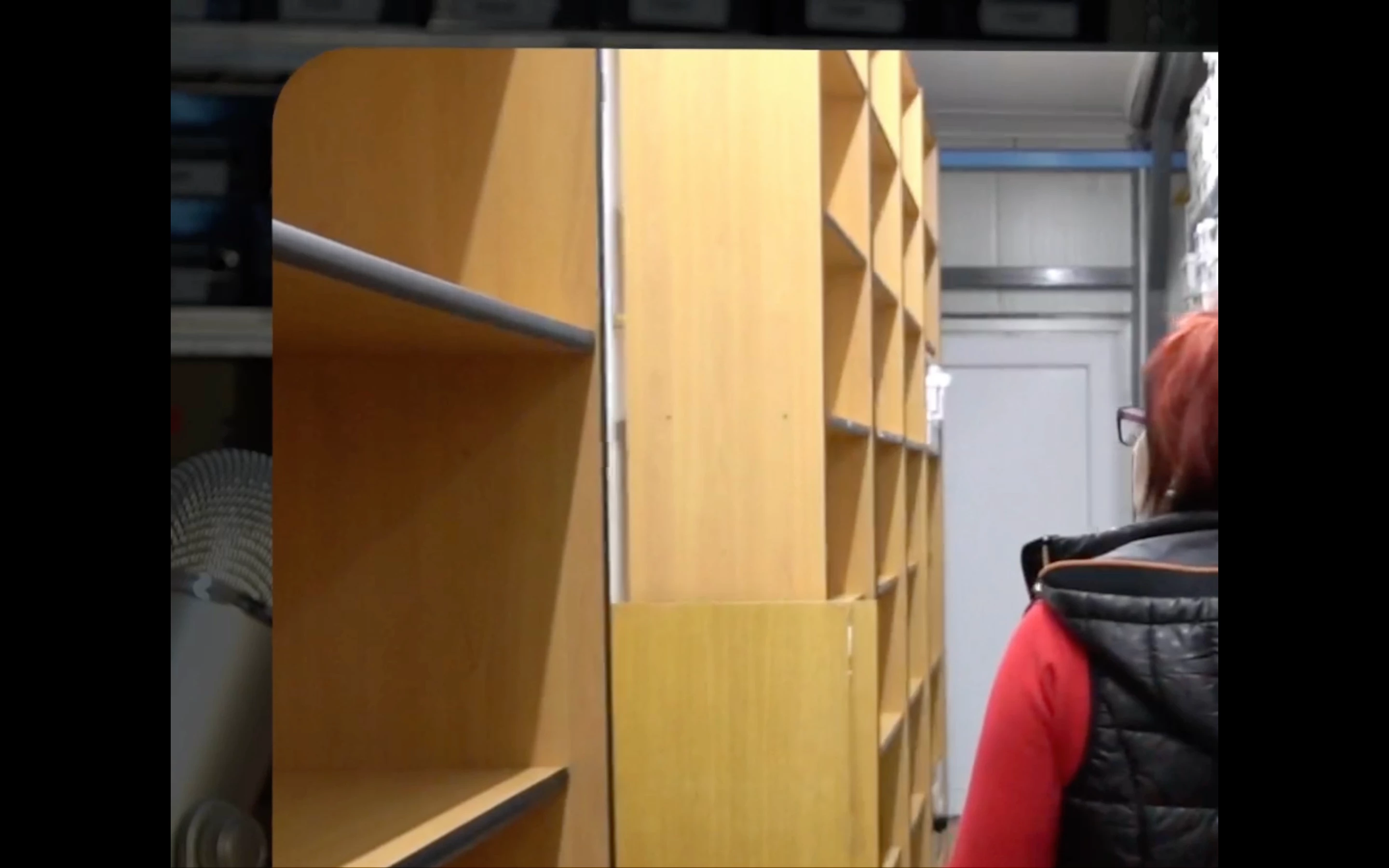
Idealy the V1 track should be in the background and the V5 track should be above it in the mask I made.
Like this:
But after the export the tracks are mixed and for short moments it looks like this.
I use the up to date premiere pro on my M1 Macbook Pro.
I cleared the media cache, tried with pre rendering...
And these haven't solved this issue yet.
The interesting part that there are other video on video parts in the edit but there are no issues with the ones where only one track is visible on the screen. I have problem only with this one where two track should be visible at the same time.
So I am up for any advice.
 AdChoices