
Export looks like an old broken tube TV...that's the only way I can describe it
I'm a designer who's never used Premiere Pro, but I'm having to screen record a demo of an app I designed.
- I got the recording done in a different app, and it looked fine. It output as an MP4.
- Then, I dragged it into premier and used the razor tool to cut. Still fine.
- THEN, I hit export. Here's where the problem hits.
When I export this and try to play it any media player...oh, god, it's awful.
First of all, everything is covered with a static-y effect and a purple overlay with weird horizontal bars of white.
The overlay flickers in and out seemingly every other frame, creating a noisy strobe-like effect. This makes it possible to pause on some frames and see the content behind it, which looks very low resolution -- maybe 240p, if not even worse. Ultra, ultra pixelated. For reference, the source video was a high resolution recording of a 1920x1080 monitor.
I wish I could upload the full video here but I am under a non-disclosure agreement and it's still clear enough to make out our company's logos, branding, etc. Hopefully this description and some redacted screenshots will suffice:
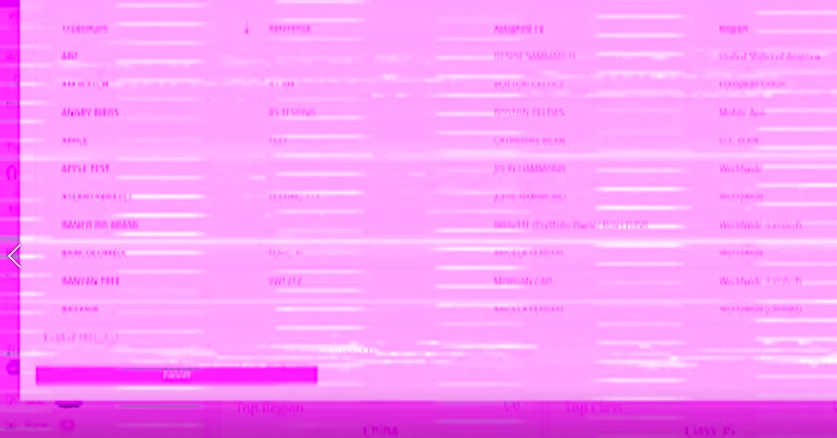
So purple!! Usually the screen is purple like this, but sometimes there's also a thick green bar shooting through the middle:

Again, the ONLY operations I did in Premiere were to cut the footage in two spots with the razor tool, then File > Export > Media.
First I tried to export as an MP4, which for some reason gave me something called a .3gp file instead of...um...an mp4...
Then I tried to export as a .AVI
In BOTH cases, I got this weird visual effect + quality issue. I did not change any other settings in the Export Settings window.
In the preview -- both times I tried -- it looked and played totally fine. Then when I hit the Export Button...voila. Looks like crap.
I really wish I had time to learn the ins and outs of Premiere, but I don't. Please advise!! Thank you very much.
P.S. I am on a Dell laptop running Windows 10

 AdChoices