
Answered
Export Lower Quality than Editing - Export Help Please
Hello!
I'm editing a wedding video and it keeps saving in much lower quality than what I've been editing it as.
Shot in 1920x1080 (1.0) 60fps.
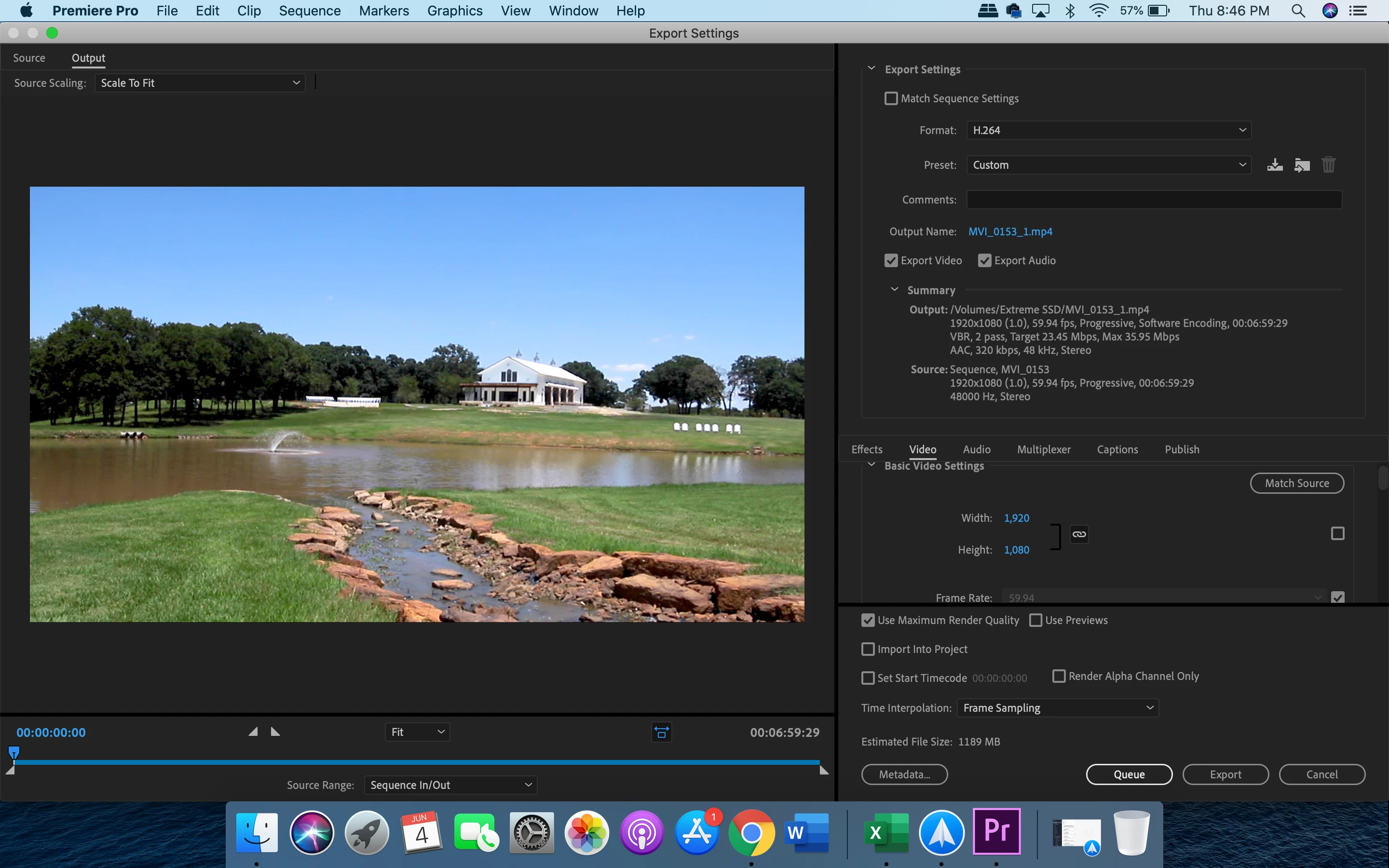
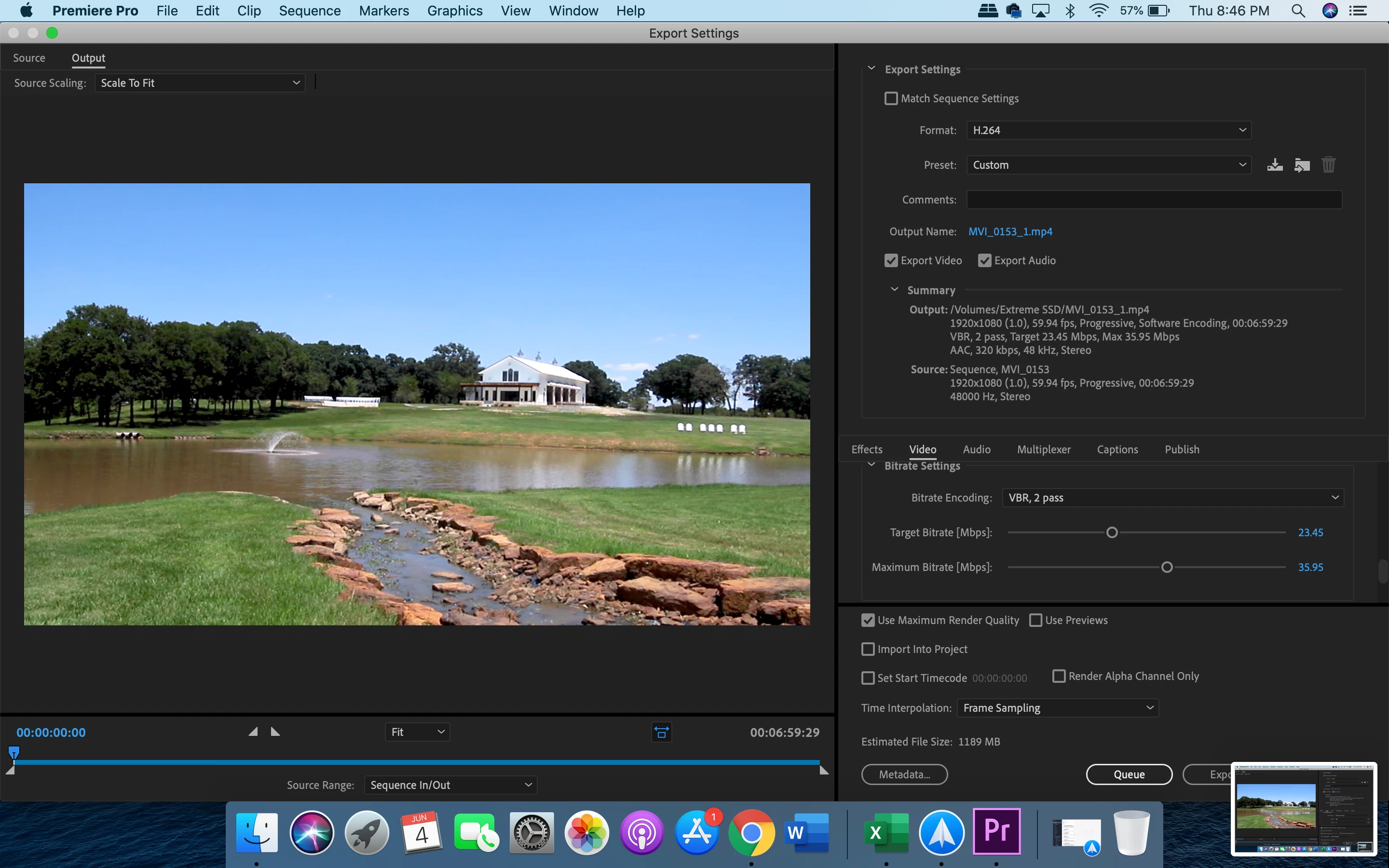
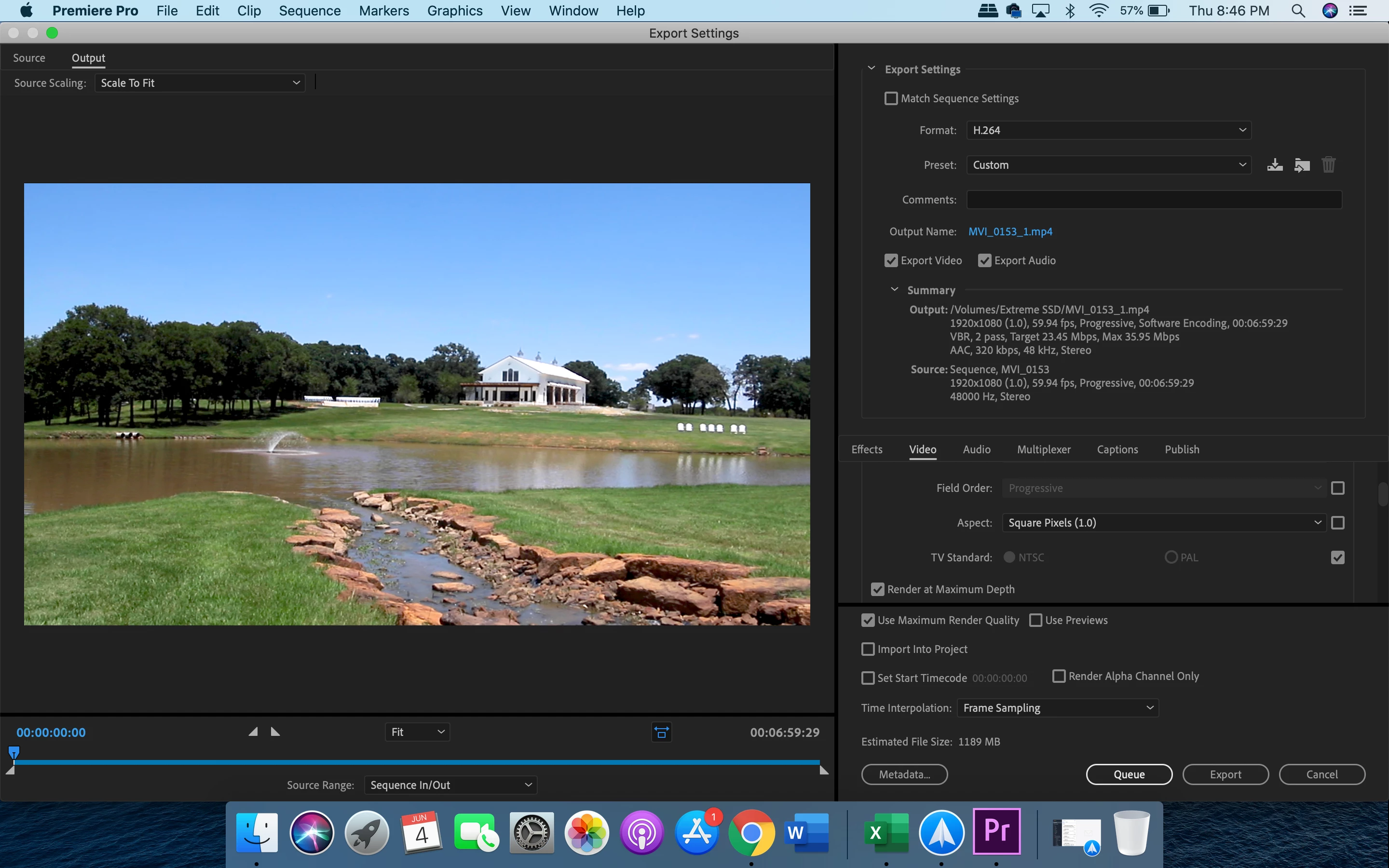
Hello!
I'm editing a wedding video and it keeps saving in much lower quality than what I've been editing it as.
Shot in 1920x1080 (1.0) 60fps.
I downloaded the file you posted, it is HD 1920x1080. I can't judge if the image is degraded as I have not seen the original source.
A good way to test is to export the timeline, then import that file you just exported back into Premiere Pro. Place the video portion of that file you just imported on a track above your edit, so your export is now in sync with the edit. Turn the track on and off and move around the timeline and see if you see any difference in the Premiere Pro program monitor.
MtD
I got it exported with good quality! Not sure what I did that time but it worked. Thanks for your help!
Already have an account? Login
Enter your E-mail address. We'll send you an e-mail with instructions to reset your password.
 AdChoices