You've left out a lot of important information.
Go to the Color Workspace, Lumetri panel, Settings tab. ALL color management options from input through working though output are set there.
Do you have DCM ... display color management ... set to on?
Do you have autodetect log on?
What is your sequence working space?
What do you have the monitor set to?
And what export preset did you choose?
I will add, that if you're on a Mac, then ... you have a pick your poison option thing unfortunately. Most Macs use an odd display transform/gamma for Rec.709 video. Except for those Macs with "reference modes", and if so, then the HDTV option sets the correct 2.4 screen transform/gamma for Rec.709 "broadcast".
Most everyone not on a Mac will get either gamma 2.2 or 2.4 for Rec.709 media.
You can't display a file at two different output/display gamma transforms and see the same image. So ... for those on Macs without reference modes, do you worry only about other Mac users without reference modes seeing mostly what you see?
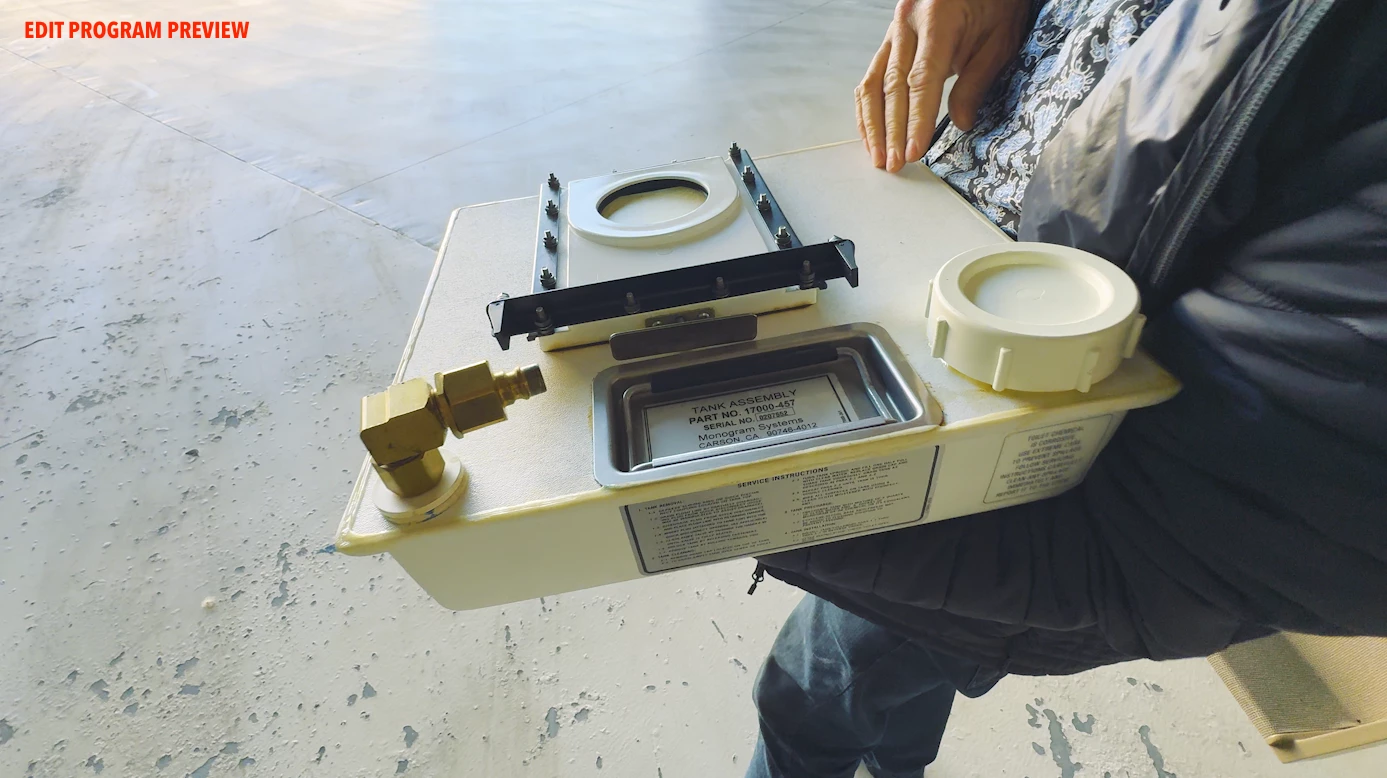
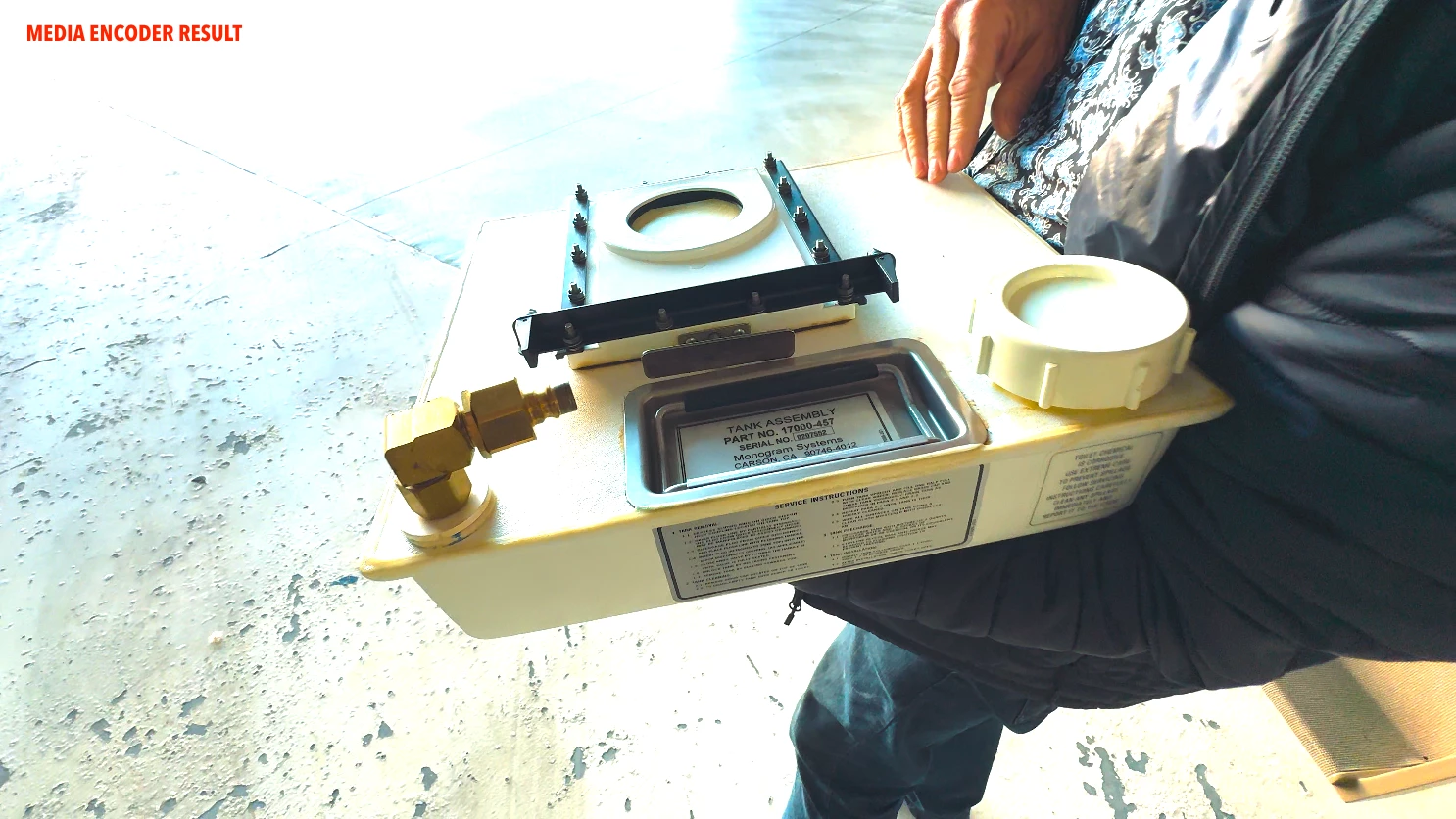
If so, no question, set the display gamma in Premiere to QuickTime 1.96. The image in Premiere will be lighter, and after you export, should be similar to say QuickTime player.
On that Mac, of course. But not on my PC with fully specced Rec.709 calibration/profile run. It will probably be pretty dark and oversaturated.
So if you're on a Mac, who you most worried about?


 AdChoices