Export window freezes, then cancel yields error message
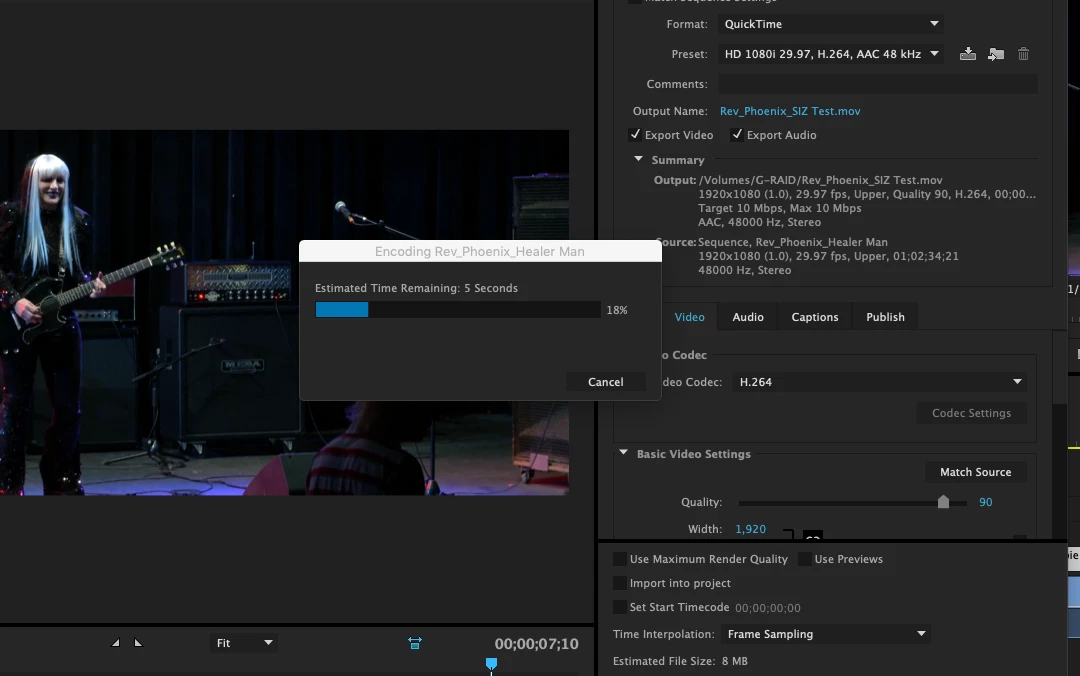
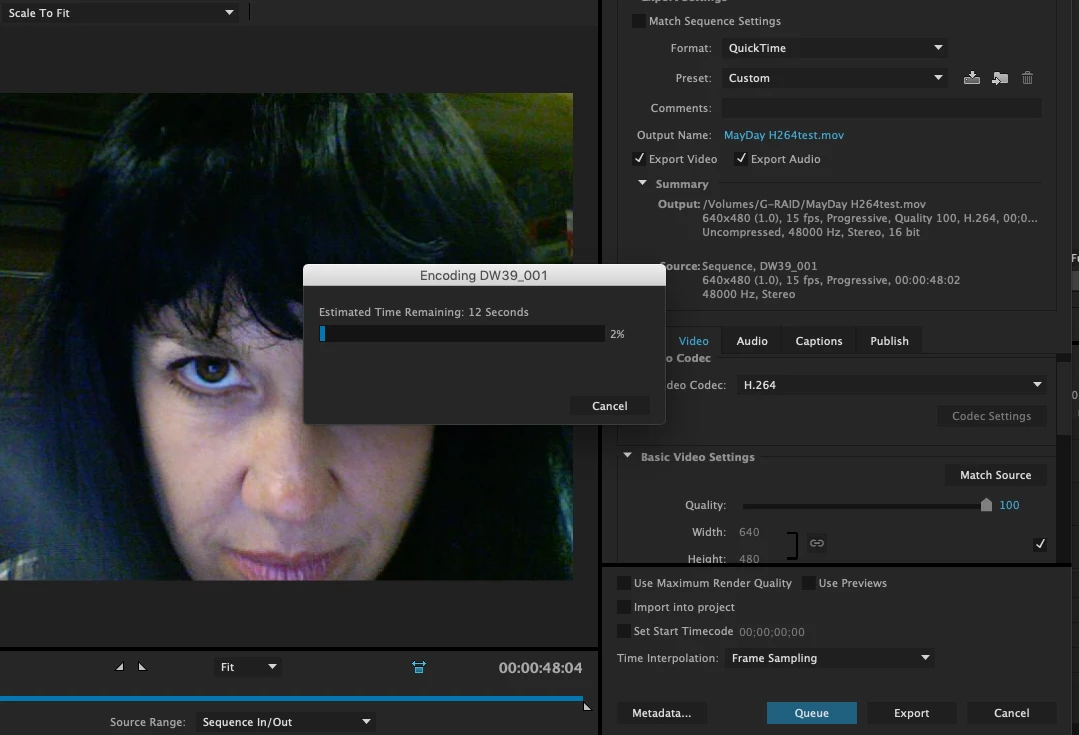
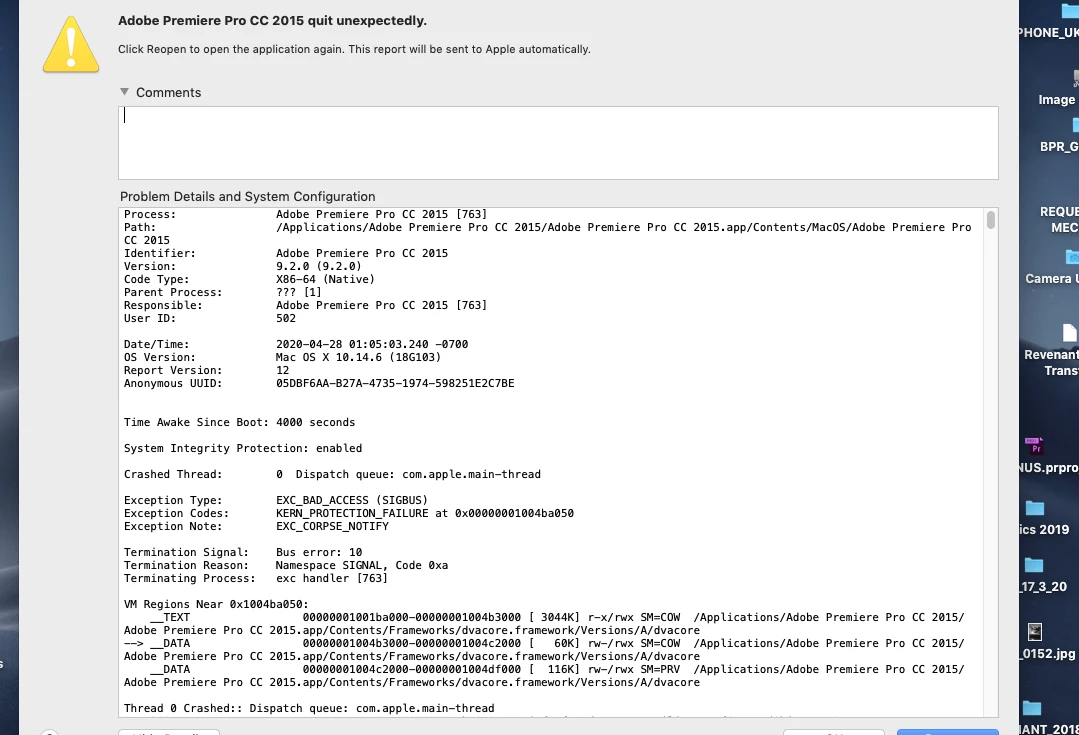
Would anybody have any insight as to why when I select export media it hangs up which after some time requires me to cancel which yields a warning that the project had to shut down due to an unexpected error. Another message states it will try to retrieve the project and prompts me to save it off as a copy. I have had to do this multiple times. Oddly enough the file being compressed appears in the target drive! And it plays fine but I can't keep doing this and randomly cancel when I have long form project to output. I am using a mid 2012 MBP running Mojave (which was recently downloaded and the start of my problems) and CC 2015 Version 9.2 Adobe said they can offer no support for older systems and only can provide assistance for those running 2018-2020 systems. I have attached screen shots from 2 different projects in case this looks familiar. Adobe said I could install a trial version of Adobe Pro 12 with the link they gave me but reading some reports it seems that that did not work for other people and when they tried to go back to the older version of Premiere none of their projects would open. I am trying to output a 90 minute film so I can't afford to take any chances and am finding this all rather frustrating after 4 days of this problem. Any help would be greatly appreciated. Thanks.
Note: One project is 1920 x 1080 and the other is 640 x480.
 AdChoices