
Question
Export without Color Management turned on
Hey guys!
I am facing a huge problem.
I recently edited and graded a video that took me a ton of work. Created my own lut on Davinci and applied it to premiere. Now the Problem:
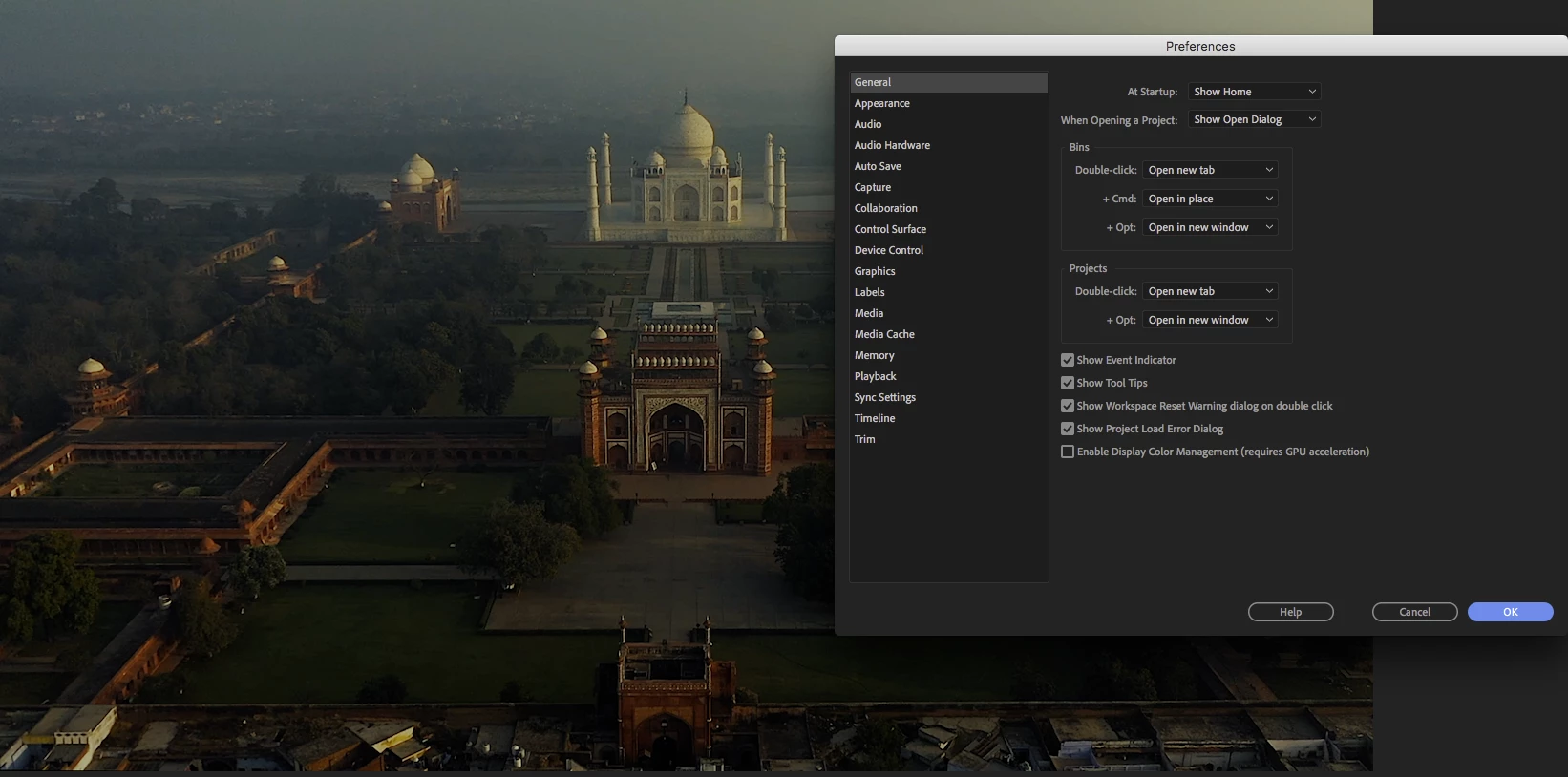
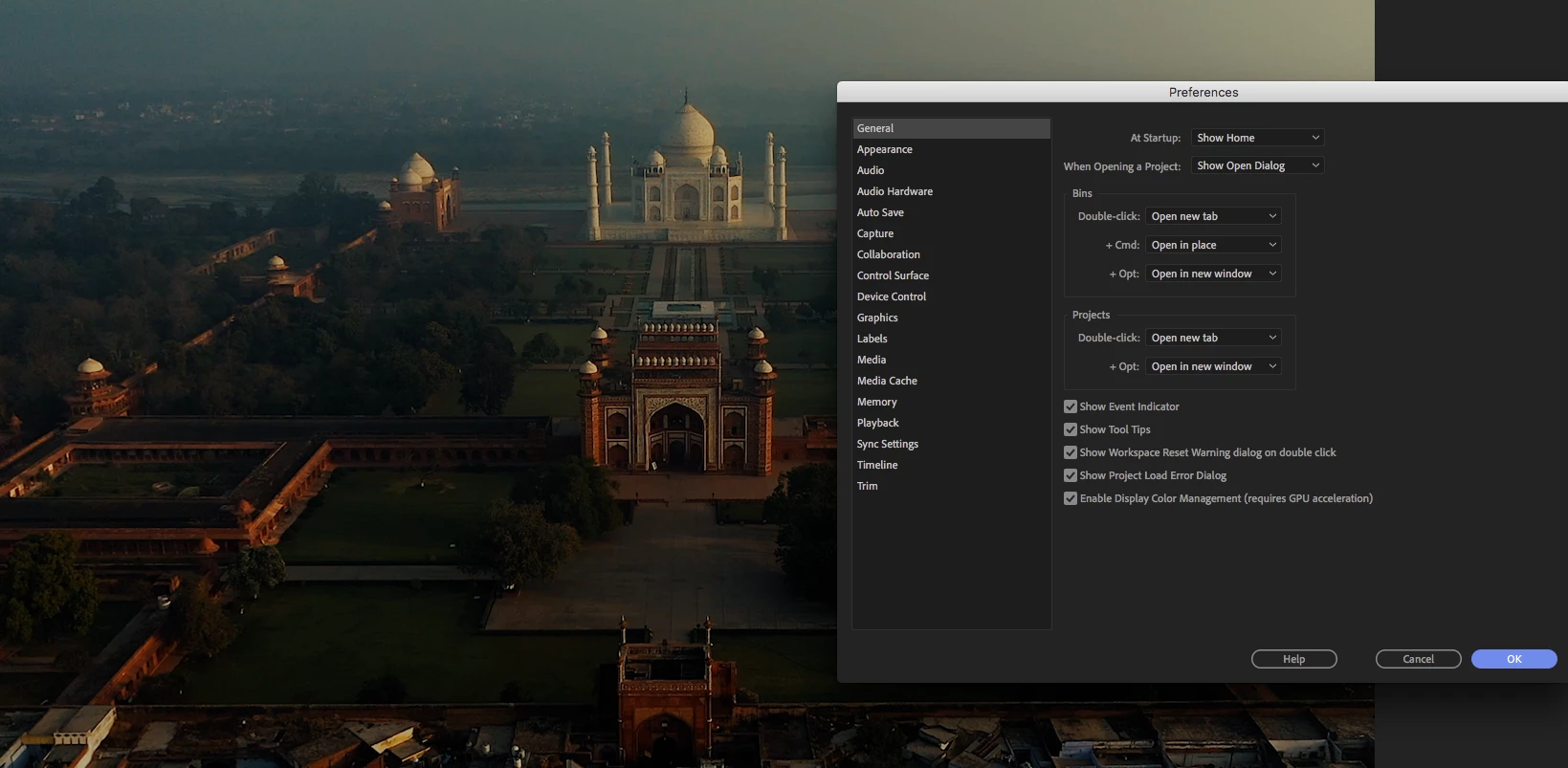
The final EXPORT is always oversaturated and not like I've seen it on the monitor. After some searching I found out there is a setting called "Enable Display Color Management" and it was unchecked (never touched that before tho)
The final export looks like that - when I check this setting. But now some sequences are extremely weird, colors bugging, ugly color noise.
What is that? And how can I just export it without this "enabled display color management".??
Thanks a lot in advance!
 AdChoices