
Participant
March 1, 2024
Question

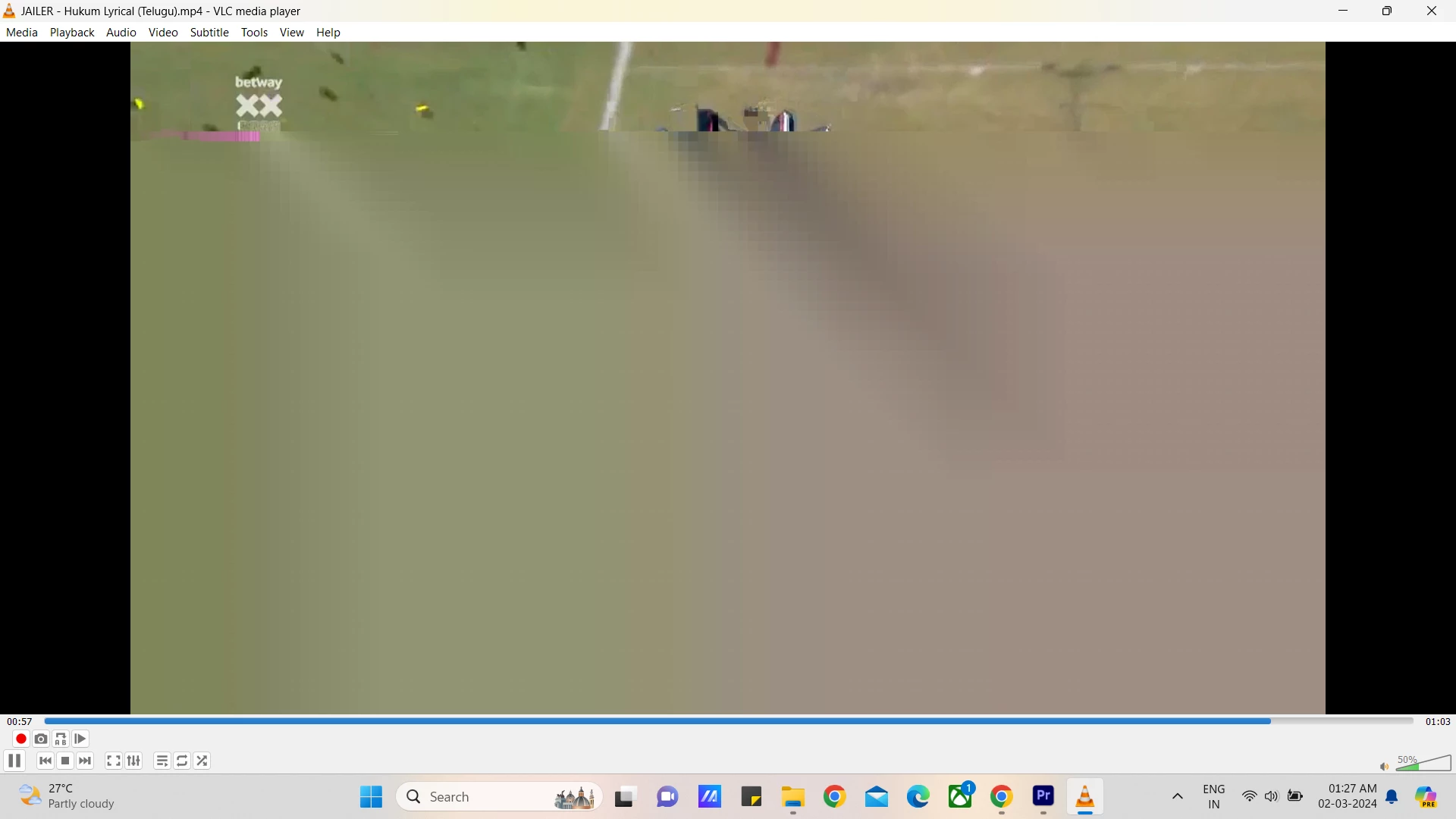
Exported Output Video playing glitchly

  • March 1, 2024
  • 2 replies
  • 430 views

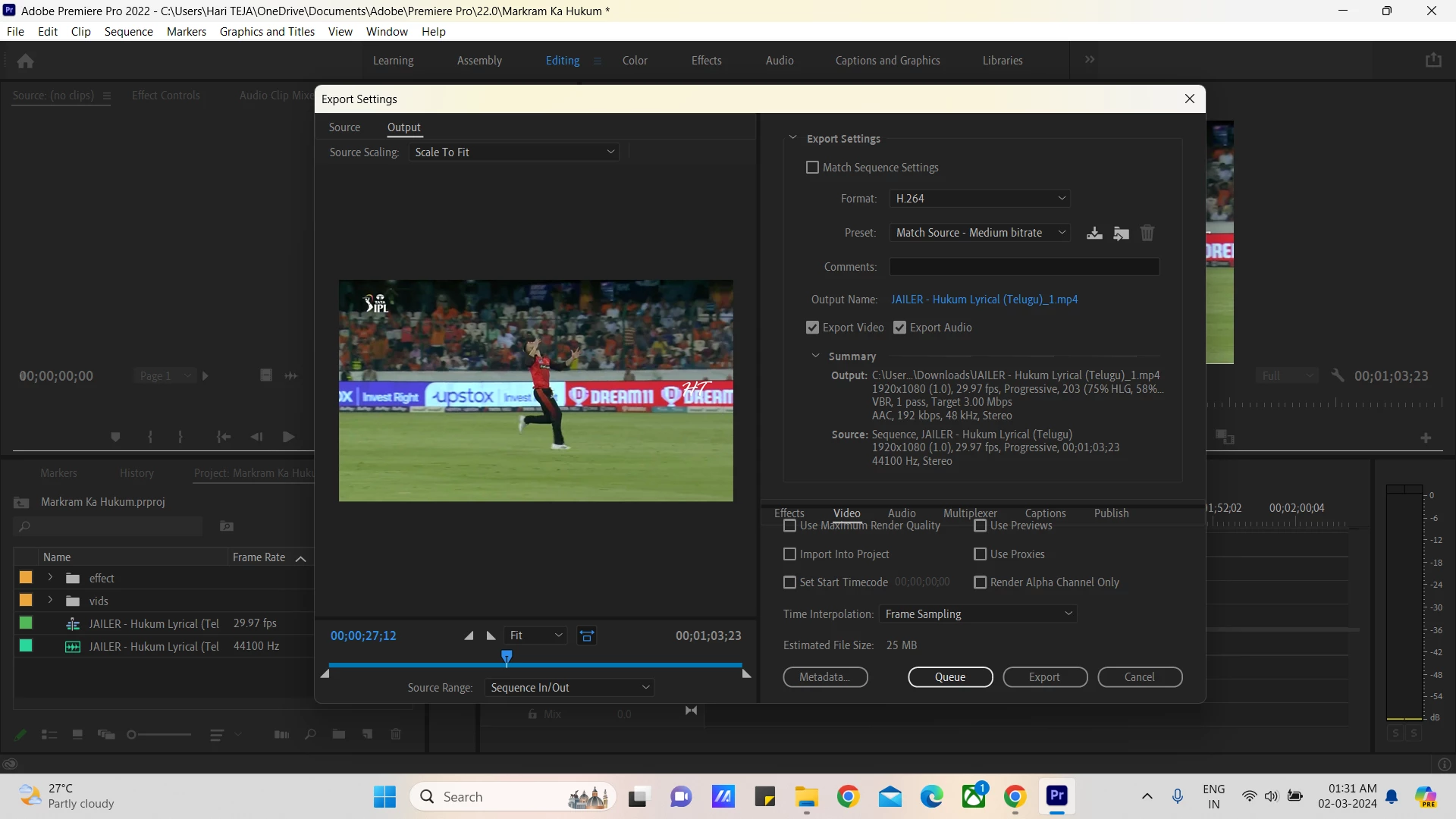
Didn't changed any settings while exporting or editing...suddenly  I couldn't able to play a clear video of my exported...there are no signs of any errors or anything.By seeing some of tutorials in yt i have cleared media cache,reseted my preferences...software is running smoothly...but my exported video is playing totally glitchy...please help someone who know how to fix it...
This topic has been closed for replies.

2 replies

Peru Bob
Community Expert
Community Expert
March 2, 2024

If NVIDIA graphics, make sure to use a Studio Driver from NVIDIA (NOT the Game Driver), but not the latest version - it has issues with Premiere Pro.

Participant
March 2, 2024

how to actually do that settings sir?

Peru Bob
Community Expert
Community Expert
March 2, 2024

Go here to download:

https://www.nvidia.com/en-us/geforce/drivers/results/218115/


Choose Clean installation and don't install GeForce Experience.

Ishan Y
Inspiring
March 1, 2024

Hey there,

Sorry for the poor experience. In the export settings under the Video tab, try changing the Performance option to Software Encoding. Let us know if you still see the export artifact. Please also share which GPU you're using and what type of source files you're working with. That will help us better understand the problem. 


Thanks,

Ishan

Participant
March 2, 2024

Didn't really help after changing to software encoding....output video is showing full of glitches ,video not even playing.....in project settings even i have changed rendering to mercury playback engine software only even though the output is the same....my source videos are of MP4 type files