
Exported Video is Unplayable
Hello,
I completed my project several days ago and posted the finalized video to YouTube. I quickly realized that I didn't specify what parts of the project I needed rendered, so the video I uploaded was cut short by about 6 minutes and also had the intro cut off.
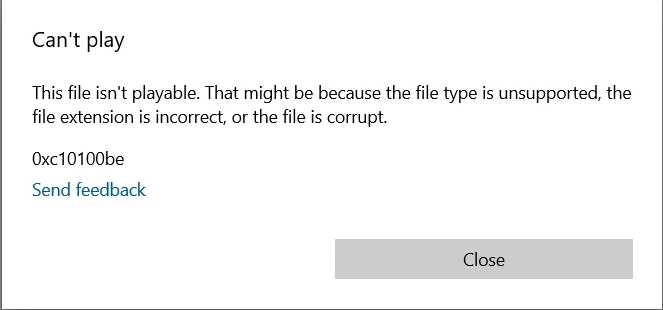
I went back into Premiere Pro and decided to change what parts of the video I was rendering and make a few more edits/cuts. But now everytime I attempt to export my project, the output file is completely unplayable.
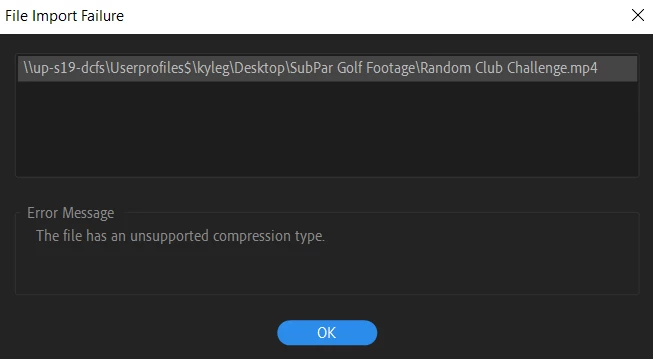
I've attached my export settings within Premiere Pro, the error message I get when clicking on the exported file, and the error message given when I try to put the file back into Premiere Pro.
I've looked through the forums and have tried a few fixes but to no success. Please help, thanks.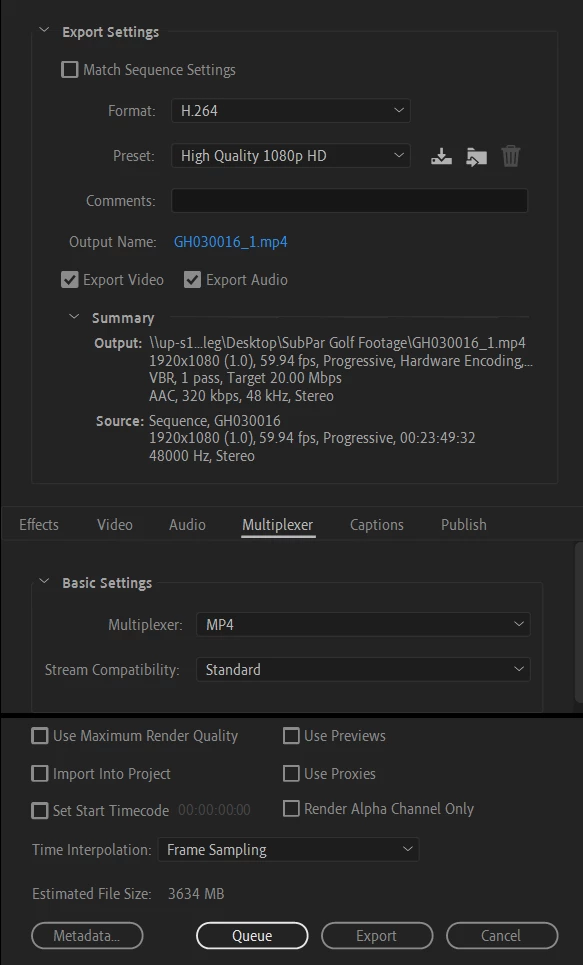
 AdChoices