Participant
July 6, 2020
Question

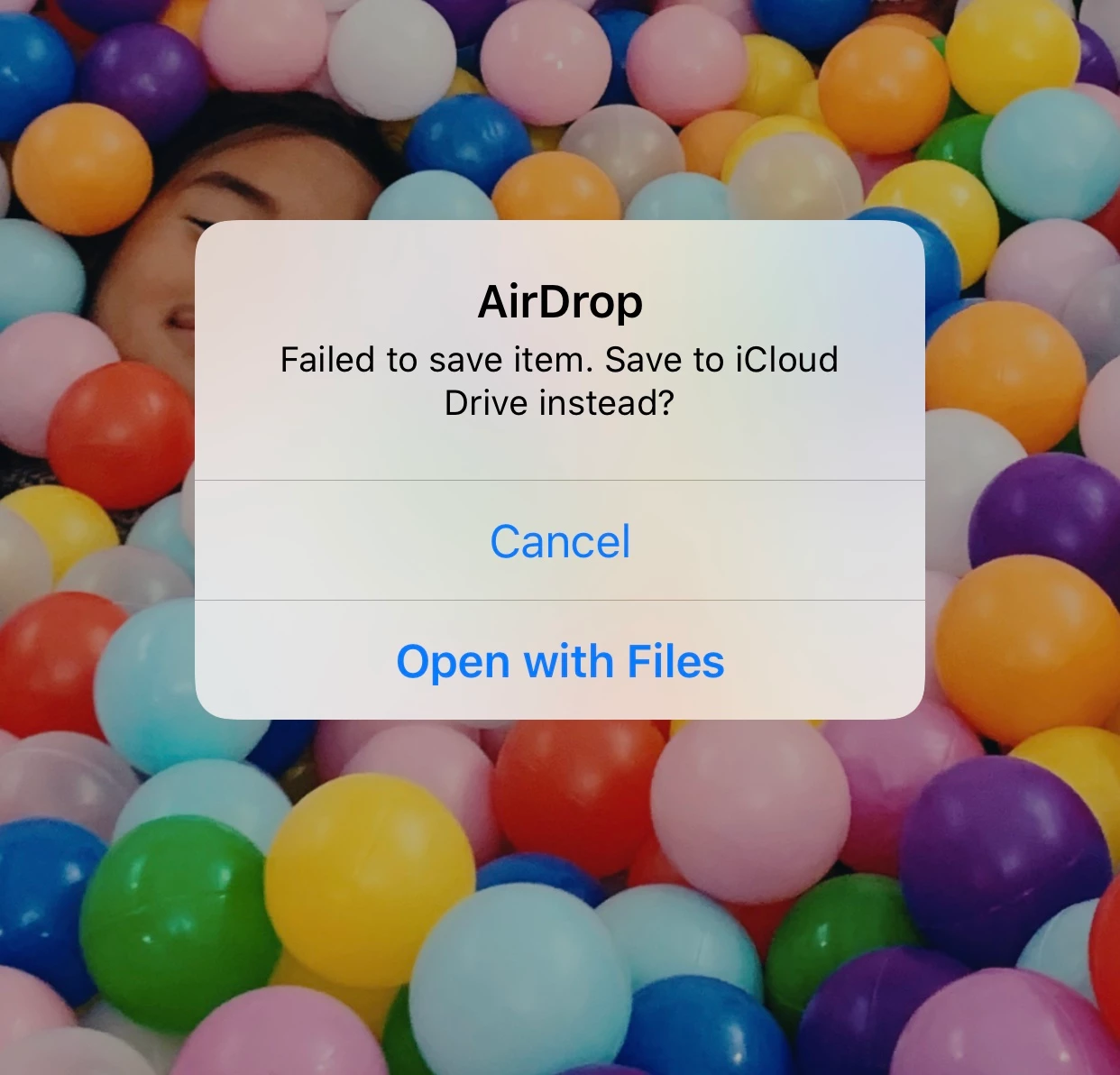
Exporting 1x1 instragram size video - fails when sent via airdop

  • July 6, 2020
  • 3 replies
  • 523 views

Hi there, I've made a trailer for a music video for an instagram post. I normally share videos via airdop to get them onto my iphone. I export, video plays fine on my mac but the moment I share to my iphone it says air drop failed. 

I've tried:

-exportingwith media encoder

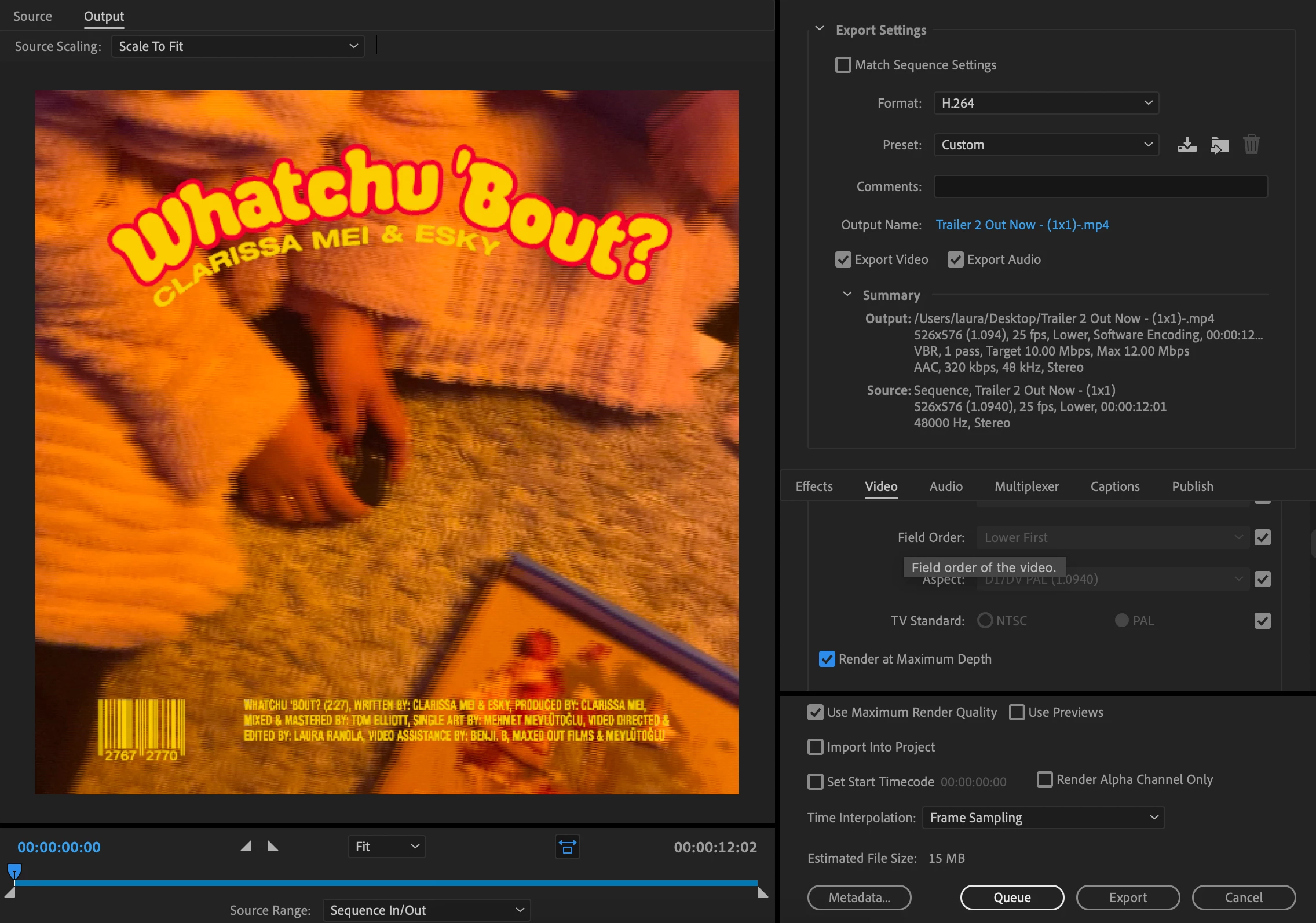
- change the preset to 1080 p for Mobile device and youtube


but none works and still fails to send via airdrop

Is there any other way I can get these files onto my phone or am I exporting this wrong?

This topic has been closed for replies.

3 replies

Warren Heaton
Community Expert
Community Expert
July 6, 2020

This is something happening between macOS and iOS.


Try putting the resulting MP4 file in your iCloud storage on your Mac.  It should sync to your iPhone and show up under Files.  From there, you should be able to use the Share icon to "Save to Videos" where it should be available to the Instagram app.


Neither macOS nor iOS should care about the filename, but also change the (1x1) to just 1x1 (remove the parenthesis).

Joëlle Bh
Community Expert
Community Expert
July 6, 2020

Ps : some people change the field order option in the export settings and it fixes their issue and other than that you're using the right settings h264 etc. So you should be able to send the files straight to your gallery

Warren Heaton
Community Expert
Community Expert
July 6, 2020

Video for Instagram should not have fields.  That is only for broadcast formats.

Joëlle Bh
Community Expert
Community Expert
July 6, 2020

Can you please check the storage on your iphone?

and try to restart your laptop and your iphone and do it again

you can also try to press open with files you might find your video in the files app click the box with arrow in top right corner- gives you more options for the file.