Exporting full 47 minute video results in an unplayable file.
-Win10
-Premiere Pro CS5
I've tried more codecs and formats than I can list, but the same thing (almost) always happens. The video will render without any error messages in Premiere, but the final file cannot be played back in any way. Attempting to upload it to YouTube results in an error message when it tries to process the file. In addition, the "Details" page of its properties is largely blank.
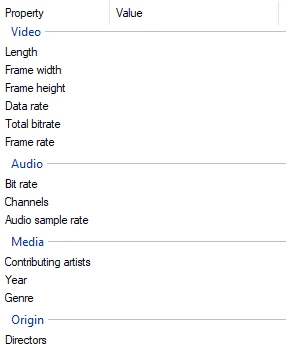
Rendering the video out in two halves works properly and produces playable files, but the free software LosslessCut cannot merge the two files, despite it seeming like it should be able to.
Exporting the whole video as a WMV is the only way I've found to produce one whole unbroken file, however the quality and framerate are unusable.
I've cleared the cache, I've restarted my PC, I've made sure that my drives have more than enough space to accomodate the final file size, and I've tested rendering it onto multiple different drives. I've never had this issue happen before, much less so consistently. What's going wrong? What can I do?
 AdChoices