
Tebz Moagi
Participant
May 3, 2023
Question

Exporting Issues with premiere
  • May 3, 2023
  • 3 replies
  • 243 views

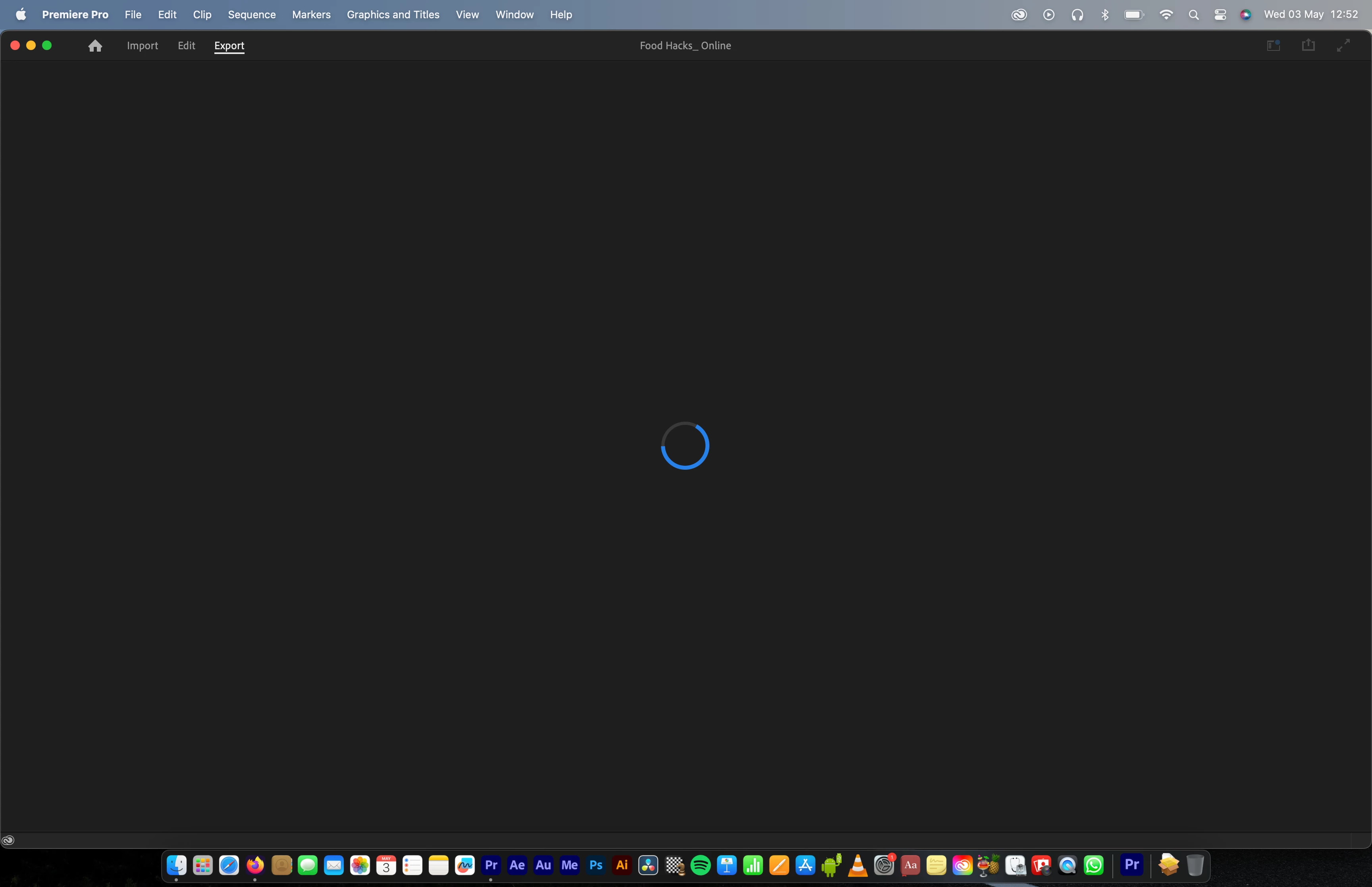
 My premiere pro export page refuses to load, therefore I am unable to export directly from Premiere. Any help?

I've tried to uninstall the app and installed it again yet no luck.

This topic has been closed for replies.

3 replies

Tebz Moagi
Participant
May 3, 2023
Thanks a lot, it worked
Participating Frequently
May 3, 2023

If you are experiencing exporting issues with Adobe Premiere Pro, there are several steps you can take to try and resolve the problem:

1. Check your export settings - Make sure that your export settings are correct and match the specifications of the output file you need.

2. Clear cache files - Clear your cache files by going to "Edit" > "Preferences" > "Media Cache" > "Clean".

3. Check for software updates - Make sure that Adobe Premiere Pro is up to date by checking for software updates.

4. Use a different export format - If you are having issues exporting to a specific format, try exporting to a different format to see if that resolves the issue.

5. Use Adobe Media Encoder - Try exporting through Adobe Media Encoder instead of Premiere Pro. This can sometimes resolve exporting issues.

6. Check for third-party plugins - Third-party plugins may sometimes cause exporting issues. Try disabling any third-party plugins to see if that resolves the issue.

7. Check for hardware issues - If you are still experiencing exporting issues, it may be a hardware issue. Check for any hardware problems such as insufficient RAM or hard drive space.

If none of these steps resolve the exporting issue, you may need to contact Adobe support for further assistance. They can provide specific troubleshooting steps for your particular issue.