


Exporting Takes FOREVER to Render Audio Before Exporting
Hi there community! I'm having a heck of a time exporting my feature reels because for some reason the Audio is taking an exceptionally long time to render. This has been a problem with this particular project and after using Premiere for 10+ years, I'm really stuck and have no idea what to do. I can't walk away for an hour every time I need to export a 12 minute video.
I'm using the latest version of Premiere, Macbook Pro 16-inch M3 Max 128GB, Sonoma 14.7
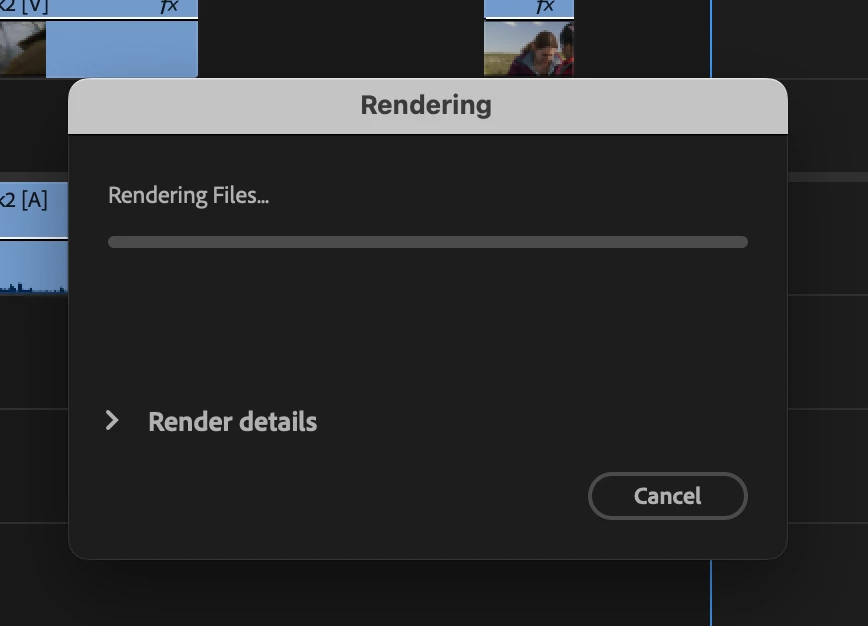
This project is running 6K video, and the production audio is 48k 32-bit. I'm also using a mix of other audio sources from sound effects libraries, music rips, etc -- it all plays just fine as I'm cutting, but the longer I work on this project, the longer these audio renders take. I don't even get a progress bar when the audio render starts, I just get this for 20-min to an hour before the video render starts. The video takes no time at all.
I've got about 32 tracks of audio for organization, though most of them are unoccupied as I only have to do brief flurried of complicated SFX.
I have the tracks routed to 3 submixes to separate Dx, Fx, and MX, and I also have 3 busses set up for light reverb and noise reduction that I turn on and off sometimes for the dialogue -- but that's it. No other audio effects are being used, no 3rd party plugins, nothing fancy.
After doing some reading on older posts it looks like it could be a mis-match in project settings compared to my source audio, but this might be outdated as I can't find a way to change my project to 32-bit.
Any help would be greatly appreciated!! Thank you!!!
Josh
 AdChoices