Participant
May 22, 2024
Question

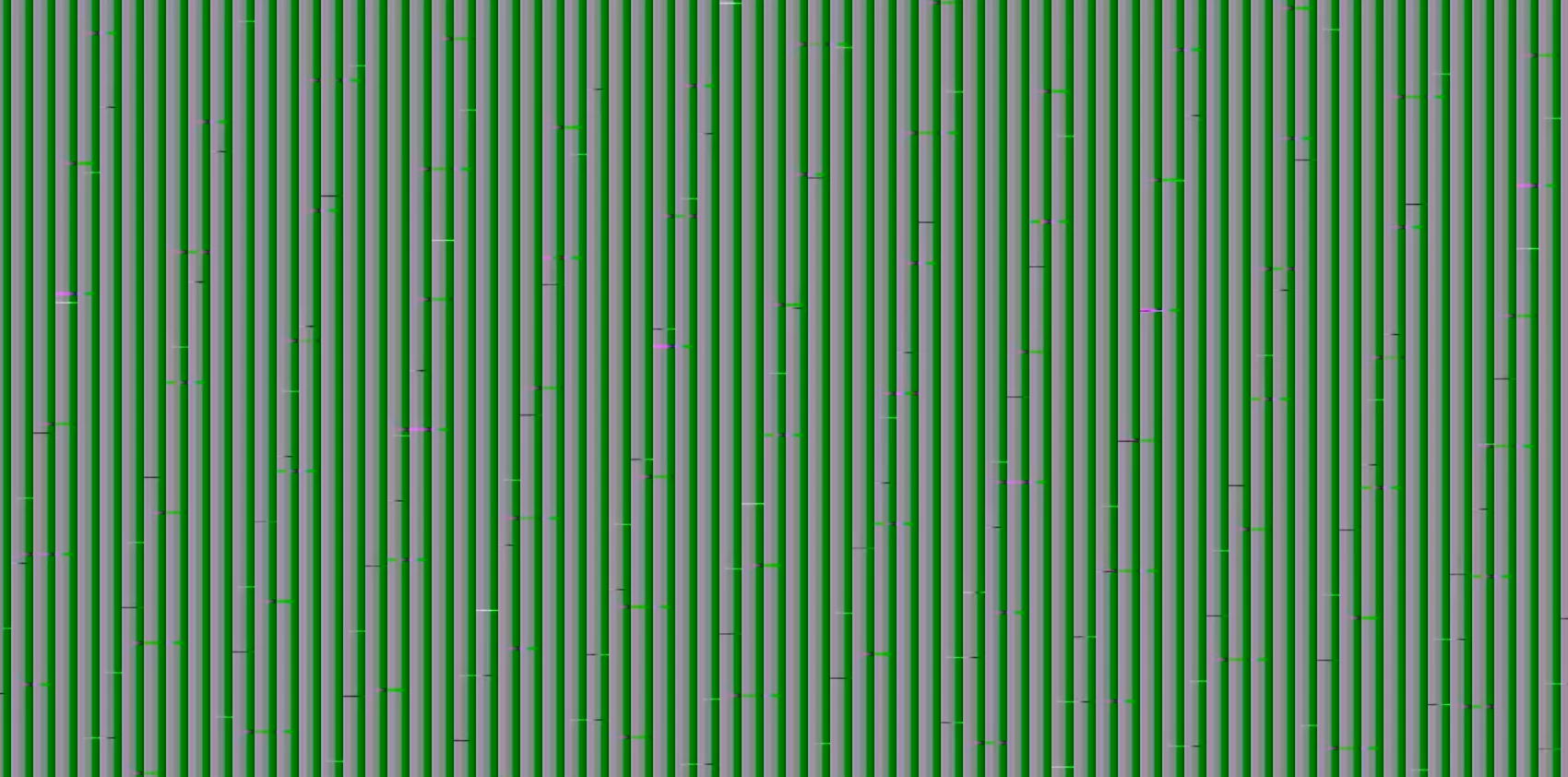
Exporting video and content is covered in green lines

  • May 22, 2024
  • 3 replies
  • 172 views

Lately, when I export a video from Premiere Pro the content is covered in green lines or noise. I've updated my system and GPU driver. What's going on? How do I get this fixed? Attached are screenshots. 

 

This topic has been closed for replies.

3 replies

Peru Bob
Community Expert
Community Expert
May 22, 2024

 If NVIDIA, do a clean installation of the latest Studio Driver (NOT the Game Driver).

R Neil Haugen
Legend
May 22, 2024

What is your OS, CPU, and GPU? And the media ... ?

Everyone's mileage always varies ...
kglad
Community Expert
Community Expert
May 22, 2024

in the future, to find the best place to post your message, use the list here, https://community.adobe.com/

p.s. i don't think the adobe website, and forums in particular, are easy to navigate, so don't spend a lot of time searching that forum list. do your best and we'll move the post (like this one has already been moved) if it helps you get responses.


<"moved from cc desktop bugs">