I have been exporting as a QuickTime format initially. I have rendered the part i want to export, the caption settings match when i export, my closed caption file that i am using is formatted .scc(I've also tried .mcc), my original video source is in the format of .avi (I've also tried .mov files as the original source file), when i go to export i make sure it's in quicktime, I choose the option to burn, i have the same settings for the captions as i did in my display monitor, but yet when i get the exported video the text remains on the screen with no option to toggle CC on and off. Does the original sequence setting matters? that's one thing i haven't tried changing. I've attached some screen grabs to see if I'm missing something Premiere Pro CC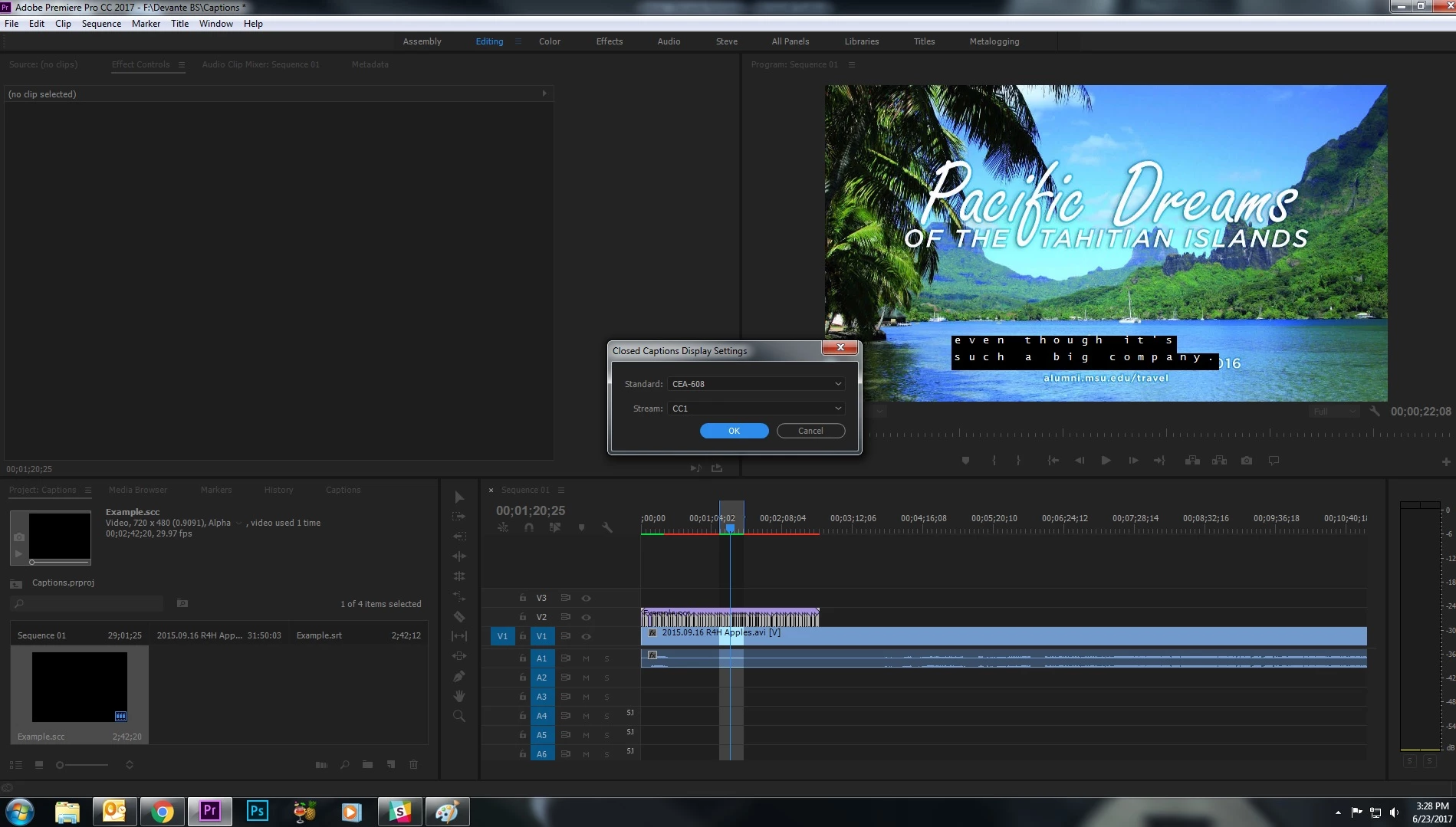
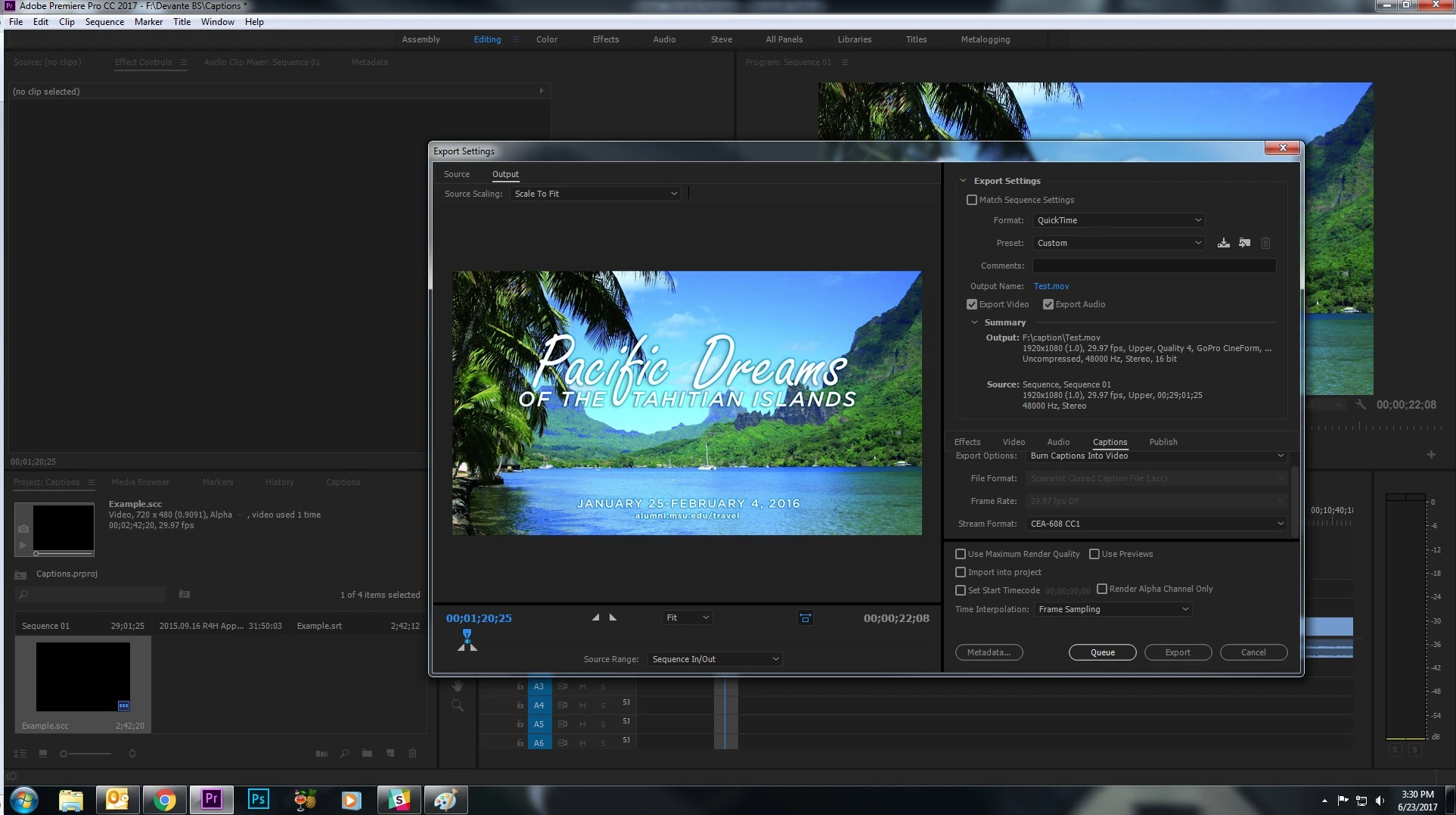
You're embedding the captions into the video (on Line 21 if you're curious) like it was going for broadcast. Since you would just hand off that 1 video file to a station server, you couldn't hand off a sidecar file (which is what YouTube will need).
Under File > Export > Captions (choose .srt) and upload that to YouTube under the Subtitles/Captions tab.
If your captions are 608s, you may have to Right+Click on your Captions in the Project Bin and Modify > Captions > 708.
FYI, if you use MediaInfo on your export, you'll probably see your caption stream, but since it's embedded into your video stream - computer media players won't 'see' it. That's why TVs have caption decoders built into them.
EDT: That last example you posted is your open captions burned in. It's bad info to tell you either embed or burn into video is the same thing. 


 AdChoices