Participating Frequently
June 23, 2023
Answered

ExtendScript Metadata - Get Clips Field Type

  • June 23, 2023
  • 1 reply
  • 1328 views

Hi, I'm working on a panel for Premiere Pro and I'm working on metadata, especially fieldType.
I need to find the field type of the sequence, which works like this:


var timelineFieldType = app.project.activeSequence.getSettings().videoFieldType;


which returns a code (0 for progressive, 1 or 2 for interlaced), which is perfect.

Now I need to find the fieldType of each clip in the sequence, which I do like this:


var kPProPrivateProjectMetadataURI = "http://ns.adobe.com/premierePrivateProjectMetaData/1.0/";

var xmp = new XMPMeta(videoTracks[0].clips[0].projectItem.getProjectMetadata());

var currentClipFieldType = xmp.getProperty(kPProPrivateProjectMetadataURI, "Column.PropertyText.FieldOrder");


But this method doesn't return a code, but a label. For example in French, for a progressive video it says "Aucune Trame".
My problem is that my panel has to work in several languages, so the label will change, so I'm wondering if there's any way to retrieve a clip's fieldType as an integer (the same way as the sequence's fieldType) instead of a label?
Thanks
This topic has been closed for replies.
Correct answer Bruce Bullis

I haven't changed the fieldType of the project Item. I've just added a few clips to my timeline, some progressive and some interlaced, and I'm trying to access their fieldType from the code. I didn't do any special processing

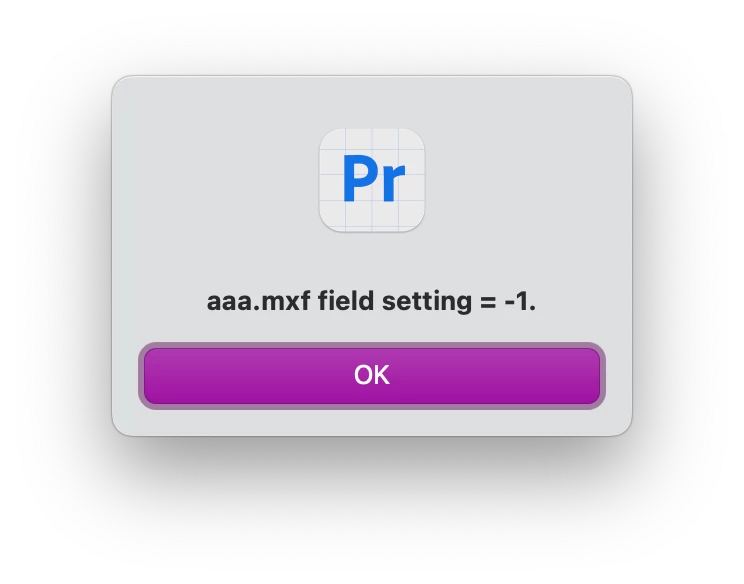
But I still get "-1" with the fieldType of the footage interpretation for all my project items. But when accessing the project item's metadata, the fieldType is correct, but as a label, as I said in my first post.
A colleague has also tested it, and has the same problem.
Could this be a version problem?


Could this be a version problem?

Possible, but doubtful; we haven't changed this API in years. 🙂

Here's how I'm seeing successful changes to the field setting: 

0 Launch PPro.

1 New empty project.

2 Import valid media; in my case, I imported an .mxf file with no fields (progressive).

3 Run script

Interim result: -1


4 Context click the media in the project panel, select Modify --> Interpret Footage...
5 In the resulting dialog, set Field Order to conform to "Upper field first", click OK.

6 Run script
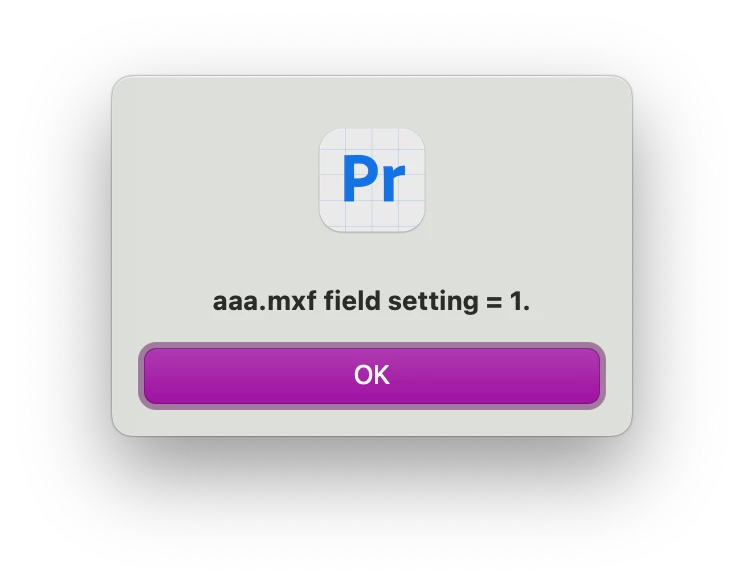
Result: 1


7 Context click the media in the project panel, select Modify --> Interpret Footage...
8 In the resulting dialog, set Field Order to conform to "Lower field first", click OK.
9 Run script
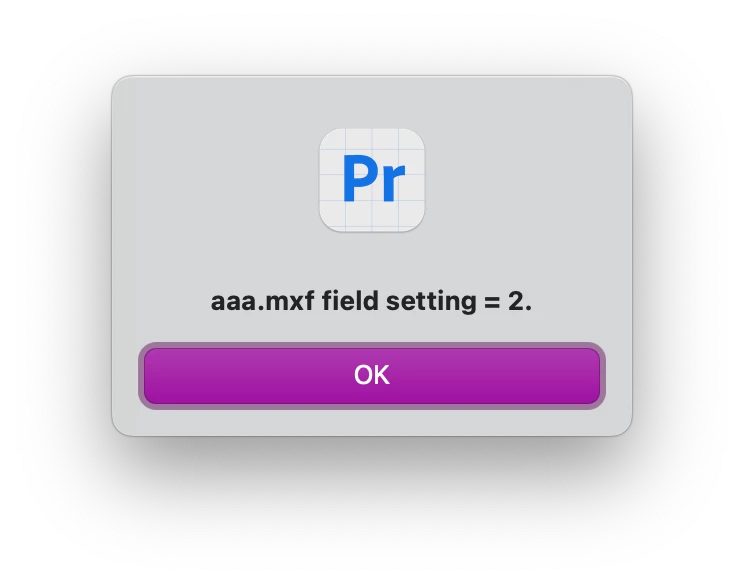
Result: 2


Updated script:

var firstProjectItemInProject = app.project.rootItem.children[0];

if (firstProjectItemInProject){
	var interp = firstProjectItemInProject.getFootageInterpretation();
	if (interp){
		var fieldType = interp.fieldType;
		if (fieldType){
			alert(firstProjectItemInProject.name + " field setting = " + fieldType + ".");
		}
	}
}

1 reply

bbb_999
Adobe Employee
Adobe Employee
June 23, 2023

You can get the projectItem associated with the trackItems in your sequence, then get its footage interpretation (which includes field settings). 

var firstProjectItemInProject = app.project.rootItem.children[0];

if (first){
	var interp = firstProjectItemInProject.getFootageInterpretation();
	if (interp){
		var fieldType = interp.fieldType;
	}
}
Participating Frequently
June 26, 2023

This code seems to return "-1" in all casess (clip progressive or interlaced) 

Bruce Bullis
Community Manager
Community Manager
June 26, 2023

?! Bizarre. How/where are you changing the projectItem's field type interpretation?

I've confirmed that interp.fieldType correctly updates to different field settings, when changes are made in the Interpret Footage dialog for a given projectItem..