Ann Bens
Community Expert
Community Expert
February 21, 2020
Répondu

FAQ: After updating Premiere Pro, should you delete media cache?

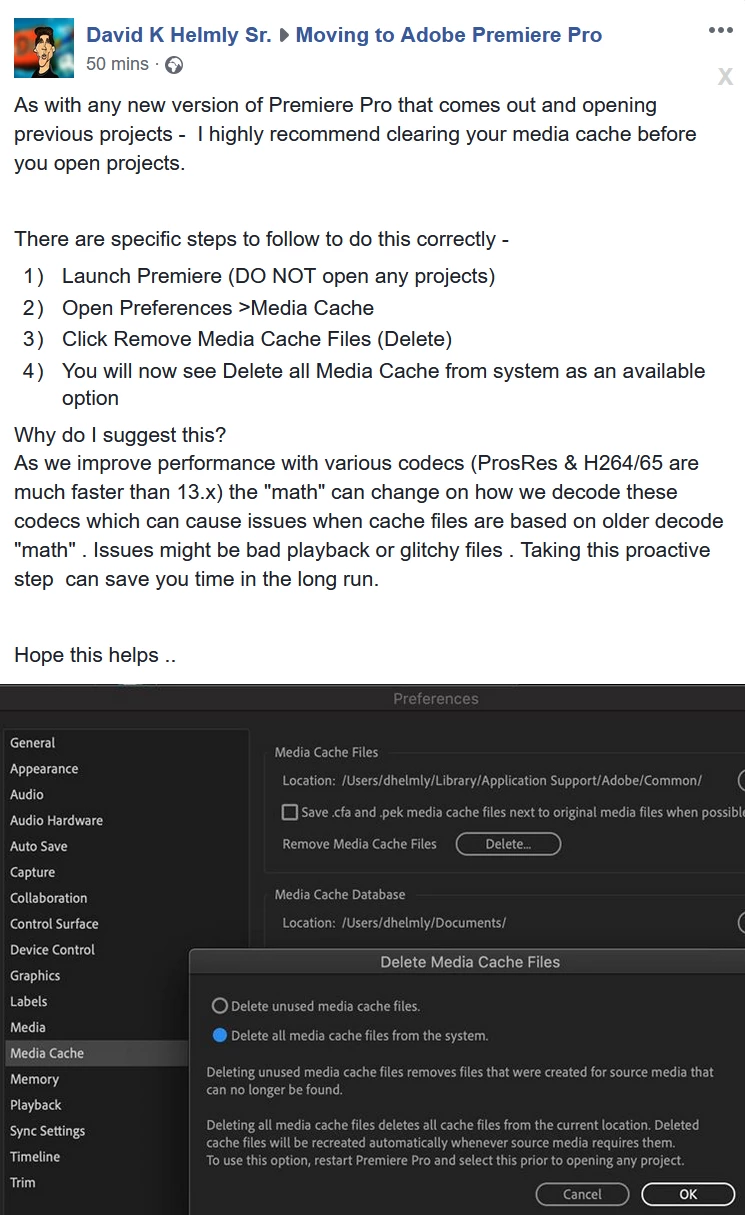
Screenshot of a post on FB.


Ce sujet a été fermé aux réponses.
Meilleure réponse par Kevin J. Monahan Jr.

I'll copy the text so Google can find it:


As with any new version of Premiere Pro that comes out and opening previous projects - I highly recommend clearing your media cache before you open projects.
 
There are specific steps to follow to do this correctly -
  1. Launch Premiere (DO NOT open any projects)
  2. Open Preferences >Media Cache
  3. Click Remove Media Cache Files (Delete)
  4. You will now see Delete all Media Cache from system as an available option
Why do I suggest this?


As we improve performance with various codecs (ProsRes & H264/65 are much faster than 13.x) the "math" can change on how we decode these codecs which can cause issues when cache files are based on older decode "math" . Issues might be bad playback or glitchy files . Taking this proactive step can save you time in the long run.
 
Hope this helps ..

1 commentaire

Kevin J. Monahan Jr.
Community Manager
Community Manager
February 24, 2020

I'll copy the text so Google can find it:


As with any new version of Premiere Pro that comes out and opening previous projects - I highly recommend clearing your media cache before you open projects.
 
There are specific steps to follow to do this correctly -
  1. Launch Premiere (DO NOT open any projects)
  2. Open Preferences >Media Cache
  3. Click Remove Media Cache Files (Delete)
  4. You will now see Delete all Media Cache from system as an available option
Why do I suggest this?


As we improve performance with various codecs (ProsRes & H264/65 are much faster than 13.x) the "math" can change on how we decode these codecs which can cause issues when cache files are based on older decode "math" . Issues might be bad playback or glitchy files . Taking this proactive step can save you time in the long run.
 
Hope this helps ..

Kevin Monahan - Sr. Community and Engagement Strategist – Adobe Pro Video and Audio