



FAQ: Merged Clips Versus Multicam Process: Which to use?
The terms used make it sound like the Merge Clips option is the better one for joining a video file with a separately recorded audio file. But that is NOT the actual intended use! "Merge clips" is a very limited tool that is not what is to be used for permanently joining video & audio.
Here's a quick bit from the introduction chapter of their best document explaining setup and operation of projects within Premiere Pro ... not just for 'long-form' users ...
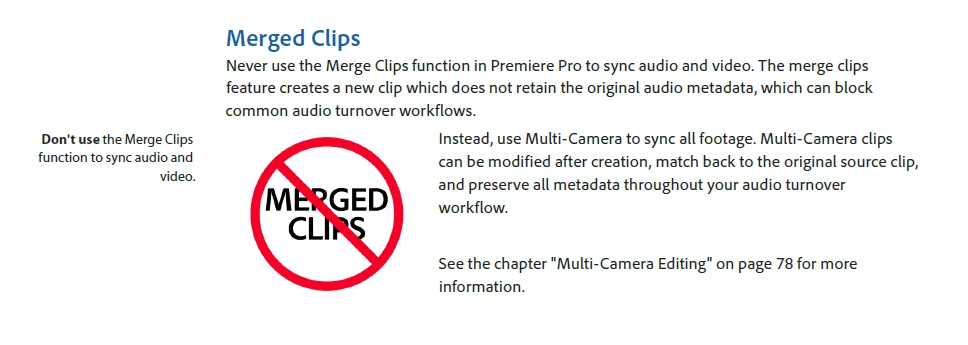
In fact, the full document is available for download here in pdf ...
Adobe Long-form and Episodic Best Practices Guide
And is highly recommended reading for all users.
Among the problems using Merged clips, two really stand out:
- Merged Clips are not usable in XML/EDL workflows as the audio clip is not referenced.
- Many editing shortcuts & processes such as "top & tail" edits (Q and W keyboard shortcuts) do not work with Merged clips but do with multicam clips.
For example ... you can have a bin with ten different video files, and ten separately recorded audio files, one from each shooting session. Select them all, right-click, "Create Multicam", and you will get ten different multicam "sequences" that you can use as clips.
This is the best video file/audio file "merge" process for nearly all uses.
Neil
 AdChoices