
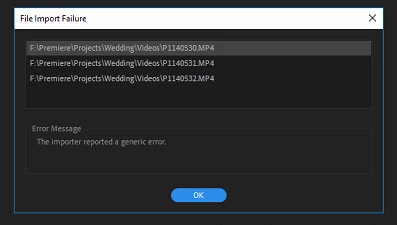
File Import Failure
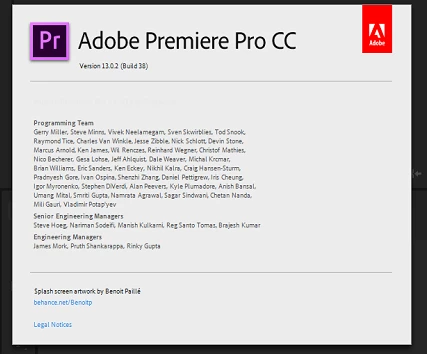
As of last week, after opening a regular project I've been working on over the past month or so, All my media became offline. Nothing file structure or project-wise changed and Premiere pro did not update (To the best of my knowledge).
In addition to this, Premiere / Media Encoder have also been terribly slow as well, with frequent crashes & hangs. I have also been experiencing at least 15-30 second delay after hitting play (Spacebar).
I attempted to re-link all the media however I received the below error for 70% of the footage, completely randomly.
Ive tried the following:
Cleared / deleted all adobe caches
Removed all Adobe products + preferences and then used the Adobe CC cleaner tool just to be sure
Rebooted Several times
Deleted all project related previews
Renamed the Media's root folder and re-linked everything again, Still the problem persists, It appears to be non-discriminatory.
I've since started a new project with a different collection of media files (Another project im working on) and im experiencing the SAME issue when trying to import those media files!
Any ideas? this has been a huge problem and really affected my work.
My Computer Specs are as follows:
Intel Core i7-8700K
EVGA GeForce GTX1080 FTW2 DT 8GB
G.SKILL Ripjaws V Series 32GB
8TB RAID 10 Array
SAMSUNG 960 EVO M.2 1TB NVMe
Gigabyte Z370 AORUS Gaming 7 Motherboard
Windows 10 Pro 64bit


 AdChoices