

Participant
November 21, 2025
Answered

Files no longer opening after update

  • November 21, 2025
  • 2 replies
  • 323 views

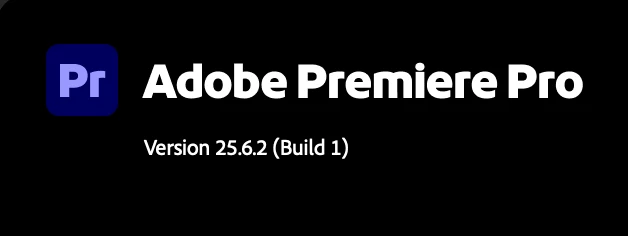
I just updated to the latest Premiere, 25.6.2
 

 865300i644515963452B5B3.jpg


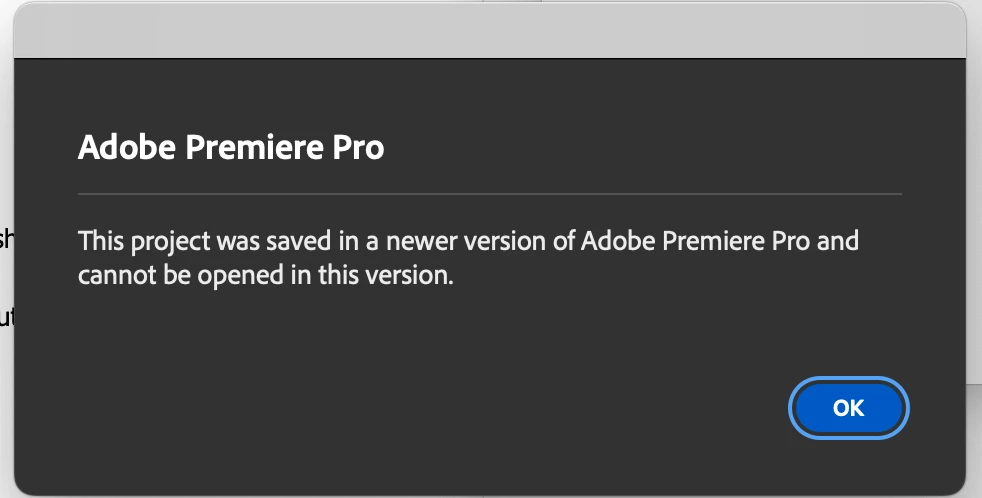
But I am no longer able to open the files I was just working on minutes prior...
 

865302iBFBF9F9E50007B84.jpg

Correct answer Sumeet_Kumar_Choubey

Hi adb_5785,


We're sorry about the poor experience. We’ve released an app that solves this problem by converting the v25.6.0-saved projects back to the v25 format. Please refer to this post to download this app & to know more about this issue. Hope it helps. Let us know if you have any questions.


Thanks,

Sumeet

2 replies

Sumeet_Kumar_ChoubeyCorrect answer
Adobe Employee
November 27, 2025

Hi adb_5785,


We're sorry about the poor experience. We’ve released an app that solves this problem by converting the v25.6.0-saved projects back to the v25 format. Please refer to this post to download this app & to know more about this issue. Hope it helps. Let us know if you have any questions.


Thanks,

Sumeet

Peru Bob
Community Expert
Community Expert
November 21, 2025

If the file was saved from the Beta version, this was posted by  chuck_1325 in this thread:

https://community.adobe.com/t5/premiere-pro-bugs/premiere-projects-saved-in-v25-6-0-cannot-be-opened-in-other-v25-x-versions/idc-p/15602675/page/10#M58357


1.  Uninstall v. 25.6 and reinstall 25.5 via Creative Cloud.  Keep the preferences.

2.  Use an online converter to revert your project to a previous version.  There are a few online that can do this pretty quickly.

3.  Open the converted project in 25.5 and then save as a new file name.

4.  Don't allow any premiere updates until Adobe can fully address this issue and it's confirmed.
