



Fit Clip dialog box is not appearing even after resetting preferences
Hi everyone,
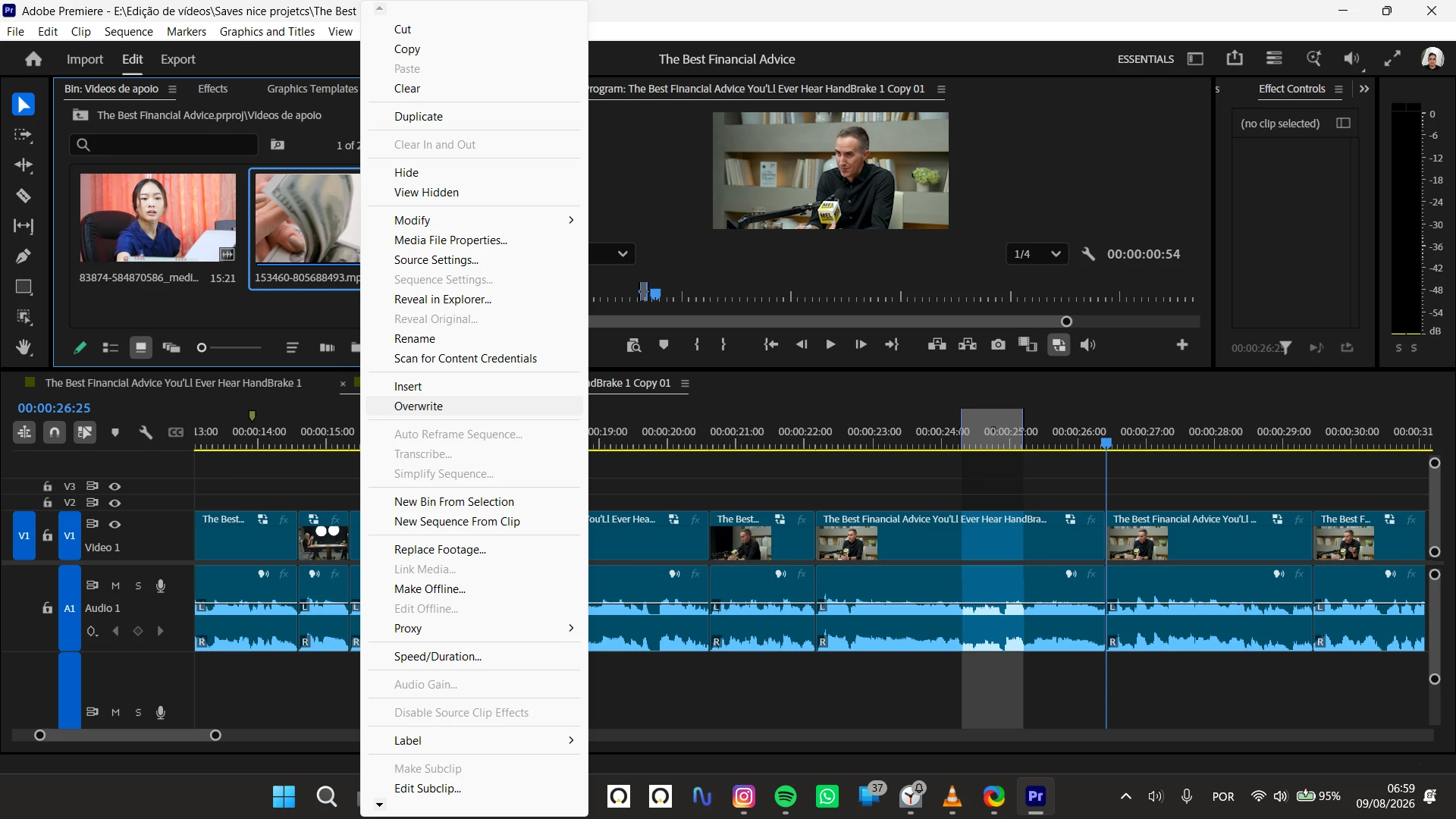
Fit Clip dialog box is no longer appearing when I click Overwrite
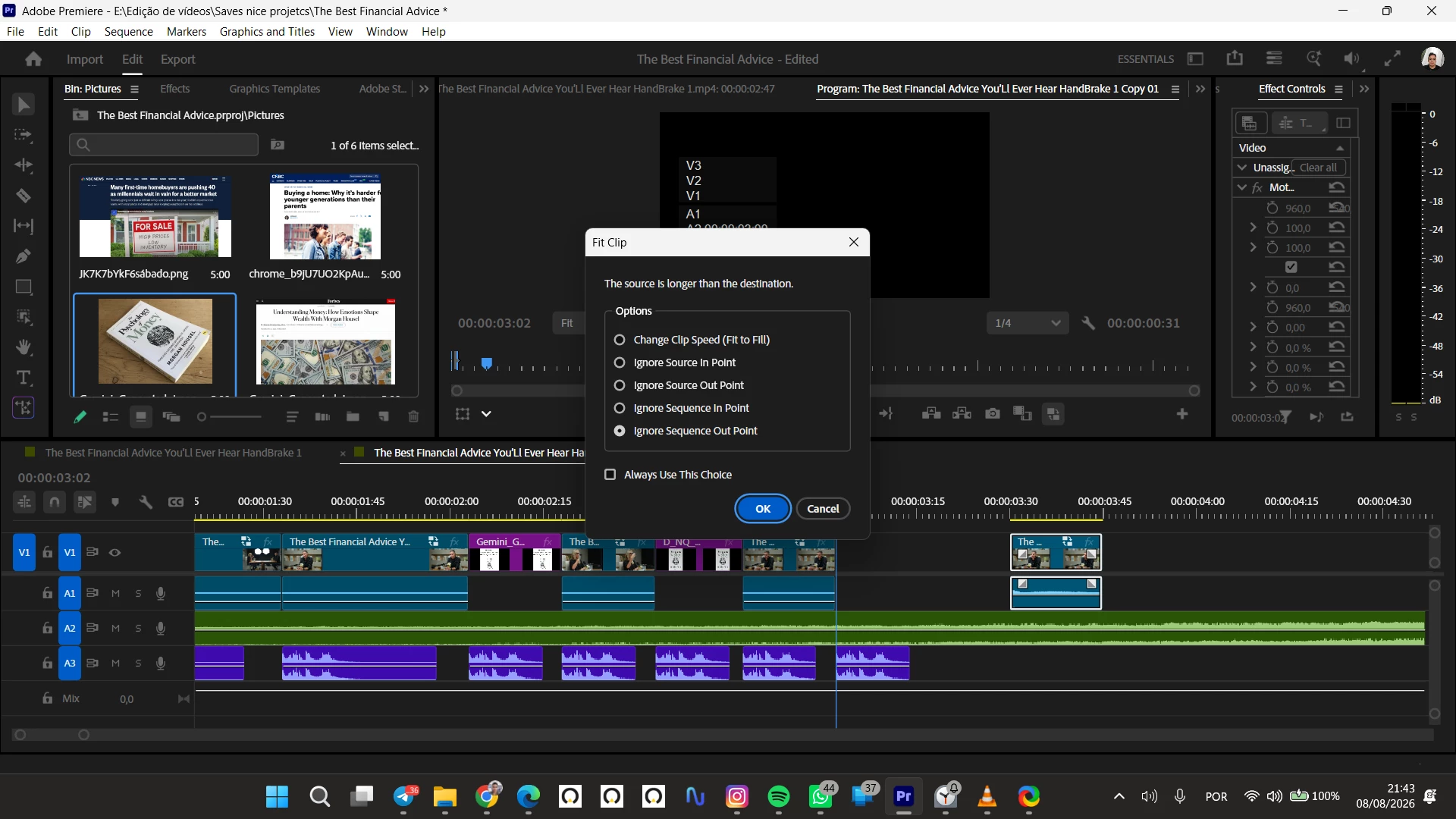
I'm having an issue with Premiere Pro. I checked the "Always Use This Choice" option in the Fit Clip pop-up during a 4-point edit. Now, whenever I click Overwrite, the "Fit Clip" dialog box (shown in the attached screenshot) no longer appears, and Premiere automatically applies the saved choice without asking.
I want to know how to remove this default choice so that the dialog box shows up again.
Here is what I have already tried:
-
Went to Preferences > Timeline and clicked the "Reset Fit Clip dialog" button.
-
Confirmed that "Show Clip Mismatch Warning dialog" is checked.
-
Restarted Premiere Pro.
Despite resetting it in Preferences, clicking Overwrite still bypasses the dialog box completely.
Does anyone know how to clear the "Always Use This Choice" setting and bring the Overwrite dialog box back?
Thanks in advance,
Marcos A. Mendonça S.Jr.

 AdChoices