


Inspiring
April 15, 2025
Answered

flip video horizontally

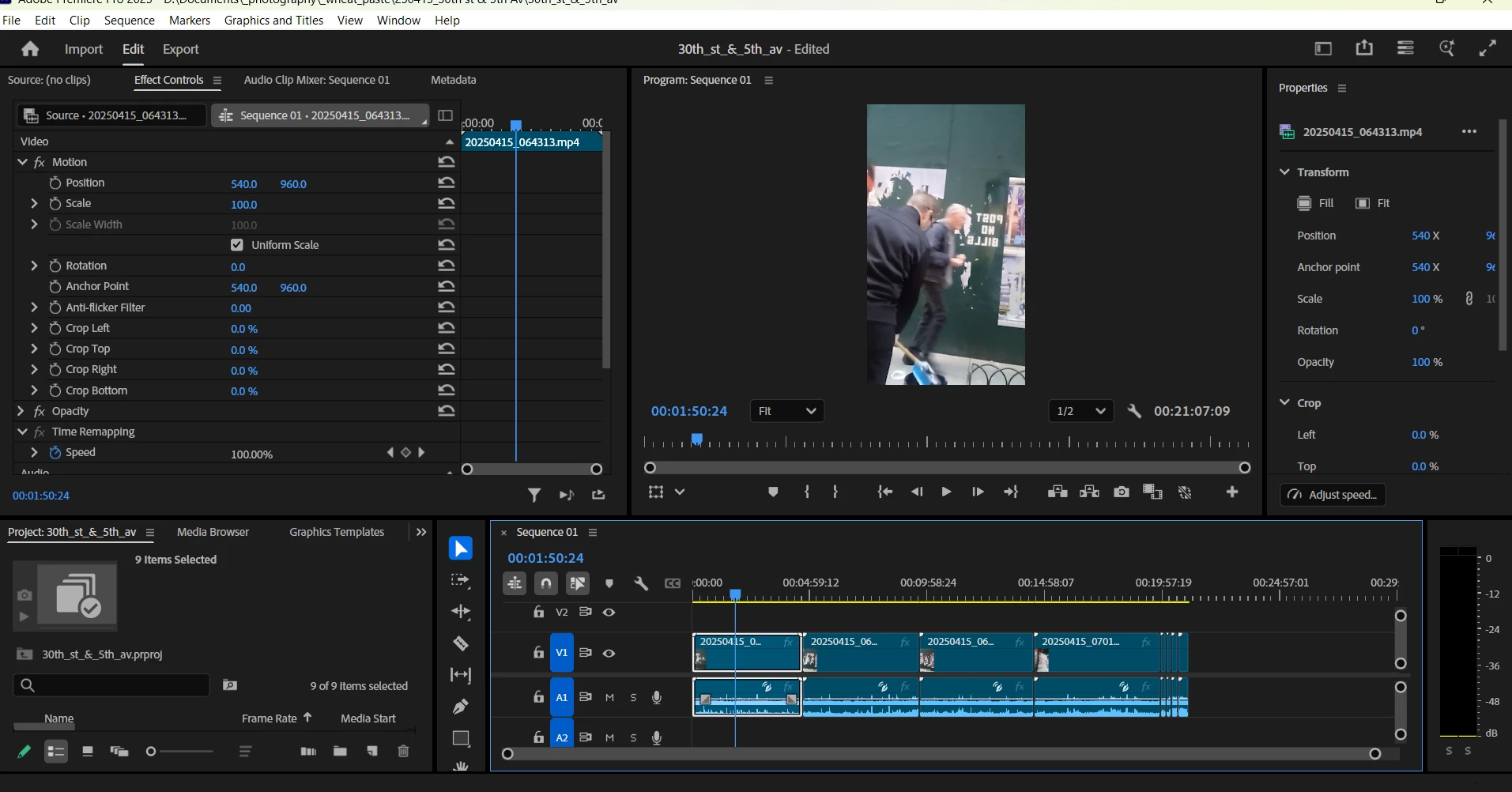
For some reason, my clips are presenting flipped horizontally and I need to right them.  I am seeing online that I need to access "Transform" in the Effects Panel but I am not seeing it there.  I do see Transform in the Properties panel at the right but I don't see "Vertical Flip" or "Horizontal Flip" as referenced online in that section.  Is the option I need "Rotation" instead?  Thanks.


Sumeet_Kumar_ChoubeyCorrect answer
Adobe Employee
April 15, 2025

Hi Barton5C39,

To access the Effects panel, click on Window (in the menu bar) > Effects. Here, under Video Effects > Transform, you can find Horizontal/Vertical Flip. Hope it helps. Let us know if you are experiencing any issues accessing these effects.


Thanks,

Sumeet

2 replies

Sumeet_Kumar_ChoubeyCorrect answer
Adobe Employee
April 15, 2025

Hi Barton5C39,

To access the Effects panel, click on Window (in the menu bar) > Effects. Here, under Video Effects > Transform, you can find Horizontal/Vertical Flip. Hope it helps. Let us know if you are experiencing any issues accessing these effects.


Thanks,

Sumeet

Translate
Inspiring
April 15, 2025

That's great.  Thank you so much.  

Translate