


Folders won't show up in media browser
Here's the weird issue (and I've searched already in the forums for an answer but I can't seem to find the exact situation).
I have a Terramaster 2+3 external enclosure with Hard drives 1 & 2 doing a RAID-0 and then a hard drive in slots 3 and 4 acting like just a bunch of disks. This is connected to my computer via USB-3
When I use media browser to navigate to this RAID-0 Drive - there's absolutely NOTHING on the drive. I even have the "eye icon" set to showing me the file directory... nothing there: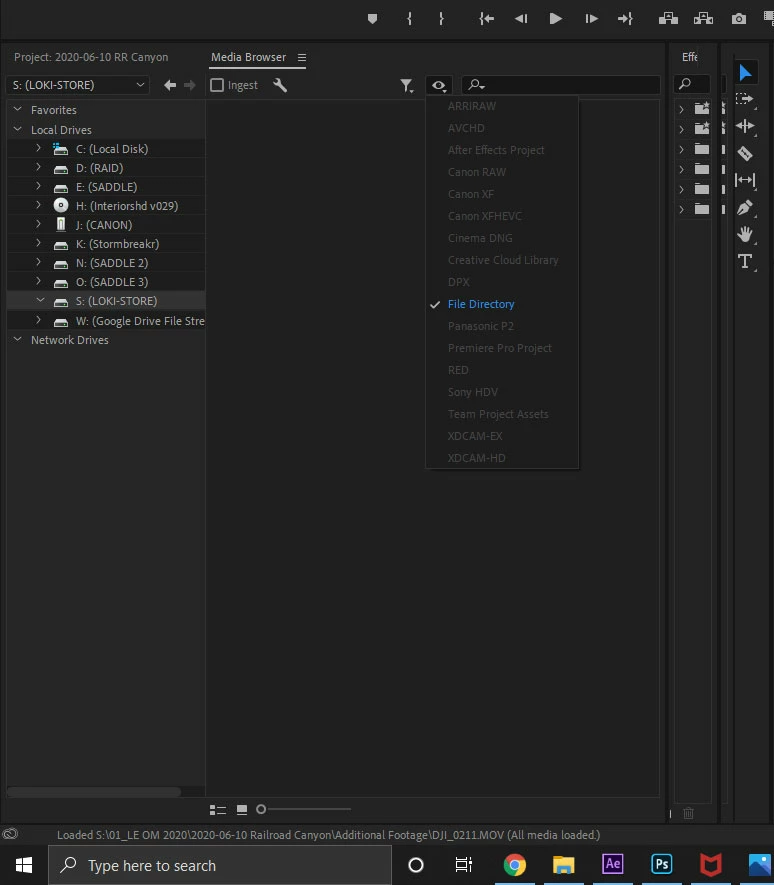
But in the Windows file explorer or even when I try to import something from the drive using File->Import there's clearly data there:
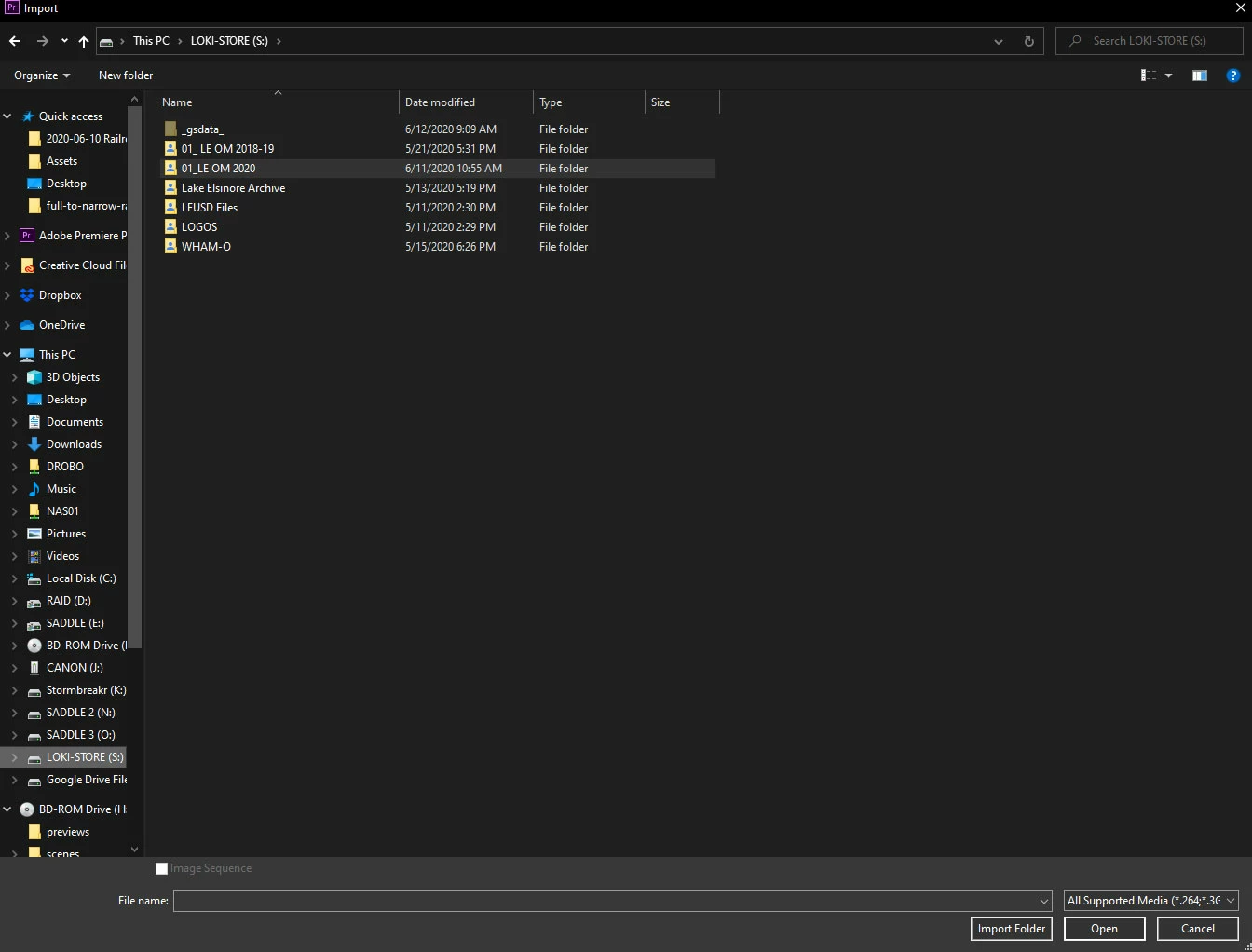
Now this enclosure has been known to "go to sleep" on me after a bit of inactivity so I'm wondering if that's corrupting the directory listing.
This wouldn't be such an issue except if the drive goes to sleep after leaving the computer on all night, any open Premiere project using those files will have missing links. When I "wake up" the drive enclosure and try to relink the footage - the relinking tool uses media browser... which... doesn't see the files on the drive.
I've tried reseting the preferences, manually deleting the media cache - but nothing's worked. Any suggestions?

 AdChoices