
Font not syncing with Motion graphic template in Premiere
Hi all,
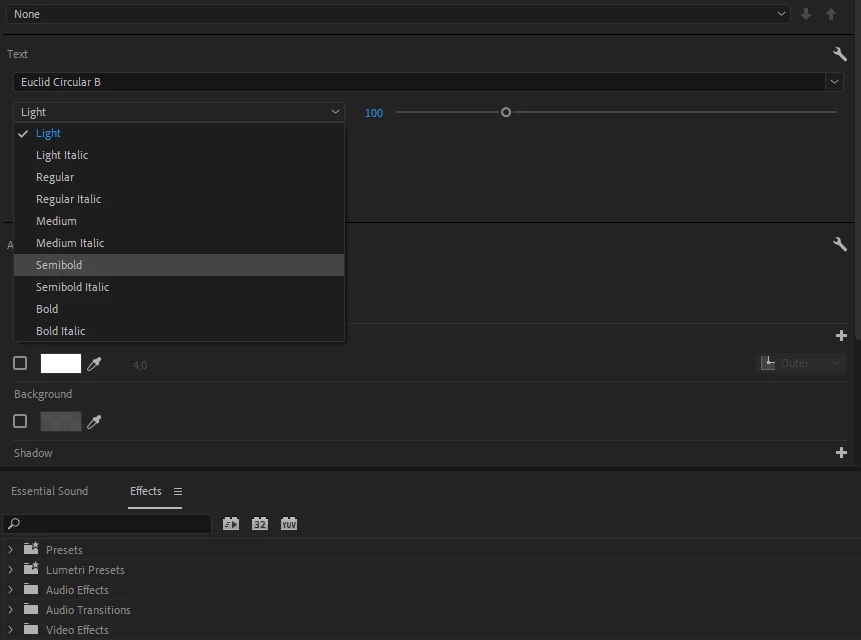
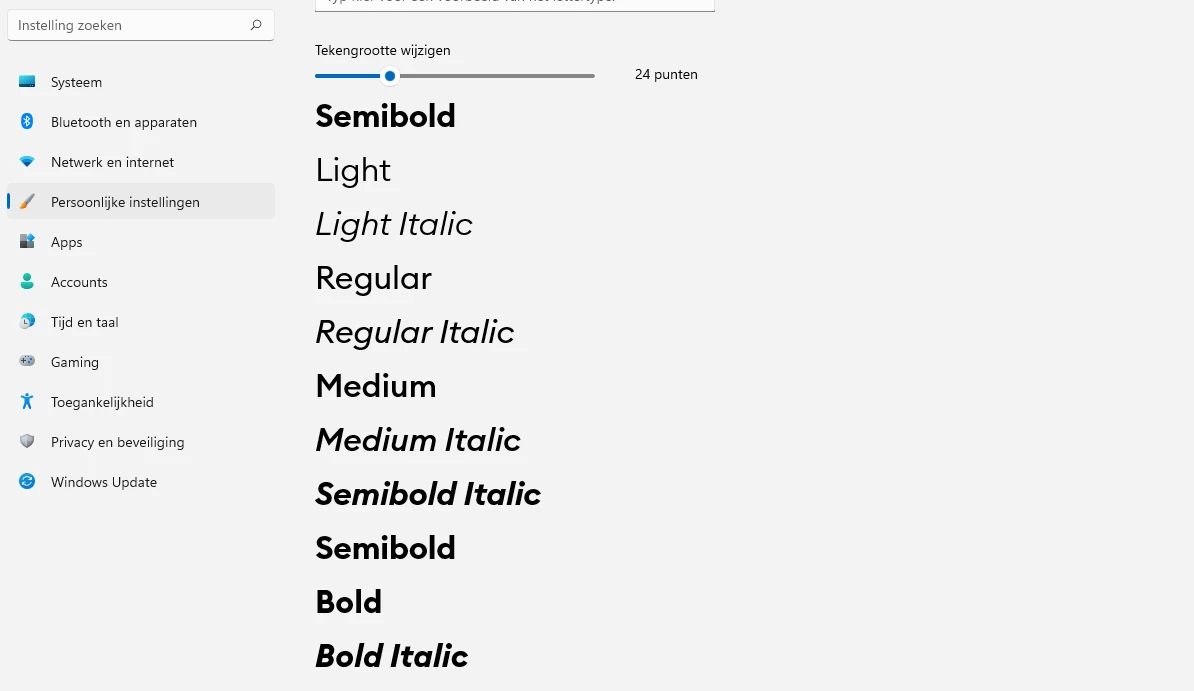
Today I ran into a problem trying to install a third party font. I installed the font the way I always do (by rightclicking the fonts and seelcting 'install for all users') and the font was showing up in Premiere but not automatically loading in the motion graphic templates I use. Oddly enough this only was the case for 1 stylestype, namely the semibold style.
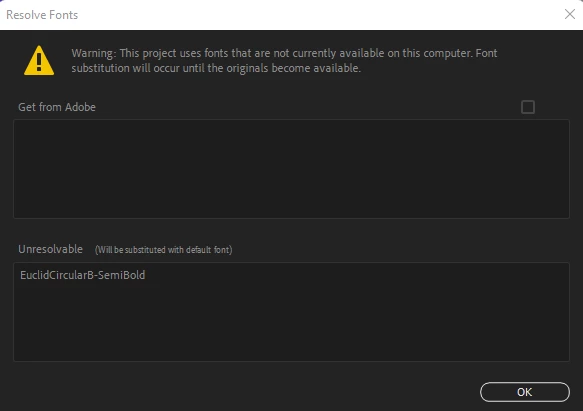
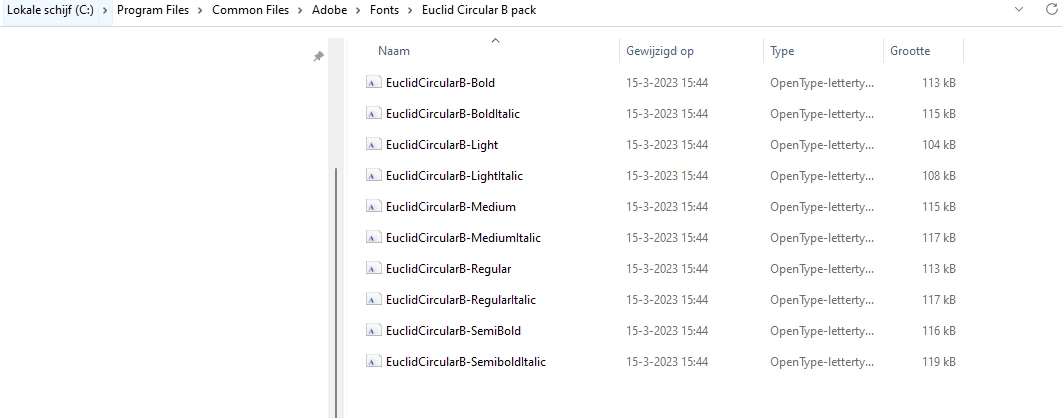
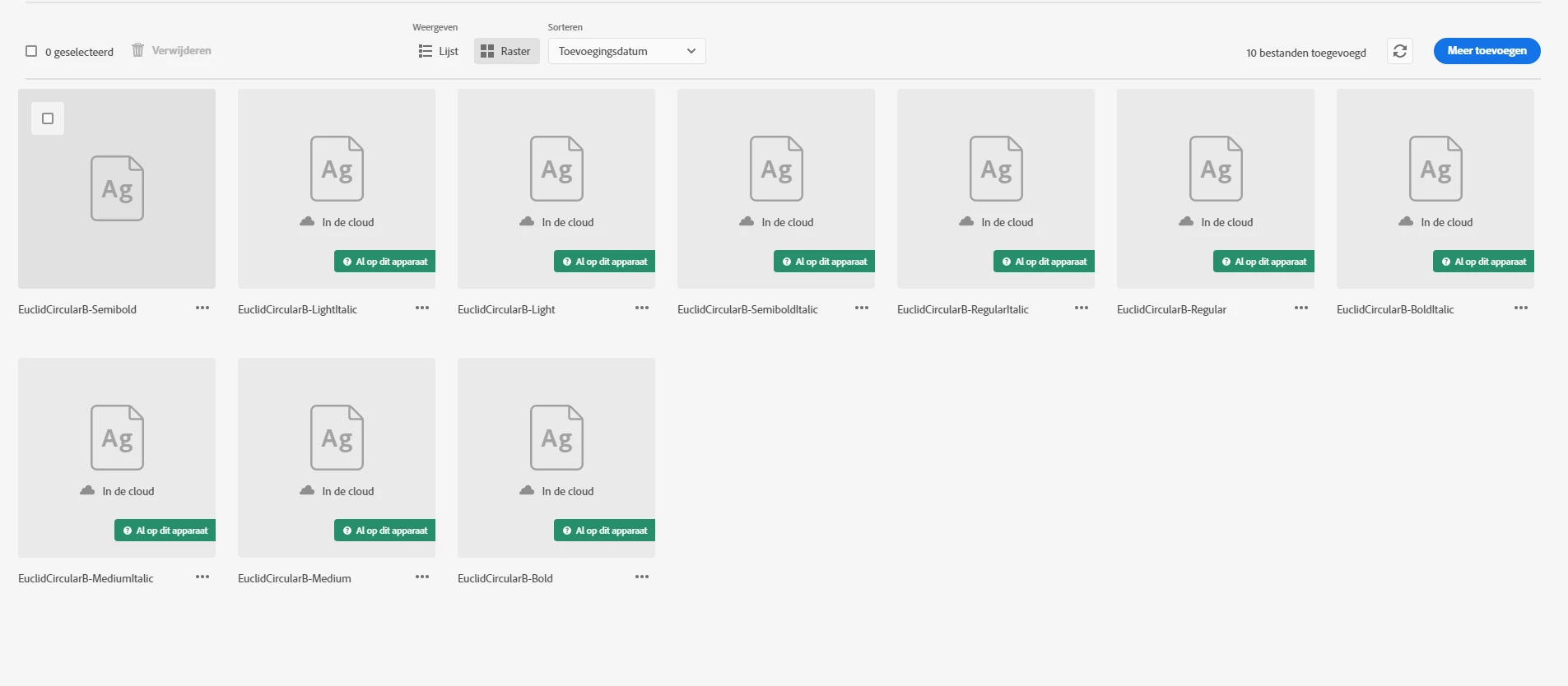
I tried deleting the fonts, re-installing the fonts, installing the fonts in different ways (for example adding a fonts folder to the common files folder of Adobe or installing them through the Adobe Creative Cloud application), re-installing premiere, AE and the entire Adobe Creative Cloud. Alas, thus far my efforts have been in vain. I still get the 'resolve fonts' screen in premiere once I open the project. Is there anyone who knows what might be the problem here?
 AdChoices