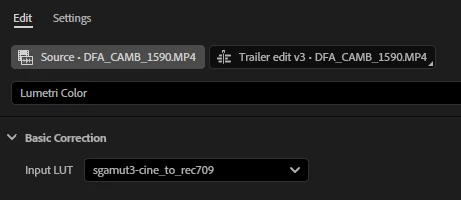
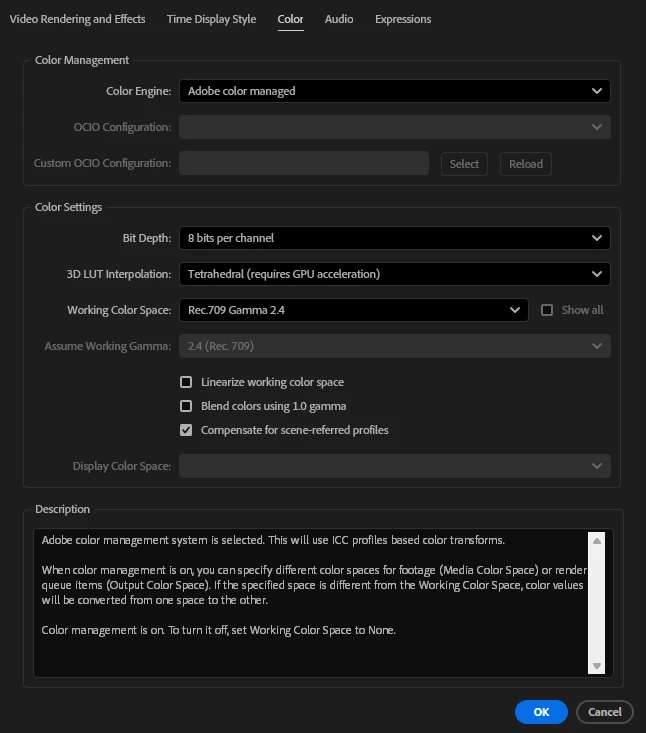
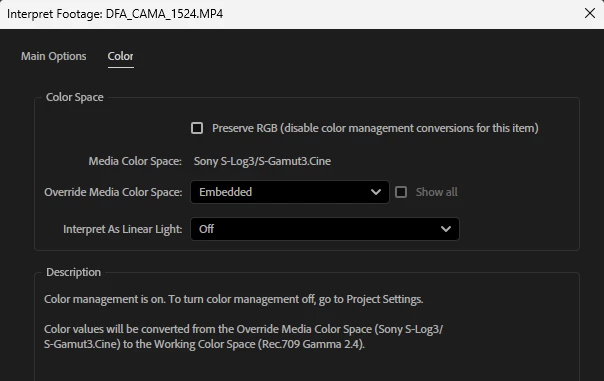
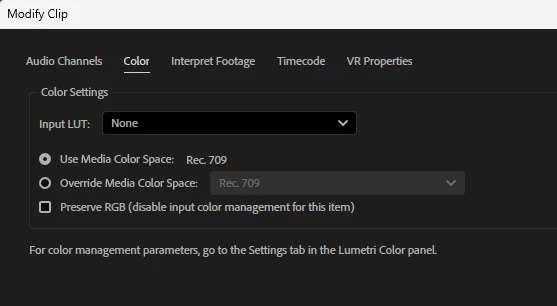
First, I highly recommend doing all color management in the full, unified location … the Lumetri panel’s Settings tab. You’re setting parts here, parts there, but not controlling the whole thing.
I tend to recommend not using the input LUT, but the managed system that now uses algorithms and thankfully not LUTs to do transforms. LUTs can be ok, but I trust algos to be more safe homes for pixel transforms.
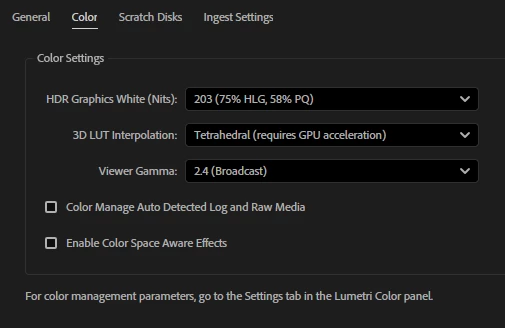
So have you tried a simpler setup … turn on the auto detect log/raw, and set your working space in Premiere to wide/ACEScct, and see what happens?
Yes, the starting image will be slightly different, but then, all transforms, no matter from who or whether LUTs or algorithms, include both technical and aesthetic choices. There are no “perfect” transforms, only useful ones. Some more suited to a current clip than others.
But using the built in algos might transfer to Ae better.
Everyone's mileage always varies ...





 AdChoices