Participant
September 25, 2024
質問

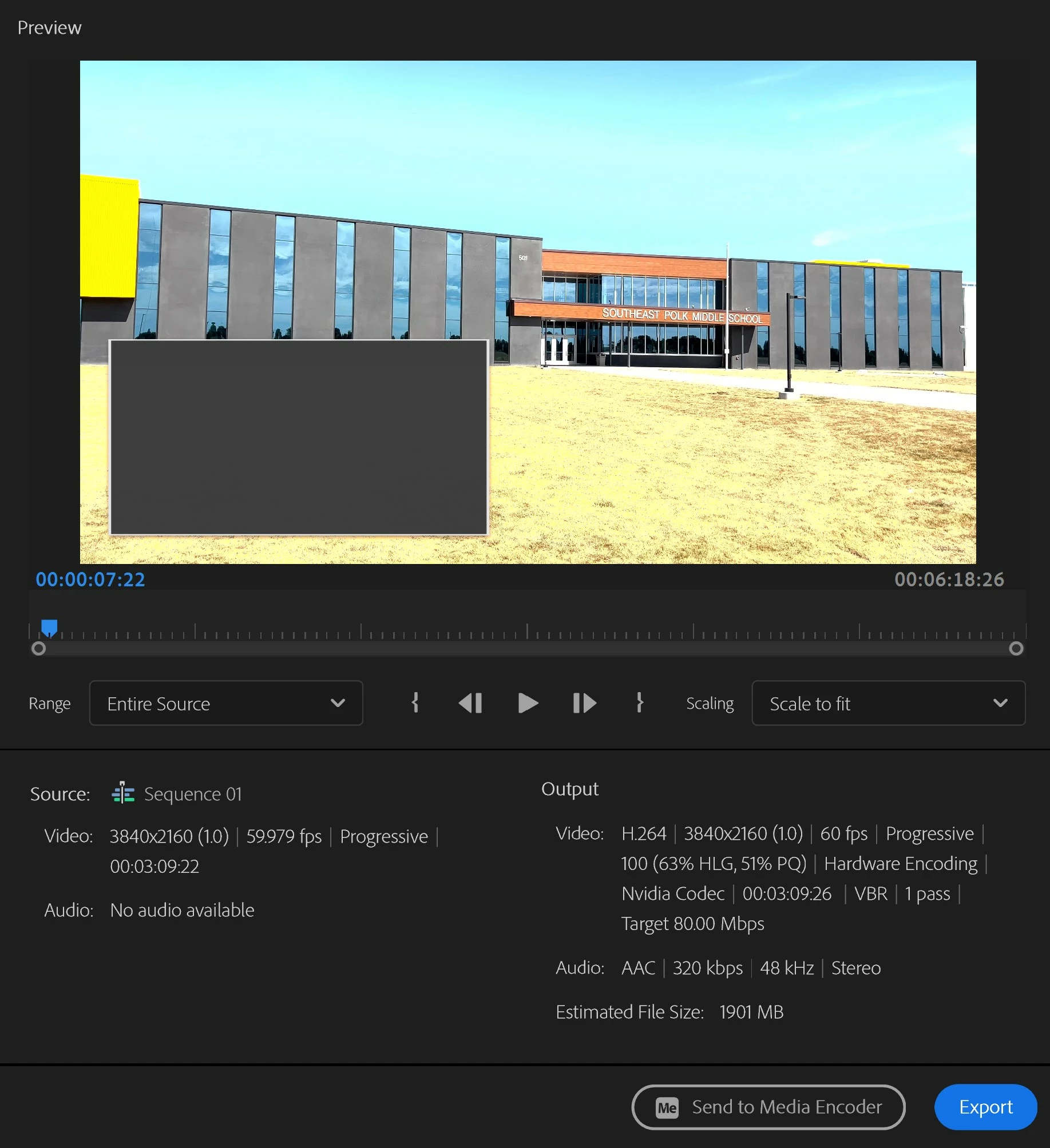
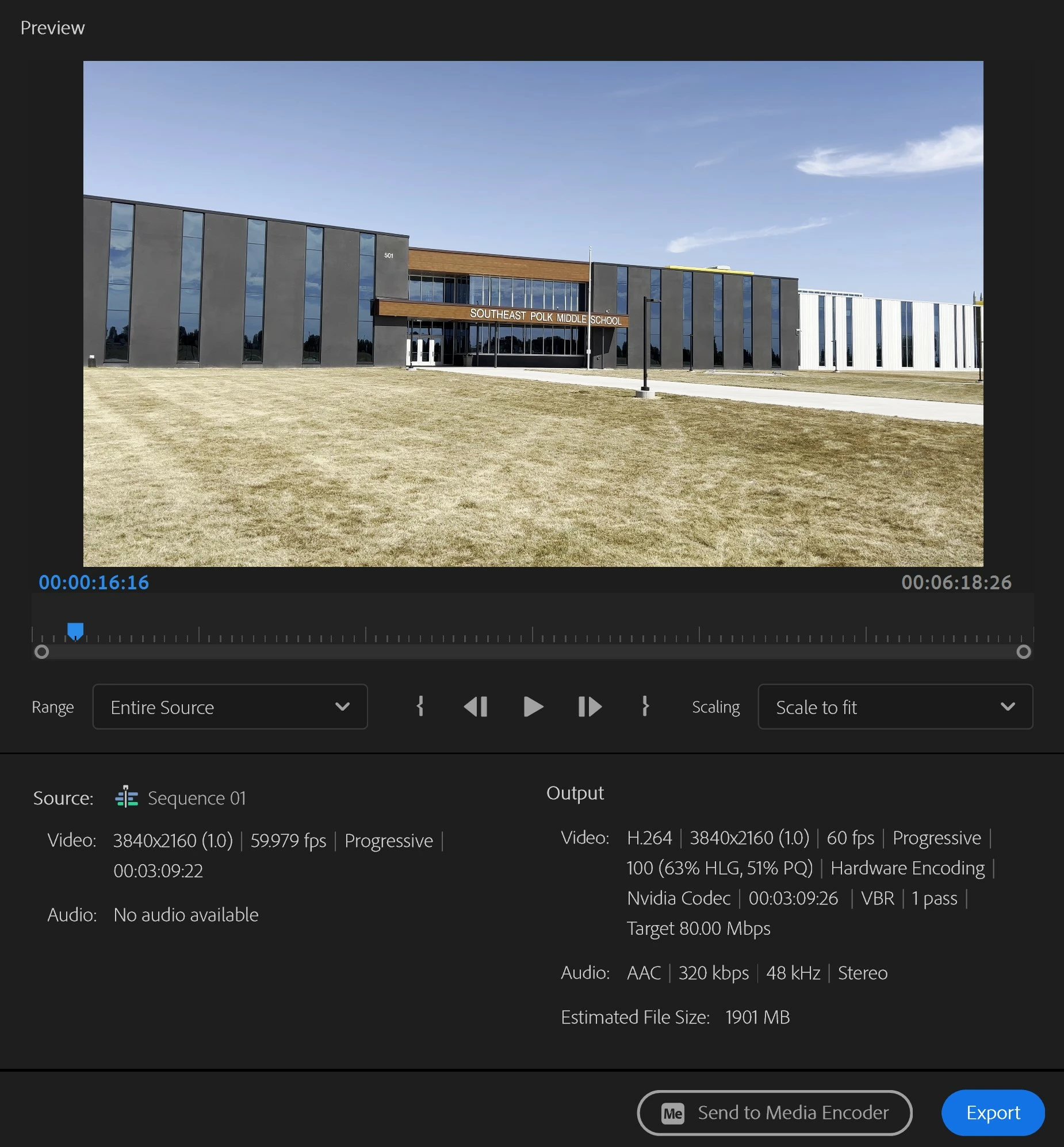
Footage is changing color in the export screen when shapes/text are added

  • September 25, 2024
  • 返信数 4.
  • 270 ビュー

Why is my footage changing color when I overlay a shape or text animation? When the animation is over, it goes back to the correct color.
 

このトピックへの返信は締め切られました。

返信数 4

JHeidemann作成者
Participant
September 27, 2024

Solved:


JHeidemann作成者
Participant
September 26, 2024

All video clips were shot on iphone at 60fps/4k. In the past I had just used imovie to edit these quick videos but was hoping premier pro would allow me to add the titles and callouts. The export continues to look much different than in the editing window. What other screenshots would be helpful?


JHeidemann作成者
Participant
September 26, 2024

Sorry I appear to have replied to my original post.

MyerPj
Community Expert
Community Expert
September 26, 2024

A screenshot of the entire PP screen with the 'overlay' part selected in the timeline and the Effects Control panel is displayed.

"when I overlay" is that being done with a 'Blending Mode'?

R Neil Haugen
Legend
September 26, 2024

A very good question there ... I'd not thought of that as literal part of the issue, but it certainly could be.

Everyone's mileage always varies ...
R Neil Haugen
Legend
September 25, 2024

Ok ... this might be a scaling issue or more likely, a color management issue.


I note that the graphics white setting is 100 ... which is not normal, actually; this is a setting only for HDR sequences, either HLG or PQ sequences. And for those, it would normally be set to the default 203nits setting. I don't actually know why one would use that at 100 ... so, that has me curious.


The other thing is the grass definitely looks to the blown side, like HDR ... maybe HLG clip, used on an SDR/Rec.709 timeline. So ... tell us all about your color management, and your export needs.

Everyone's mileage always varies ...
