Question
Footage looks diffrent after export
My footage looks way more diffrent then the editing panel shows. I am giving those images please help me.
Device: Sony ZV-E10
Picture Profile: HLG3 with BT.2020
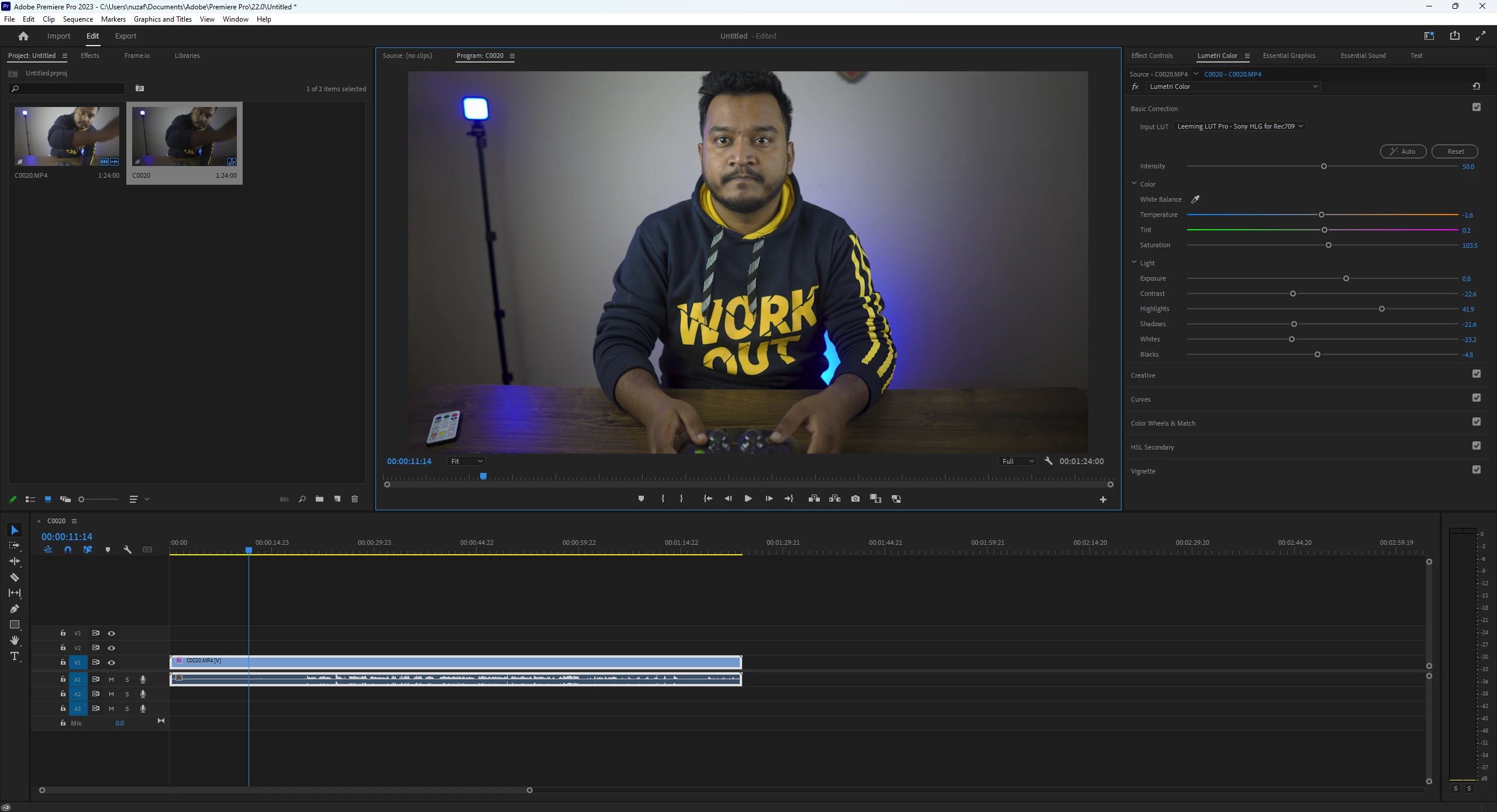
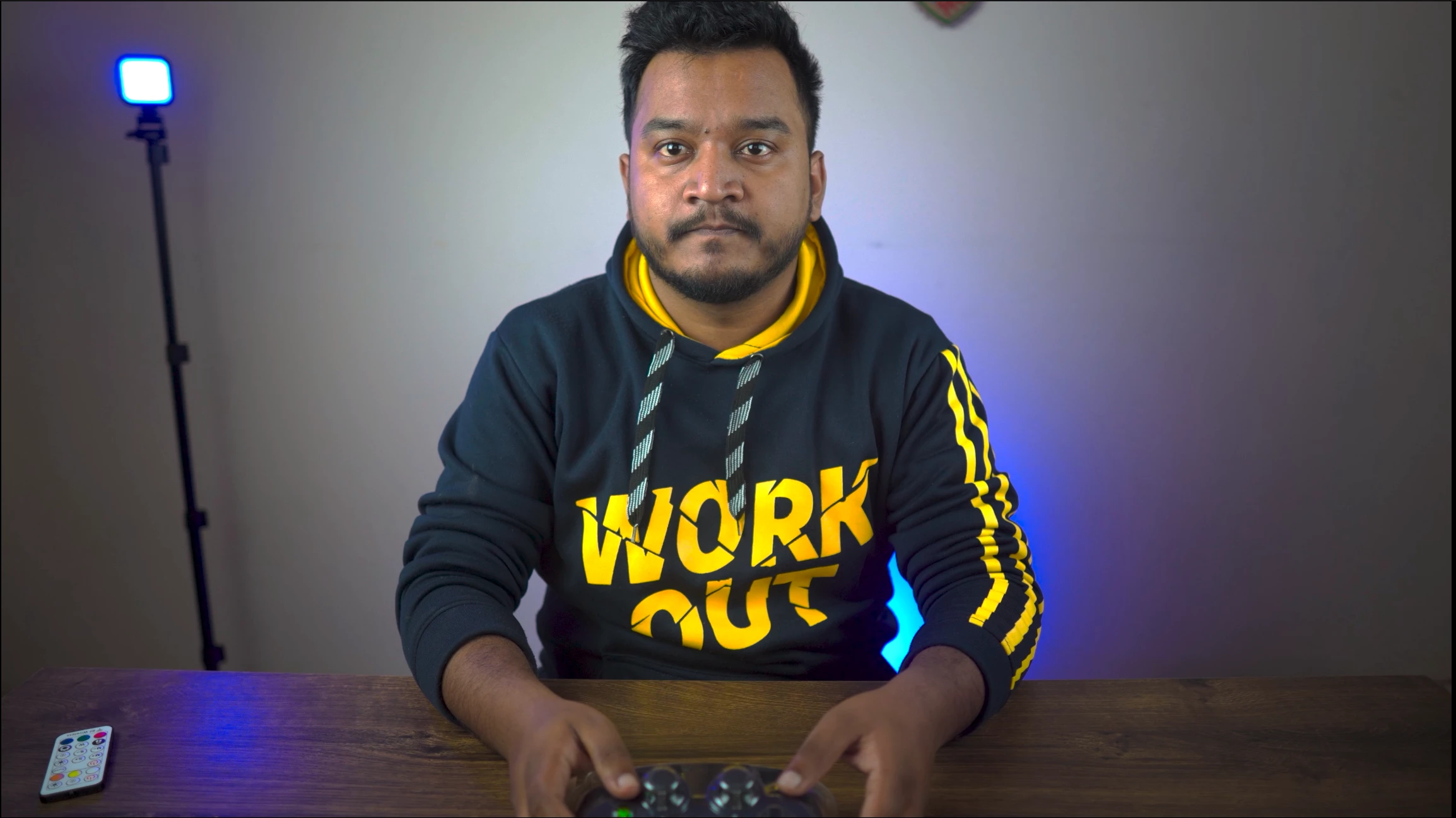

My footage looks way more diffrent then the editing panel shows. I am giving those images please help me.
Device: Sony ZV-E10
Picture Profile: HLG3 with BT.2020
Already have an account? Login
Enter your E-mail address. We'll send you an e-mail with instructions to reset your password.


 AdChoices