Known Participant
December 12, 2024
Question

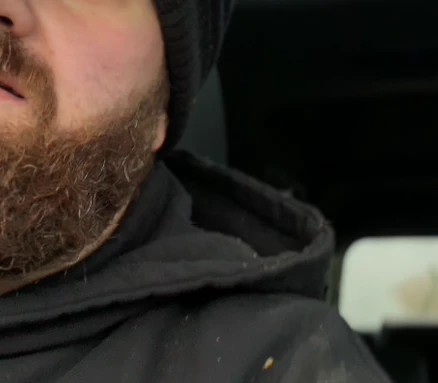
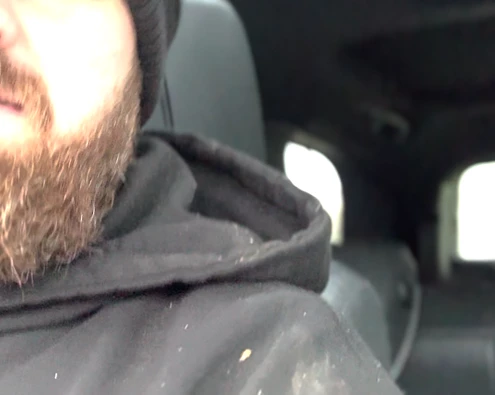
Footage shot on iPhone 15 Pro blown out when I drop it into a Premiere Pro timeline

  • December 12, 2024
  • 3 replies
  • 300 views

Hi,


This seems to happen only with footage shot on an iPhone 15 Pro. I'm working on PP (24.6.4 but it was also doing it on 24.6.3).


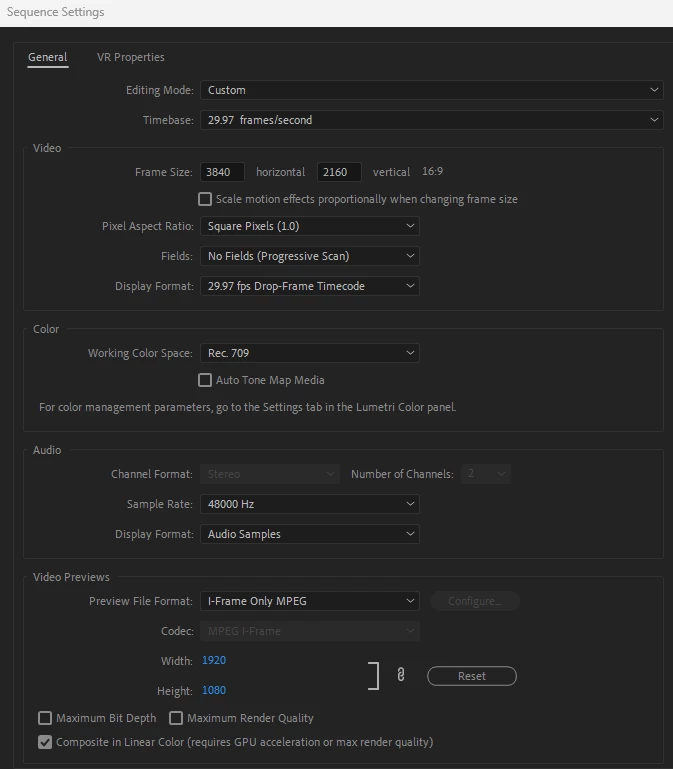
I have attached a screen grab of the image blown out in the timeline and a screenshot of the raw footage. I have also attached my sequence settings. If I have forgot to add any details you need to know, apologies in advance.


Thanks,


Lynsey
This topic has been closed for replies.

3 replies

Kevin J. Monahan Jr.
Legend
December 12, 2024

Check your camera settings and switch off HDR. This will make life a lot easier for you - unless you really need HDR. I hope the advice helps.


Cheers,
Kevin


Kevin Monahan - Sr. Community and Engagement Strategist – Adobe Pro Video and Audio
R Neil Haugen
Legend
December 12, 2024

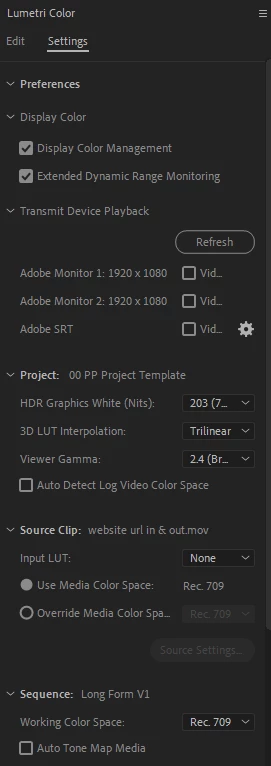
You don't have your color management options set. So of course you don't get good out. And yea, because we now have so many options users may need to be using, it is more complicated.


For this, you need auto detect log and auto tonemapping on. Then use only export presets to match your sequence color space.


In this case, you're using Rec.709/SDR sequence color space, so use export presets that do not have HLG or PQ in the preset name.

Everyone's mileage always varies ...
Stan Jones
Community Expert
Community Expert
December 12, 2024

@Lynsey0D44,


Someone with more color settings expertise will chime in. I do not see this on iPhone 15 footage of various types.


But I think we need to know more about the footage: what format, etc. A screenshot from MediaInfo in tree view is always helpful.


Stan