
Question
Footage within Premiere suddenly VERY dark after calibrating monitor
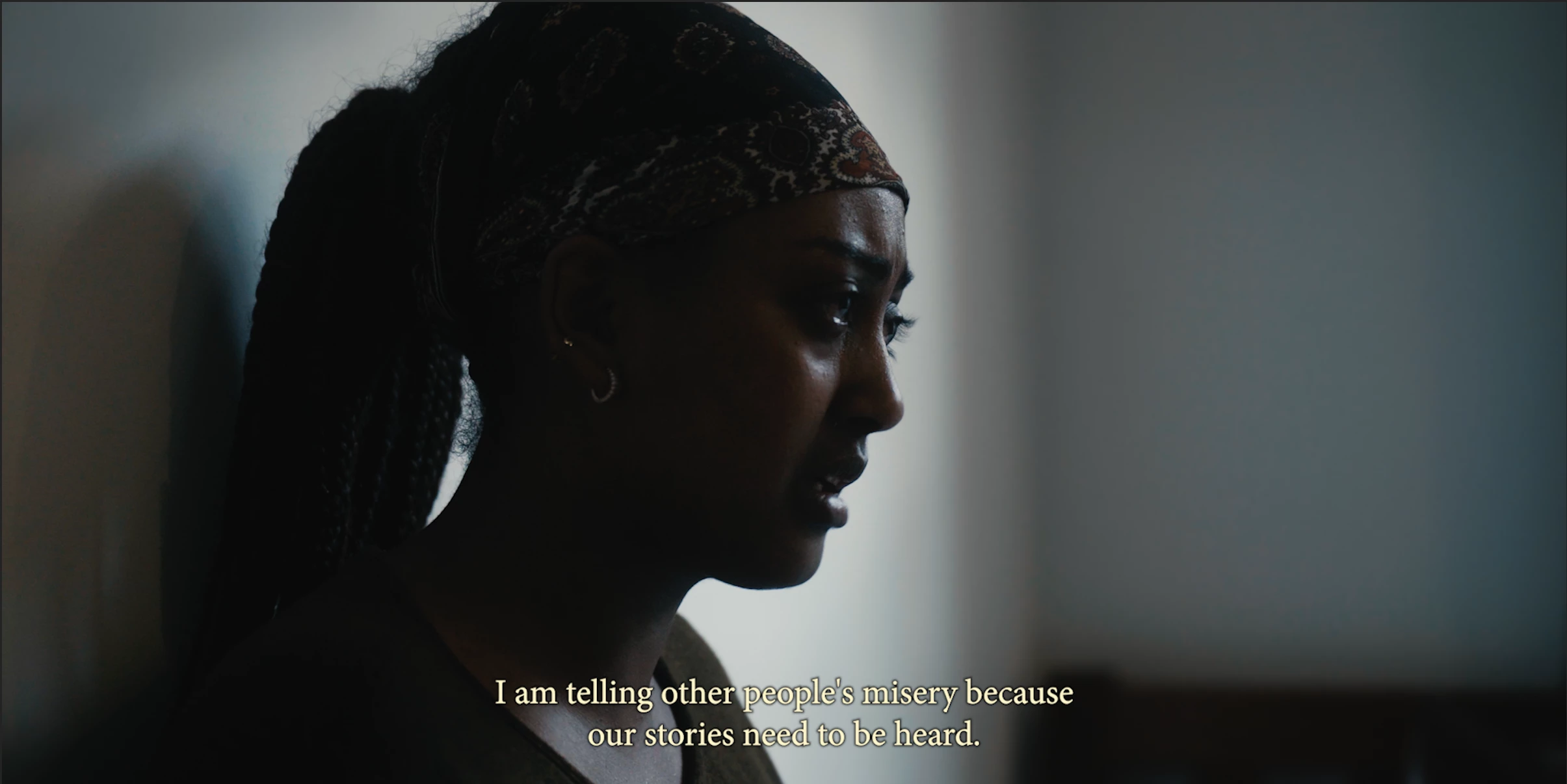
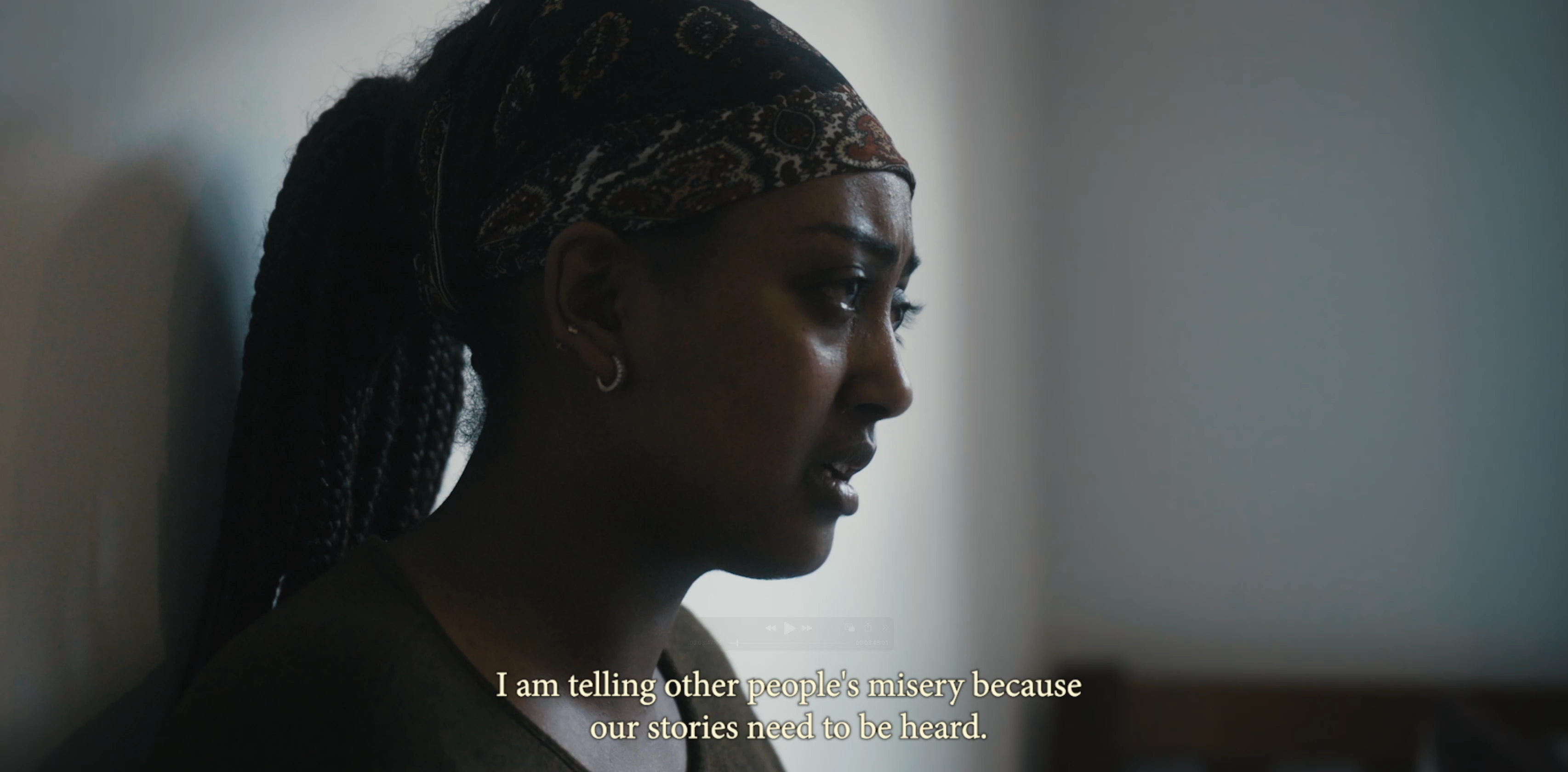
Today I calibrated my PA329c monitor as I noticed a documentary I am editing looks vastly different when viewed from my M1 MacBook. After a few unsuccessful calibrations with the Spider X, I feel my monitor looks balanced (got rid of excess green tint in shadows). Now a major problem has emerged. Suddenly, the footage in Premiere is VERY dark. If I enable “Display Color Management” it becomes even darker. Upon export, the footage is back to normal, but this makes it impossible for me to finish my color grading. Any ideas on how to fix this?
 AdChoices