


December 2, 2025
Question

Frame.io something went wrong

  • December 2, 2025
  • 1 reply
  • 152 views

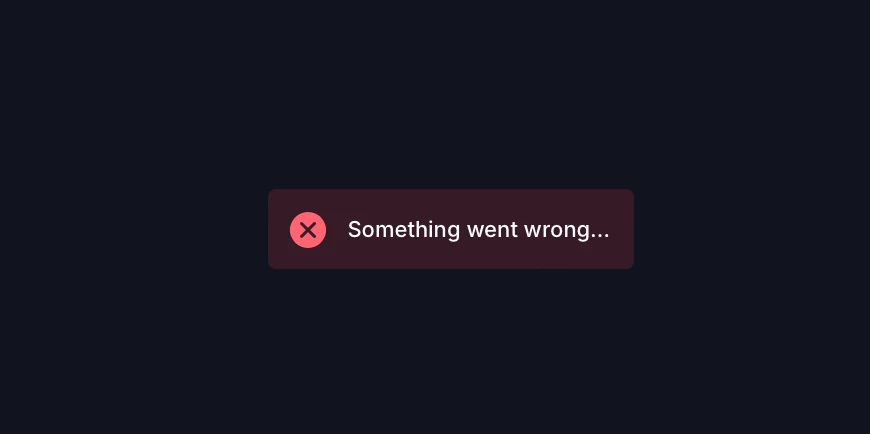
Hi I am currently trying to upload videos to Frame.io, but everytime I click on a project this red box with the text "Something went wrong..." is there. 


I Have tried refreshing the page, loging out and back in, clearing my cache, exiting out of Safari entirely and doing all those things again. At this point i'm not sure what to do 


I am using Safari Version 17.6 
MacBook Pro / M1 Max / 14.7.2
867382i516FFA8AE12ECD9A.png

1 reply

Warren Heaton
Community Expert
Community Expert
December 10, 2025

Hi @mp4_8789:

Were you able to get this resolved?


And are you seeing this message in the FrameIO panel in Premiere Pro, in Safari, or both?

If seeing this error message in Premiere Pro, double-check that you're using the FrameIO window in Premiere Pro that corresponds to the version of FrameIO that you're using.  There's Version 4 and Legacy.


Pictured: Premiere Pro 2025 Window pull down menu showing FrameIO v4 and FrameIO Legacy


If you're seeing this message in Safari, try browser troubleshooting like reloading, clearing cache/cookies, and checking Safari settings (extensions, JavaScript, iCloud Private Relay).  You can also check Frame.io's status page for known issues.


If the issue persists, starting a chat with FrameIO support is likely the quickest way to get it resolved.


- Warren