
Participating Frequently
April 1, 2024
Question

Freeze, blank screen and crash during subtitles editing

  • April 1, 2024
  • 1 reply
  • 528 views

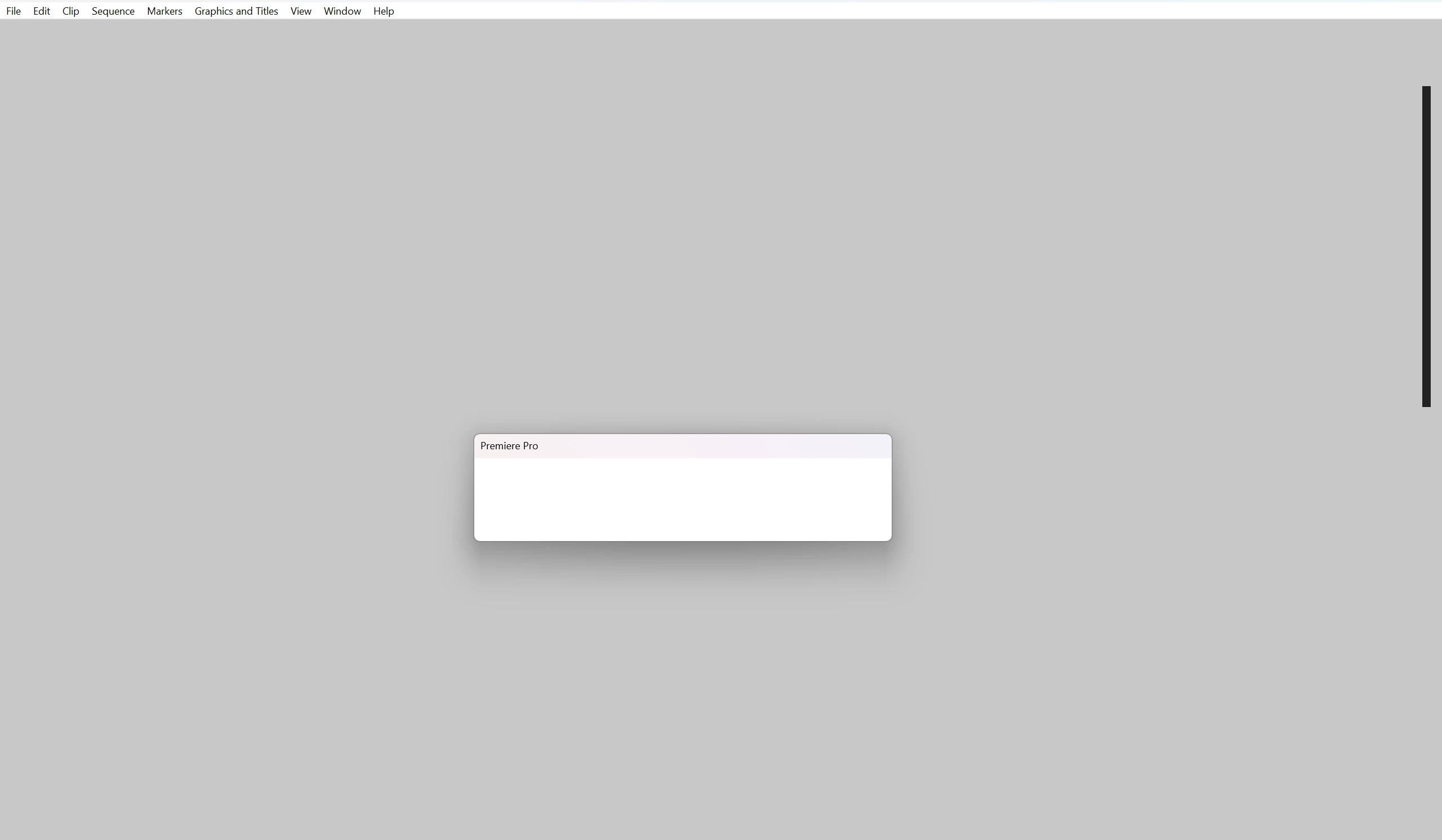
Since today something weid happens every 10(ish) minutes of work. Premiere Pro 24.3 freezes and issues blank error. Have to stop it via task manager and re-start. Extremely annoying and frustrating. Crash logs are empty, and I have no idea what kind of error I get. Any advice please?
 

This topic has been closed for replies.

1 reply

Ishan Y
Inspiring
April 8, 2024

Hi there,

I understand how frustrating this must be. Do you only see this issue while working with captions? Please hold down Ctrl + Alt + Shift and launch Premiere Pro (https://adobe.ly/3xtbB48). In the Reset Options menu, select the "Reset app Preferences" and "Disable third-party plugins at launch" options. If you still see the problem, import your current project to a newly created project. Let us know how it goes!


Thanks,

Ishan

Participating Frequently
June 22, 2024

Hi Ishan,


thank you for the answer, apologies for late reply. I did that but nothing changed. It's still freezes after 5-7 minutes of editing, when instead of one large clip there are 5-10 smaller ones, with blank space in between them. I get something like this as an error? At the moment I'm using Premiere Pro 24.5


If I have one complete 25 minutes file, I usually don't have any problems when editing subtitles. Also, I don't use any 3rd party apps. My graphics card is RTX 4090 and 32GB RAM, so I don't have any resource limitation problem.