
Participant
December 23, 2021
Question

Frequency issue in Source Monitor

  • December 23, 2021
  • 3 replies
  • 545 views

I am using a new laptop and when I play the video in the Source Monitor and also in the Timeline I get this frequency problem. Every driver is updated. This is how it should look (and how it looks when the video is paused) and how it looks when I play the clip:

.
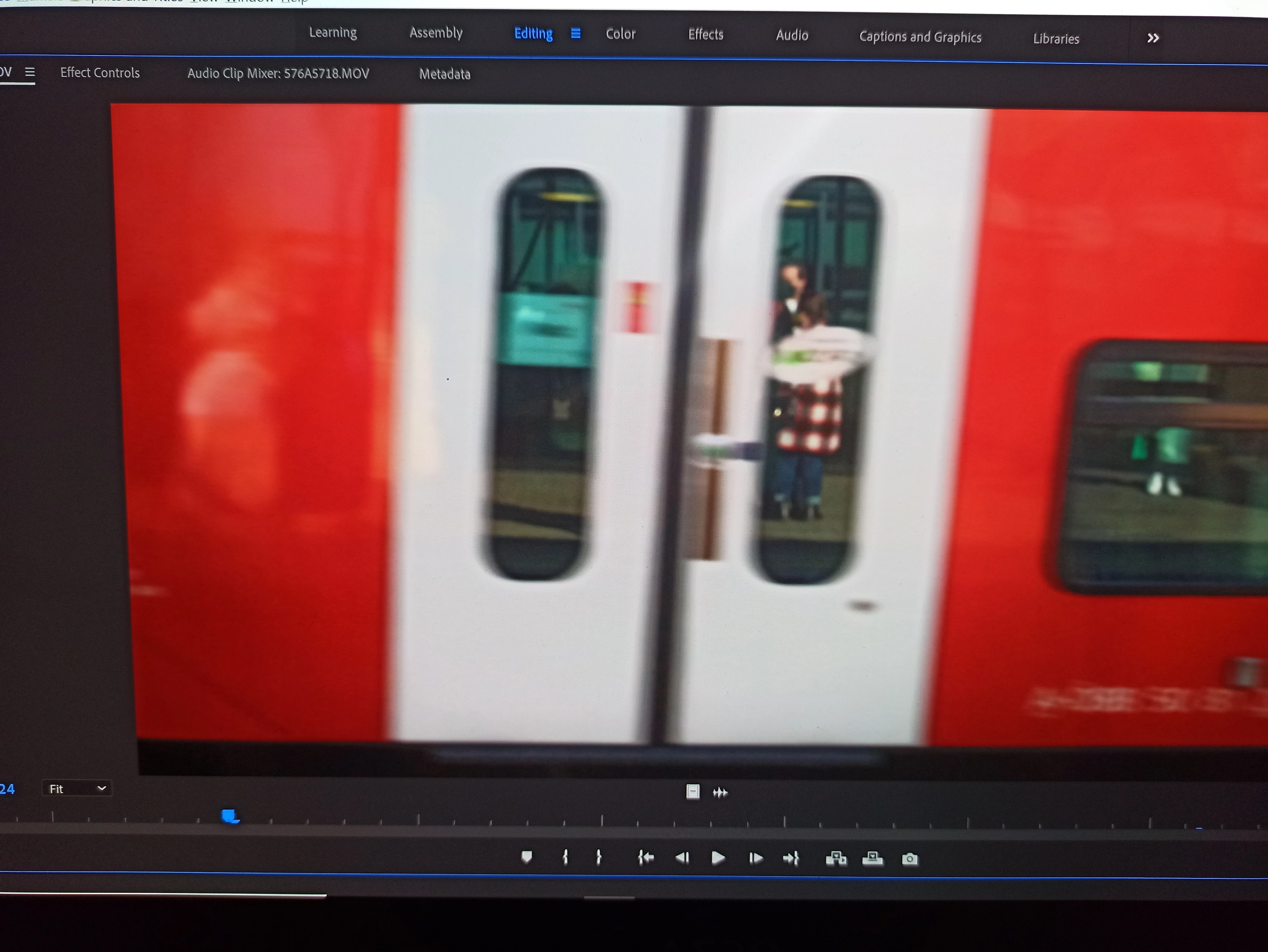
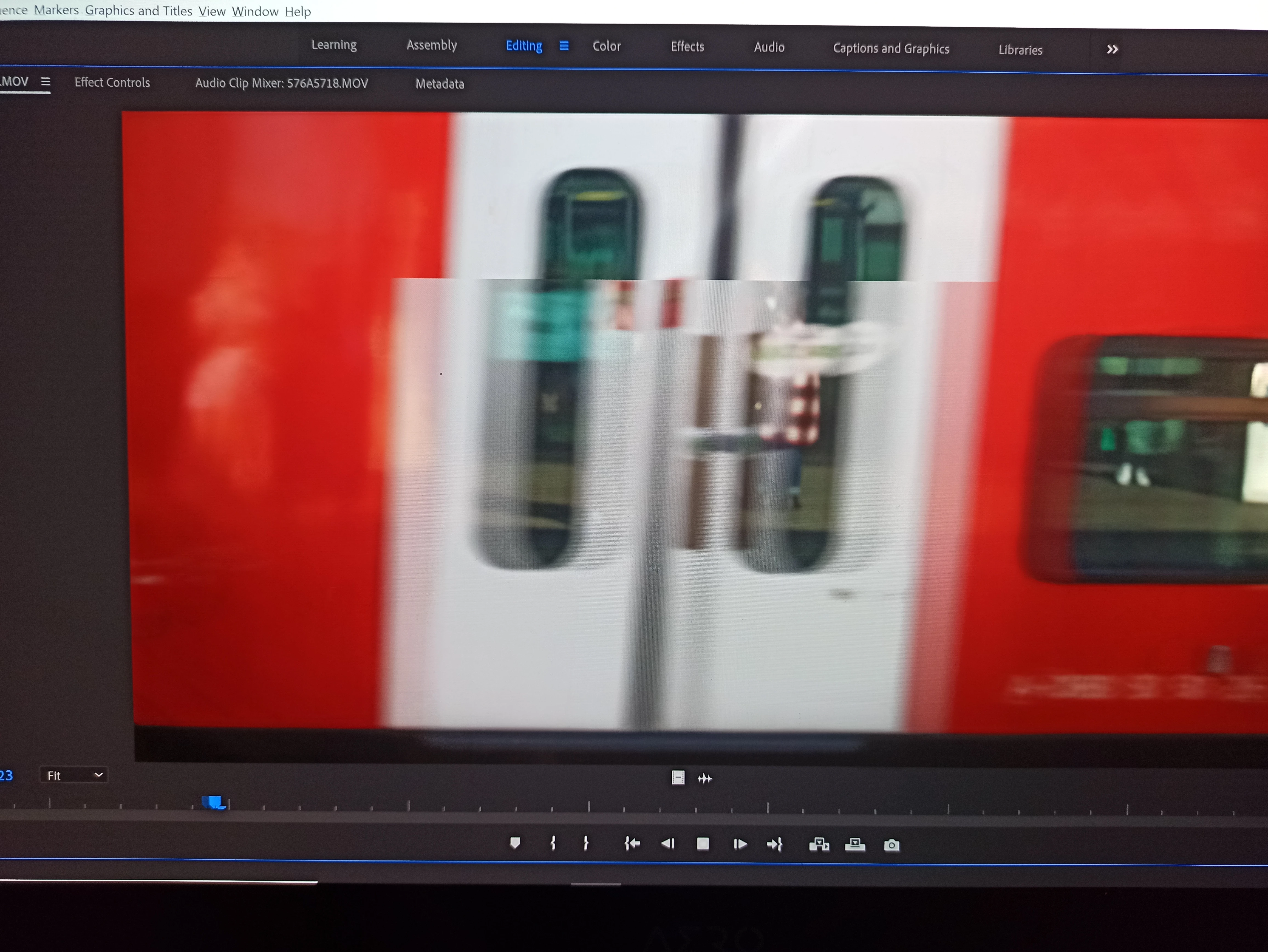
This topic has been closed for replies.

3 replies

Yec202109Author
Participant
December 23, 2021

I captured the footage making a screenshot. 

The footage is fine, it looks perfect in other devices and also works good when I connect an external display to the laptop. 

It also looks fine when I play it with another media player software. 

Richard van den Boogaard
Community Expert
Community Expert
December 23, 2021

Regardless of how other players display the footage, a Non-Linear Editing (NLE) program is an entirely different beast.


Please run the footage through Handbrake and try again.


Hope this helps.

Yec202109Author
Participant
December 23, 2021

I  just run the footage through Handbrake and the problem is still there. As I said, the footage works in the same computer when I use a different display.

Richard van den Boogaard
Community Expert
Community Expert
December 23, 2021

Premiere Pro is known not to handle Variable Framerate files, from, for example a mobile phone.


If this is the case with your footage, run it through Handbrake (www.handbrake.fr) first before editing, making it constant framerate.


Hope this helps.

Jeff Bellune
Legend
December 23, 2021

How did you capture the source footage?