
Participant
December 19, 2025
Question

From 23,98 to 29,97 frps A colorbar is sneaking into my next frame!

  • December 19, 2025
  • 2 replies
  • 123 views

Premiere Pro 25.6.2 (Build 1)
Processor (iMac 2020): 3.6 GHz 10-Core Intel Core i9
Memory: 64 GB 2667 MHz DDR4
macOS: 13.6.6 (22G630)

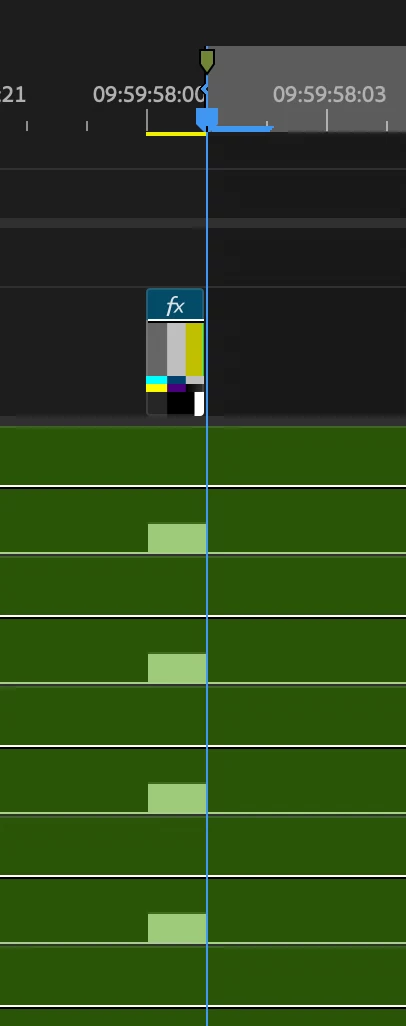
On timeline I have a one frame color bar and a one frame bip 4khz on all my audio tracks at 2 seconds prior to the episode (09:59:58:00).
Timeline is 3840x2160 23,98frps
The broadcaster doesn't want the color bar frame.
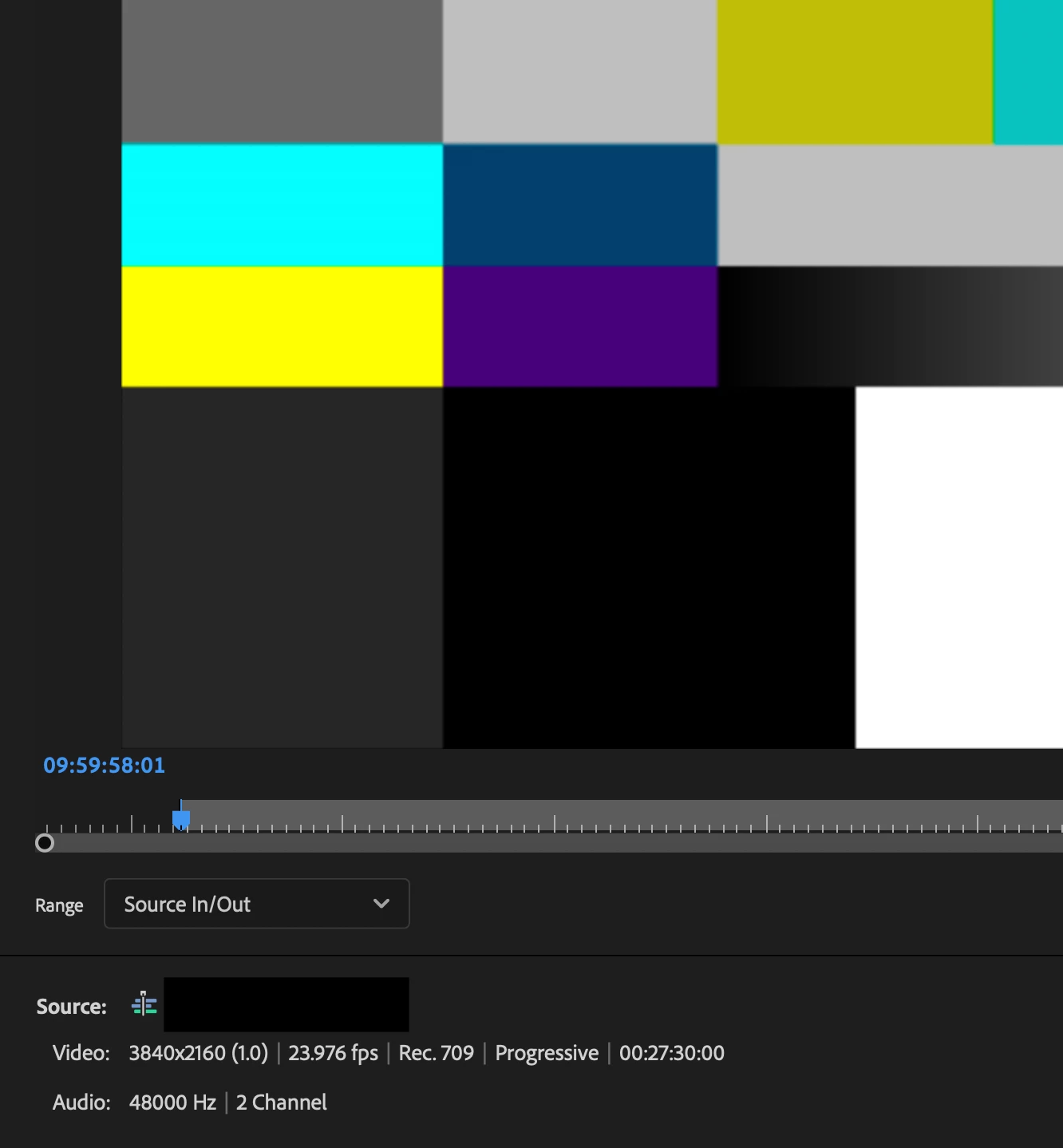
I put the Mark IN at 09:59:58:01
The Program Monitor show black.
EXPORT
The broadcaster wants a 1080p 29,97 format
My range is "Source In/Out" and I see the freaking color bar frame!!!!!

I'm wondering if passing from a 23,98 sequence to an export and asking AME a 29,97 output could cause the colorbar to "bleed" into the next frame?
Screenshot 2025-12-19 at 09.57.14.pngScreenshot 2025-12-19 at 09.58.39.pngScreenshot 2025-12-19 at 09.58.56.png

2 replies

Community Expert
January 3, 2026

Averdahl’s fix is the right one: disable or remove that one-frame color bar clip on the timeline (Right-click > Enable), or Alt/Option-select the video portion if it’s linked to audio.

This happens because you’re exporting 23.976 to 29.97 and H.264 is Long GOP, so the encoder may reference frames just before the In point when building the first GOP. That can pull the color bar frame back into the export even if the Program Monitor shows black.

If you export 29.97 using an intra-frame format like ProRes 422, the color bars do not appear because each frame is encoded independently, with no backward frame references.

Removing or disabling the frame prevents it from being referenced at all.

Averdahl
Community Expert
Community Expert
December 19, 2025

Right click on the clip on the timeline and click on Enable to disable the clip. If the color bar is linked to the audio, Alt-select the video part to disable only the video part of the clip.
